Microsoft has moved all Volume Licensing (VL) contracts to Microsoft 365 Admin center. Here is the direct link: https://admin.cloud.microsoft/?#/subscriptions
To get licenses or keys from a Volume Licensing contracts, you need to ensure that you have access. To see if you have access navigate to Admin Center -> Billing -> Your Products
Here you should see a pane called “Volume licensing”

If you do not see this menu then you need to contact the person that signed the agreement. You can also contact your partner and/or Microsoft.
If you see this menu then click it in order to get the modern Volume Licensing Management view. Here you can download software, claim keys, manage users and more. Top left there is a button called “My contracts”. Here you can make sure that you have access to the latest agreement.
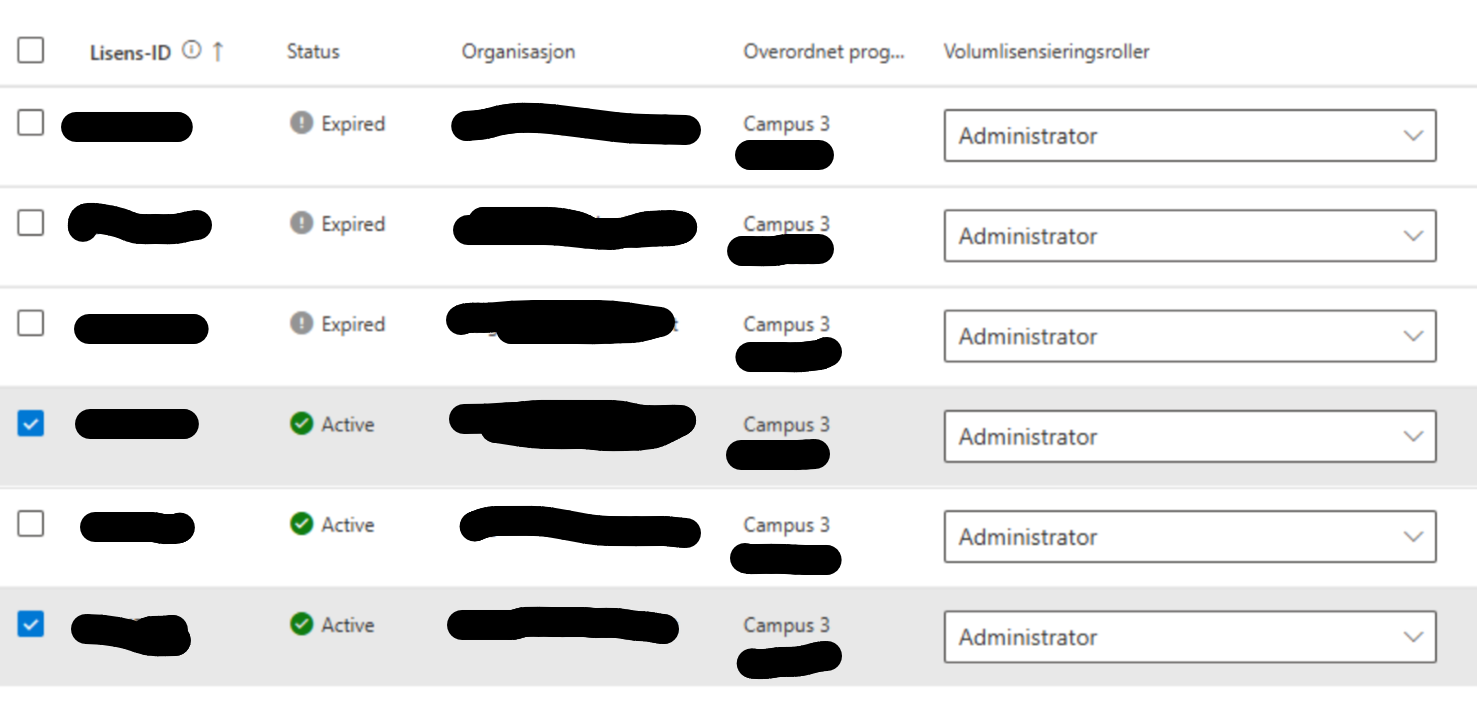
Note: Being an administrator for an agreement does not give you any admin rights in M365. I reccomend for most organizations to set people as Administrators. Most people need to do multiple tasks like see licensing keys and download software. It is extra work to manage this at a granular level. There is no automation.
On that main page there is also a “manage” button, bottom right. This button lets you see who has access to agreements and what their status is.
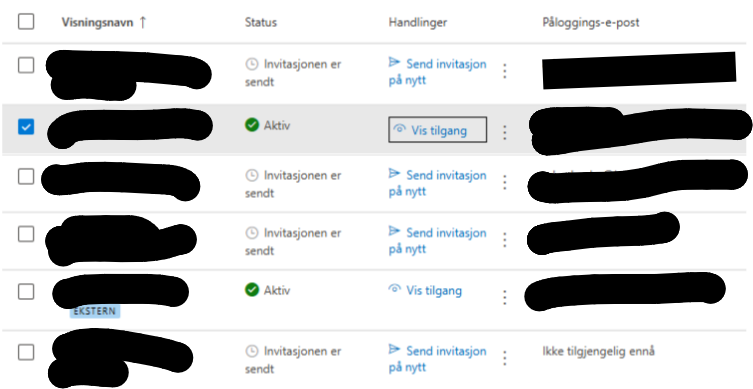
Note: To remove access click “vis tilgang” and remove any agreement rights not needed. Then click save.







 Håvard Siegel Haukeberg
You must be logged in to post a comment.