
If you have Outlook 2016 or Outlook 2013 and want to use Azure MFA but you do not want to use Application Passwords there are one thing you need to do.
First;
ADAL for Exchange Online is Off by default turn it on here: How to turn on ADAL for Exchange Online
-
Allow scripting
-
Set-ExecutionPolicy RemoteSigned
-
-
Run Windows Powershell and Connect to Office 365.
-
$UserCredential = Get-Credential
-
$Session = New-PSSession -ConfigurationName Microsoft.Exchange -ConnectionUri https://outlook.office365.com/powershell-liveid/ -Credential
-
$UserCredential -Authentication Basic -AllowRedirection
-
Import-PSSession $Session
-
-
Check if ADAL is on
-
Get-OrganizationConfig | fl *Oauth*
-
-
If ADAL is off, here is how to enable it
-
Set-OrganizationConfig -OAuth2ClientProfileEnabled:$true
-
-
Close Your session
-
Remove-PSSession $Session
-
Now, for me I had to wait 48 hours for this to work. I also installed a fresh Version of Office 2016 Click to Run from Office 365
Second;
Enable Azure MFA for your user in http://portal.office.com
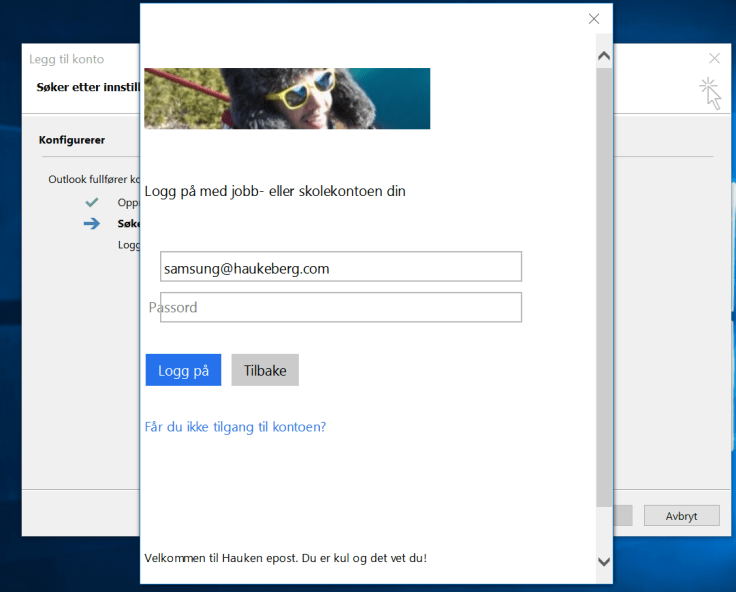
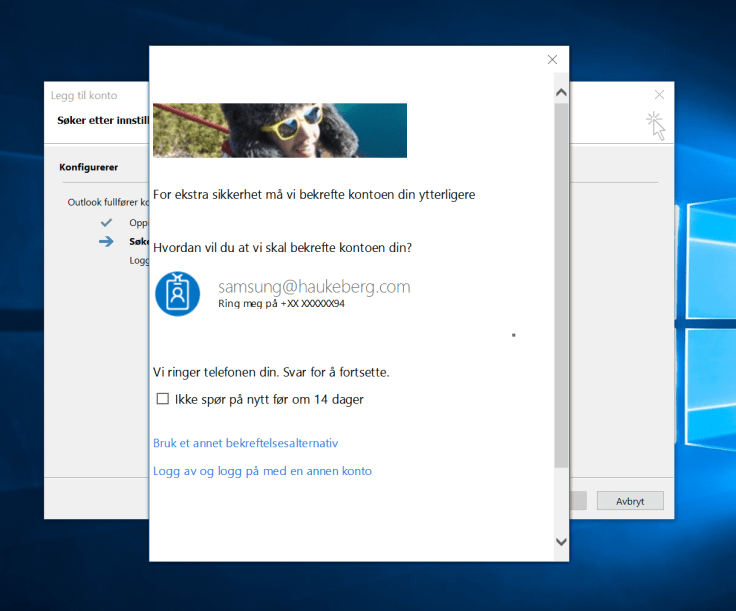
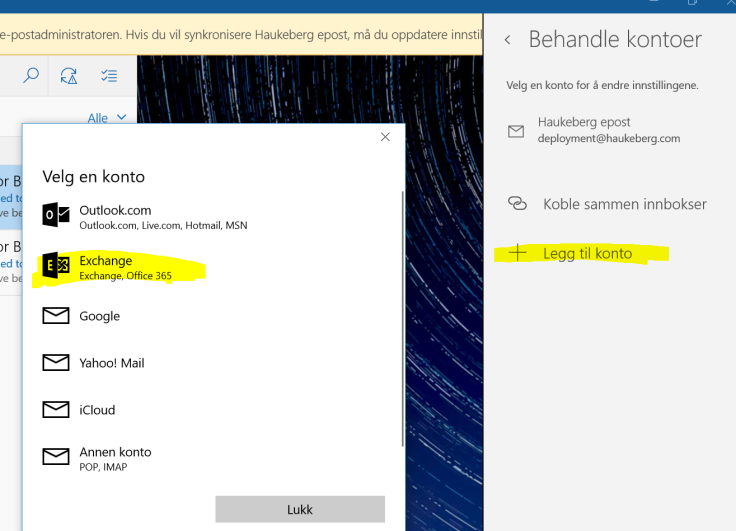
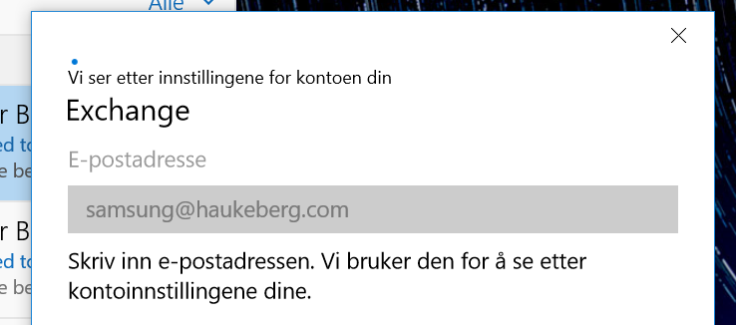
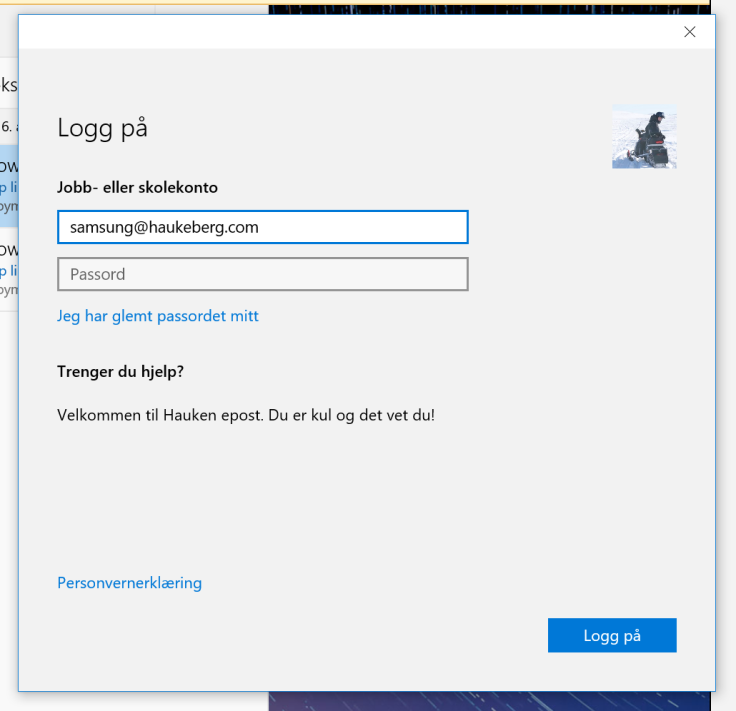
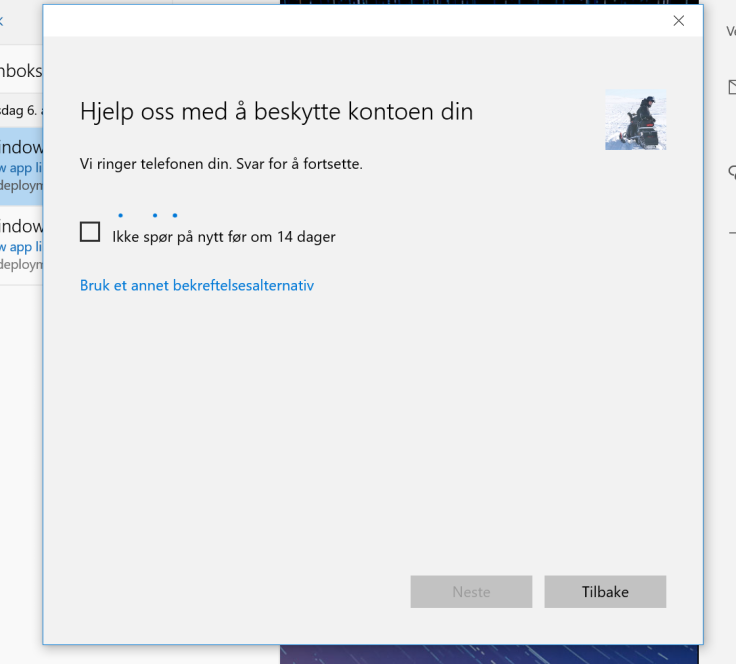
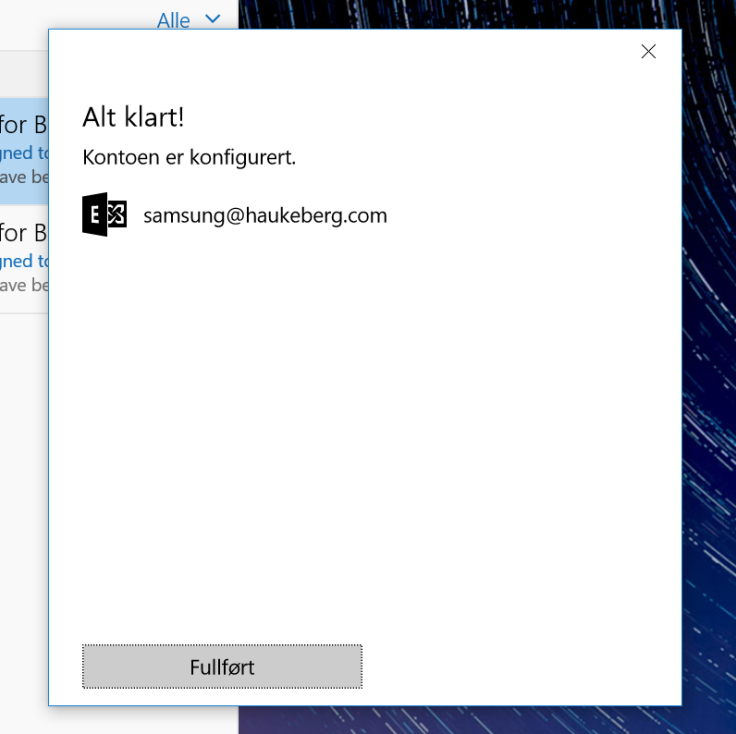
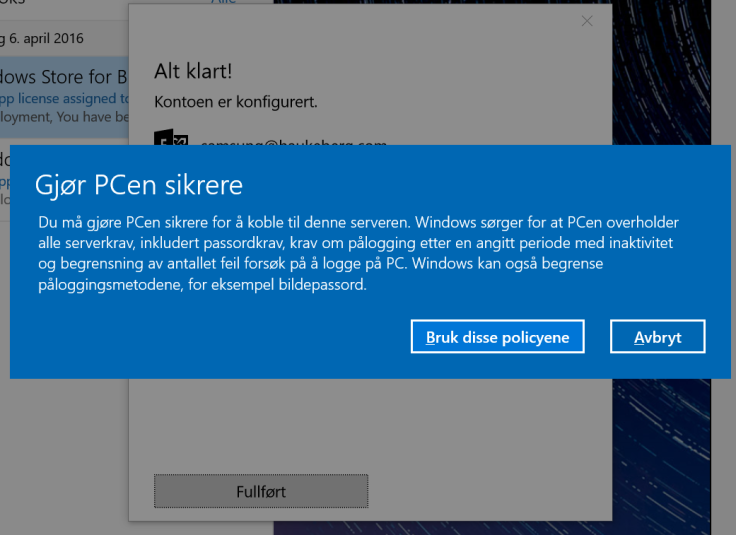
Click here to see: This is how Outlook Click to Run behaves with Azure MFA turned on
Thanks to MS Exchange Org for some great tutorials.
http://www.msexchange.org/articles-tutorials/office-365/exchange-online/exchange-online-identity-models-authentication-demystified-part7.html












 Håvard Siegel Haukeberg
You must be logged in to post a comment.