If you want to enable a user for Self Service Password Reset the user need to navigate to one of these endpoints and register his/her phone as a second factor.
Endpoints:
This endpoint verifies your phone and enrolls the user in SSPR: http://aka.ms/ssprsetup It does not change your password!
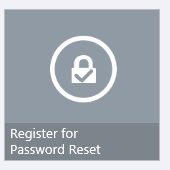
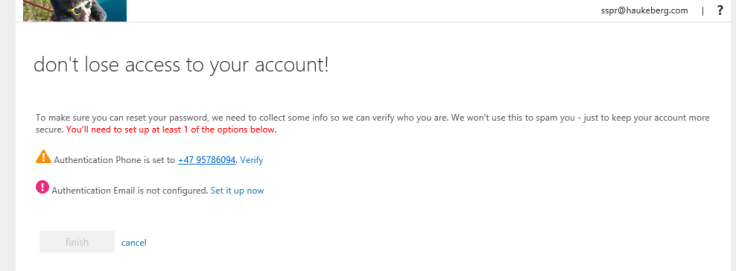
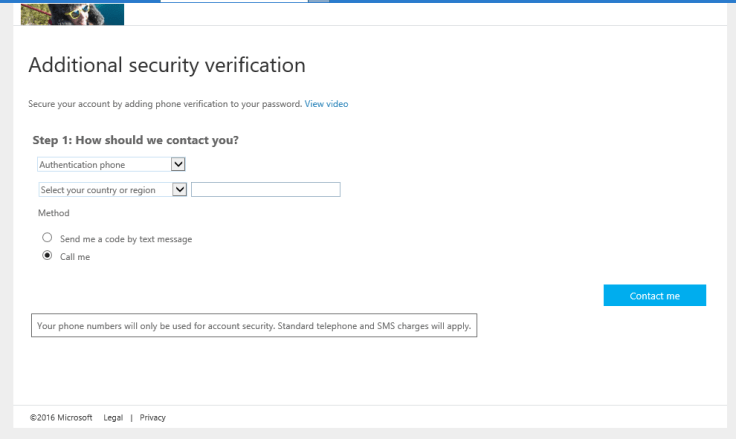
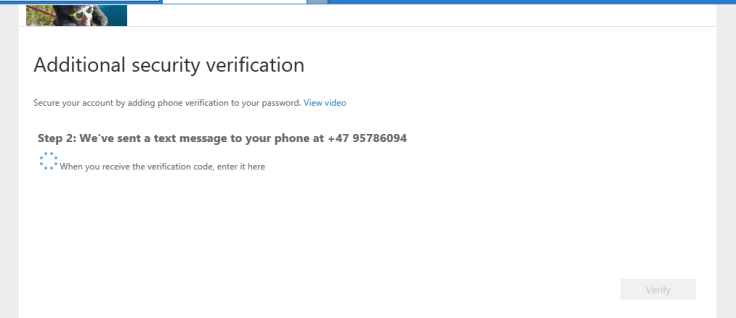
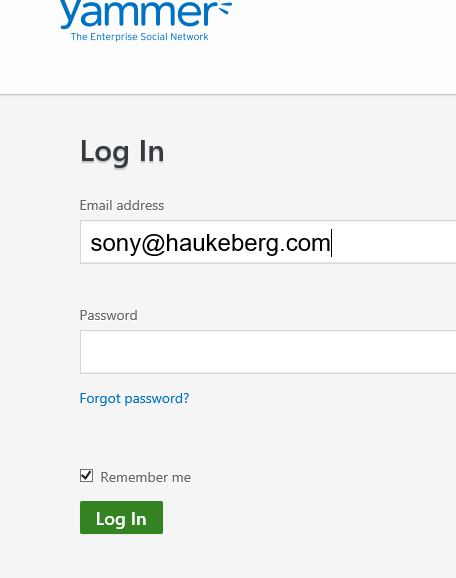
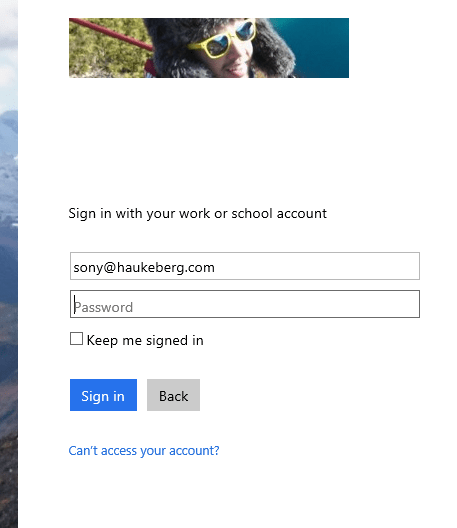
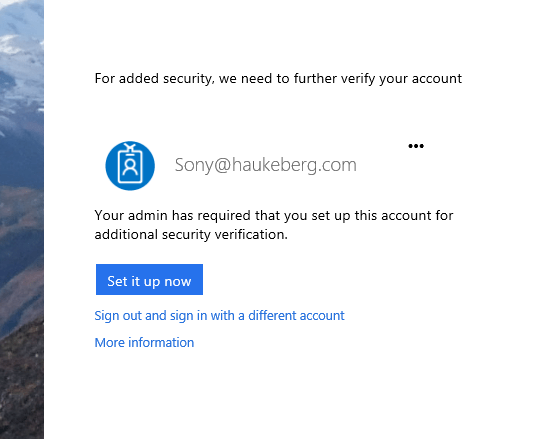
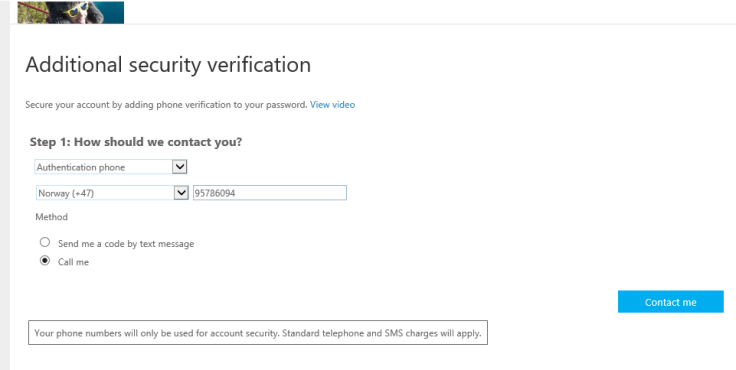
Here is a screen dump of what the user will have to do:
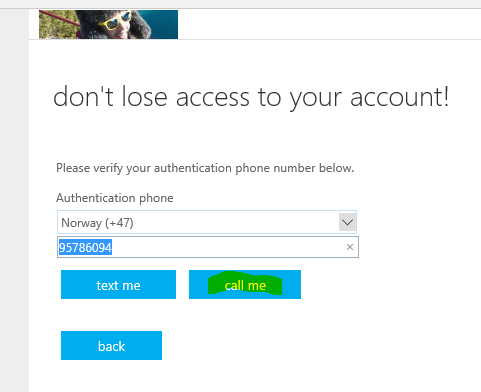
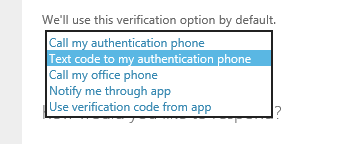
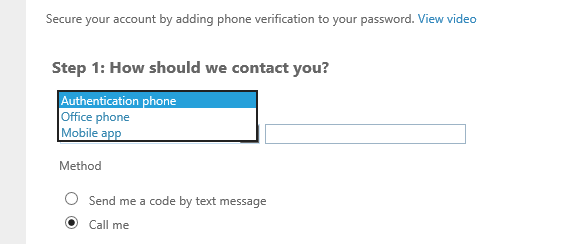
Standard LoginYou get routed to or enrollment serviceasks to verify your phone (if it is already there) if not you have to enter your phone numberIf your phone is not registered in azure AD you see this
Call goes fastest
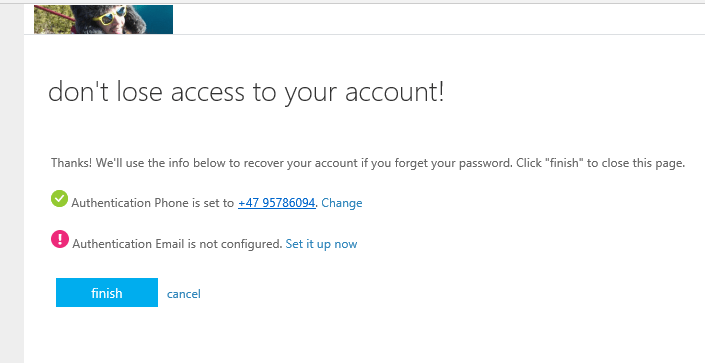
In Azure AD you select how many factors your users need to setup. I have selected 1This is where you end up
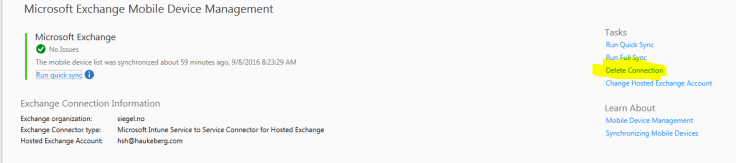
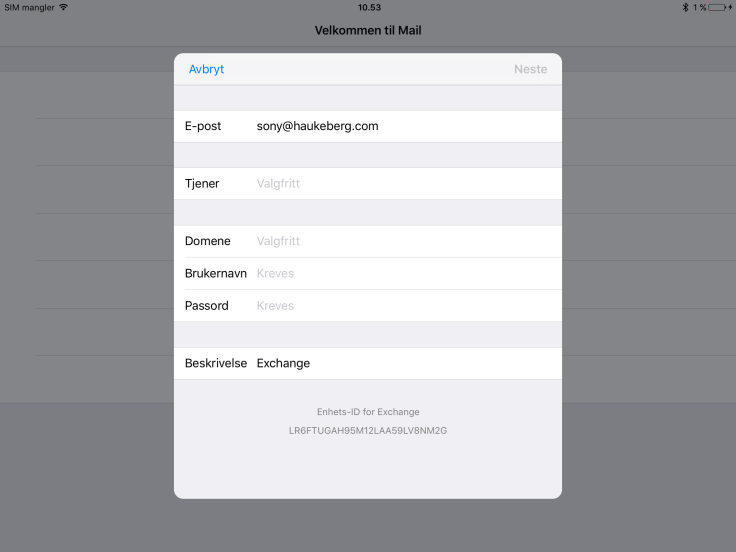
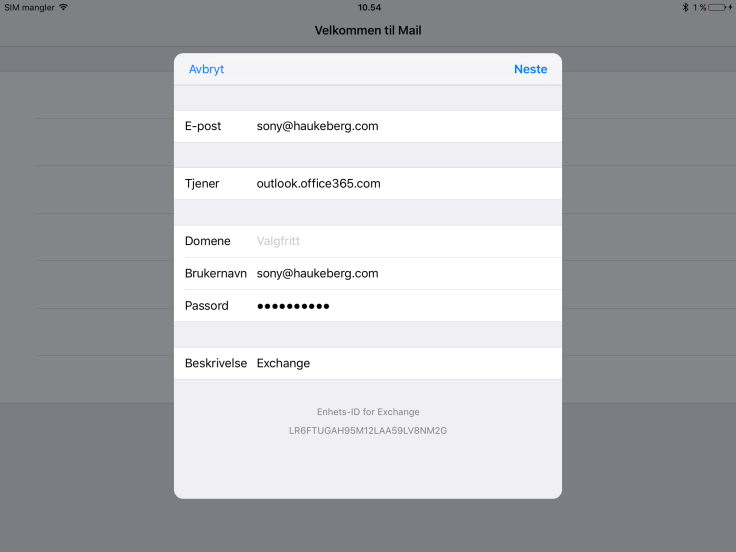
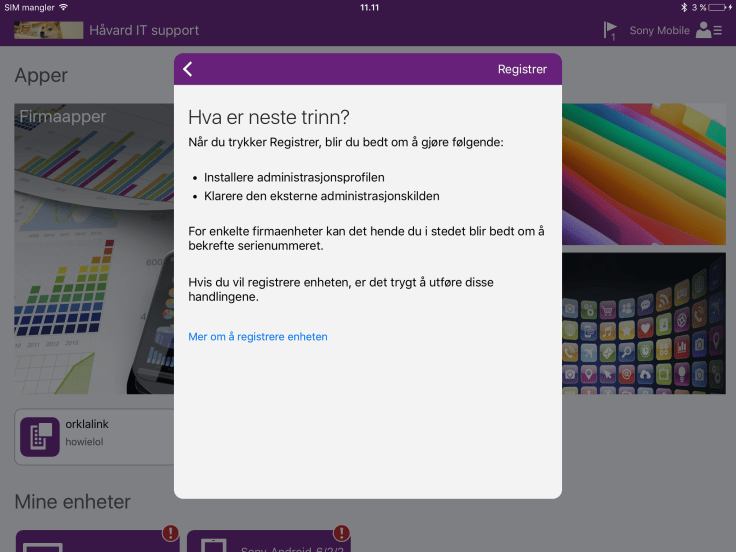
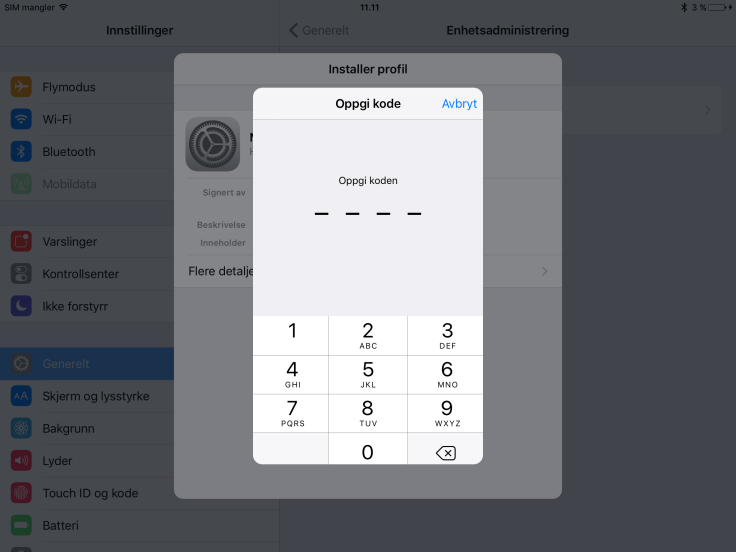
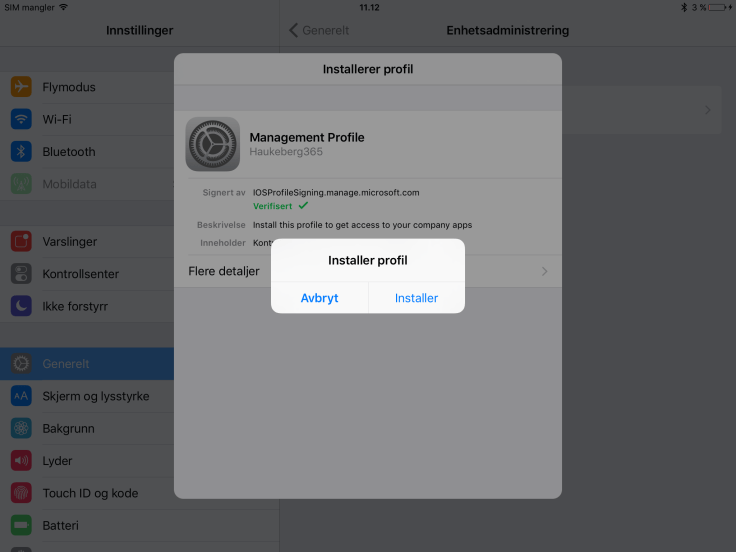
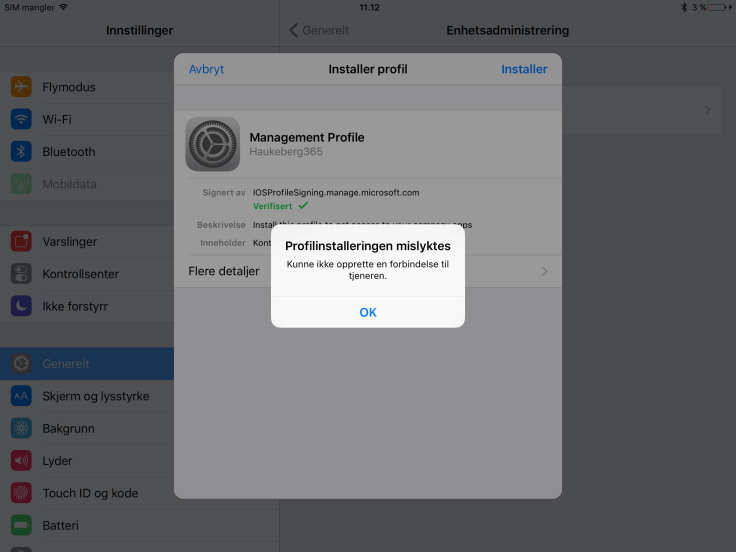
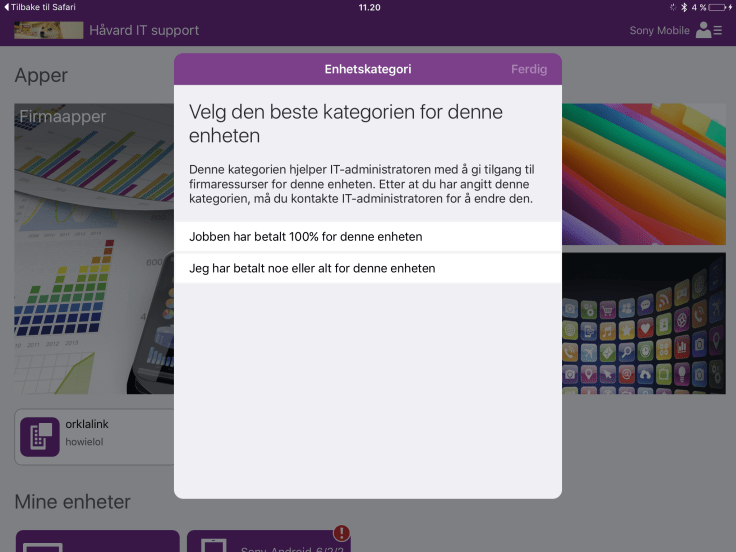
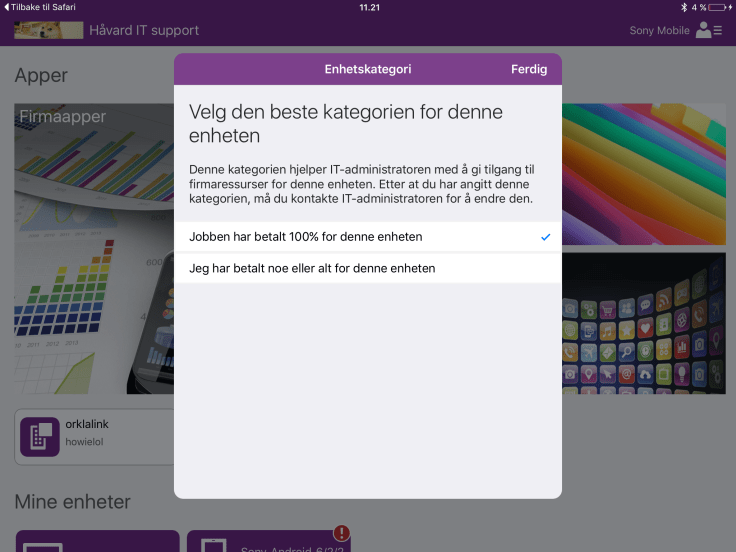
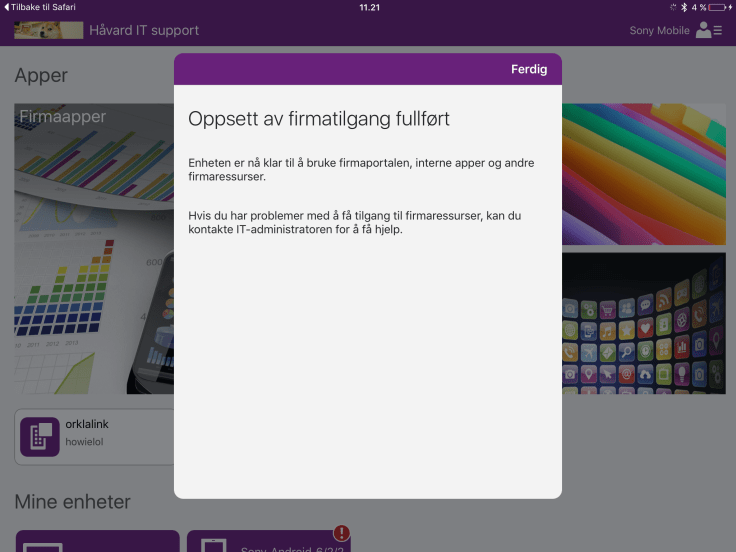
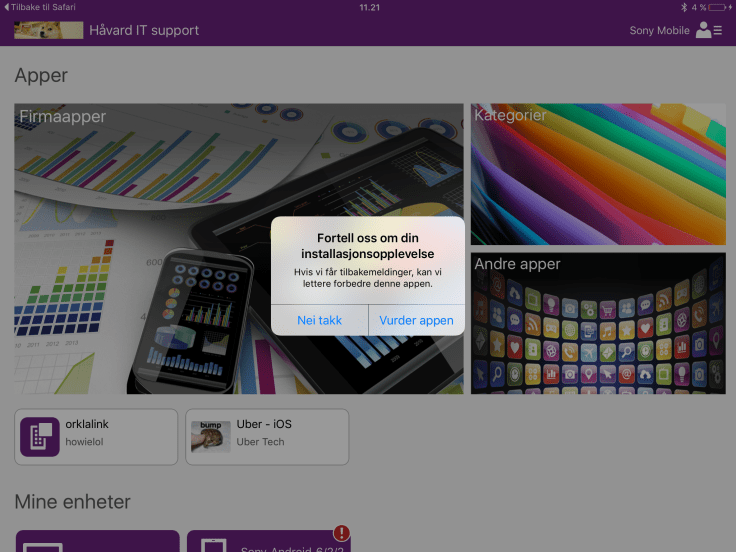
I now delete the Exchange Connection to see what happens on the iPad for the end-user.
Connection Deleted.
-> With the connection deleted you can still send and recieve mails from any device without any Conditional Access. As long as you enter the login credentials into any mail app it works.
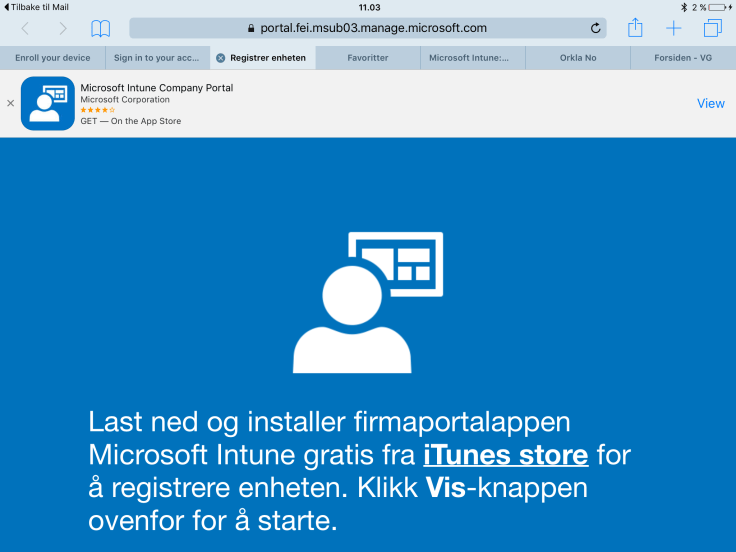
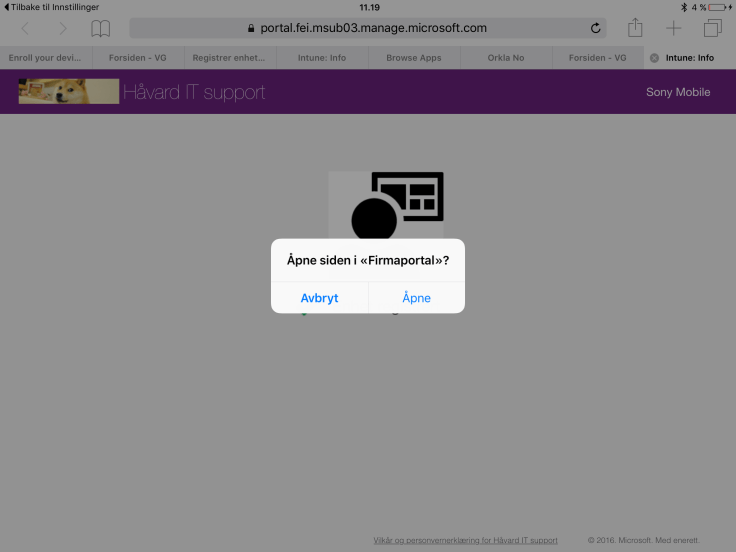
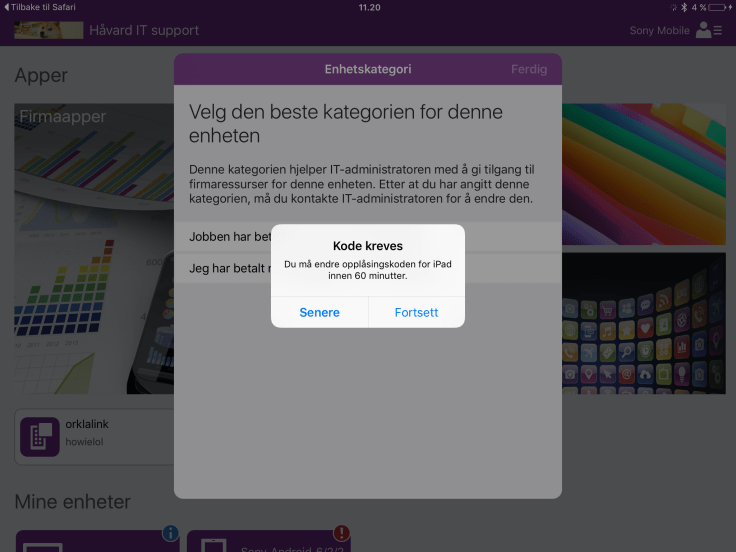
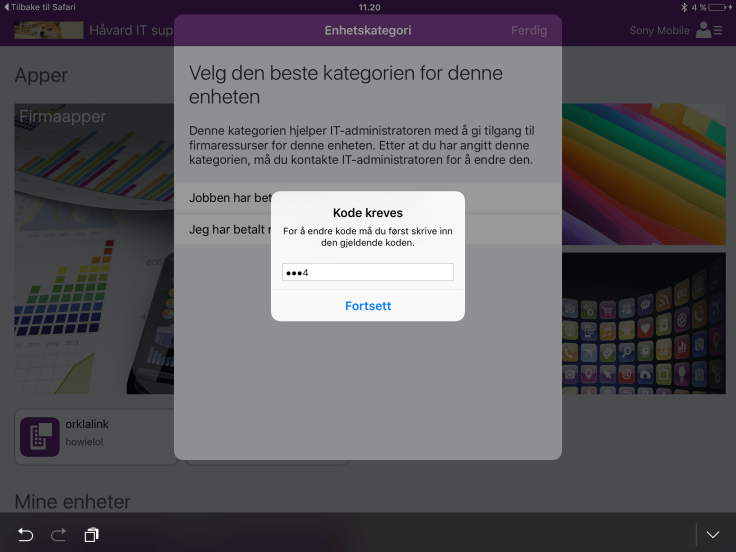
Removed the device from the company portal app and severed the Intune connection. There is no conditional access so you can still send and recieve mails.
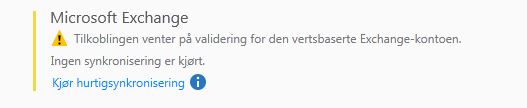
Then add the exchange connector again from http://manage.microsoft.com and now my device should be blocked since Conditional access prevents non-enrolled devices from reading mail.
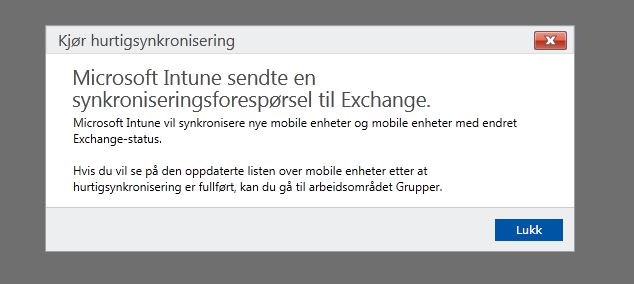
Nothing will happen untill the service has synced with exchange so click the “Run Fast Sync”button
A prompt will appear, just close it.
Exchange Conditional Access will now apply to all acounts again. If you have a device which is approved in Intune, no action required. If it is not enrolled in Intune you will have to enroll it.
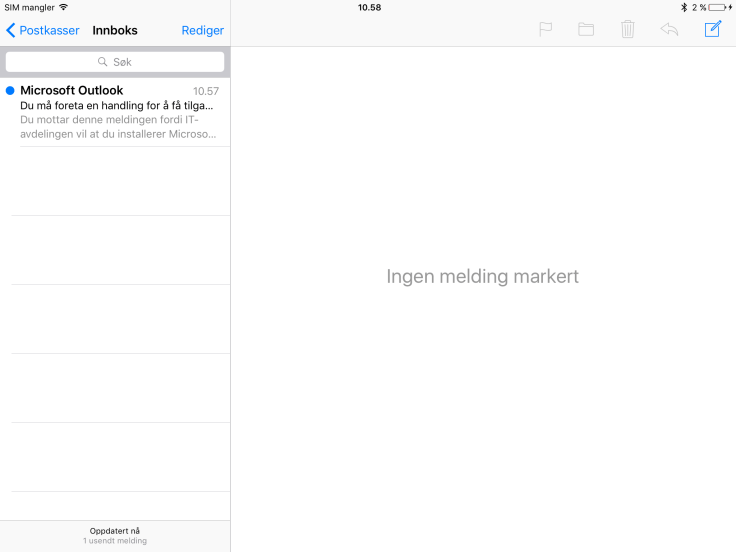
After some hours when Exchange discovered that this device is not enrolled anymore it will also block mail. This takes about two hours.
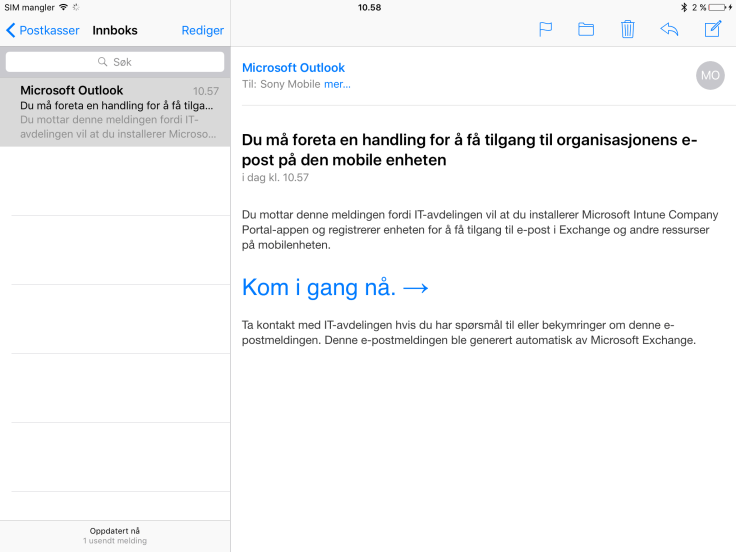
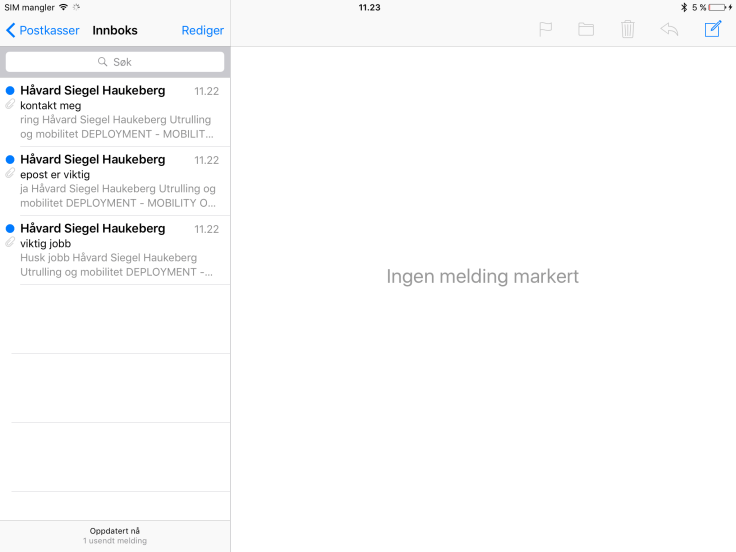
Notice the top email asking for renrollment.
Background: The Exchange Connector sends power shell cmdlets to the exchange server. In the Azure AD Microsoft saves the ActiveSync ID with the ID of the Object or Device. This enables our service to block or allow certain devices from reading email. The comprehensive overview of what the connector does can be found here:https://docs.microsoft.com/en-us/intune/deploy-use/intune-on-premises-exchange-connector
If you want to enroll for Azure MFA the users need to go through these steps. When you enforce or enable MFA the user will be prompted for MFA enrollment. This is best done in a browser.
Note on these settings, I have 3 users in the CA Exchange Online Mobile group. Rest of my users are in the NO CA group and that group is set to Except. I do this to ensure that nothing is enforced globally to all users. The 3 users in the first group have not had Azure MFA Enabled or Enforced but is set to Disabled.
You do not have to enable MFA globaly for this to work
I always add an Except group with the remaining users.
This is what the user will see now.
He will see the normal login but be required to enter a second factor. If he navigates to outlook og Onedrive there will be no such requirement.
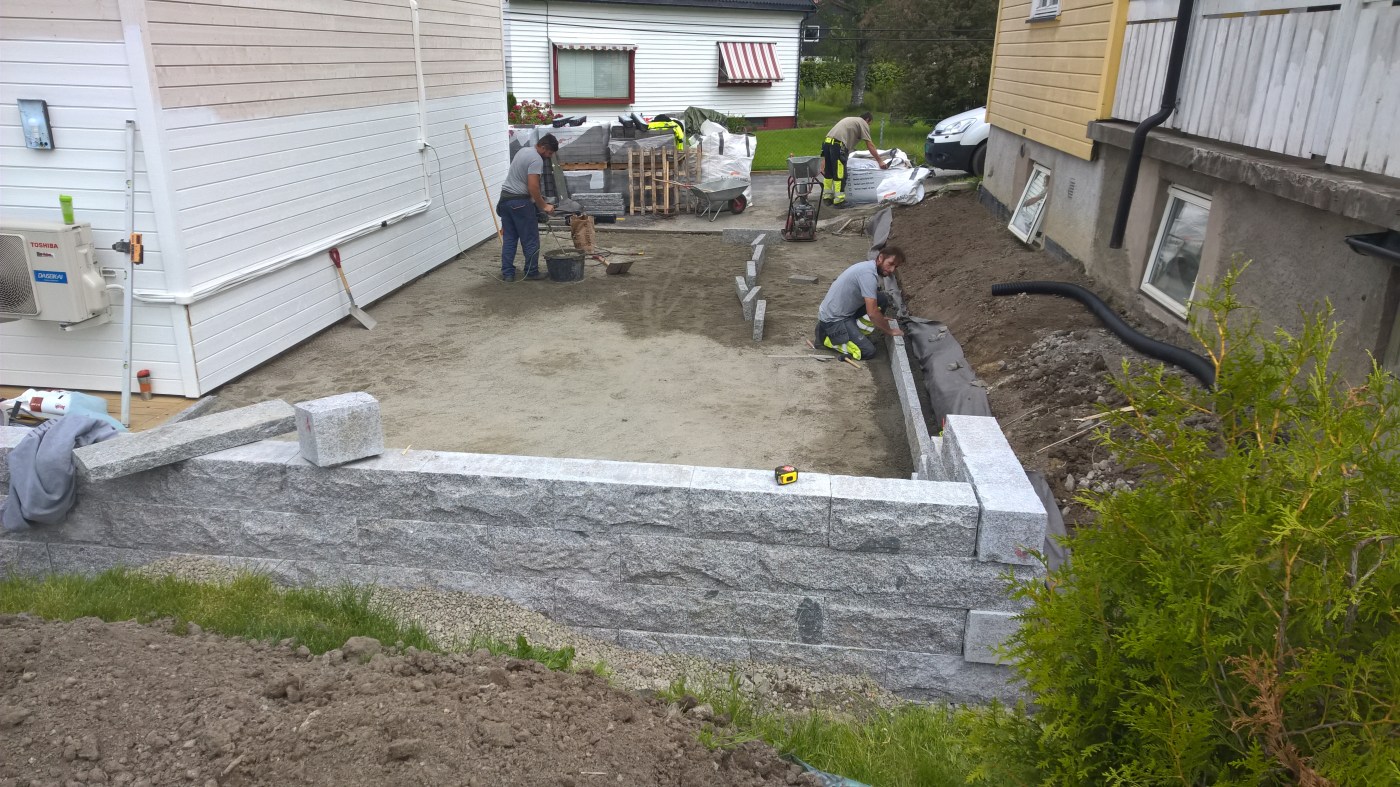
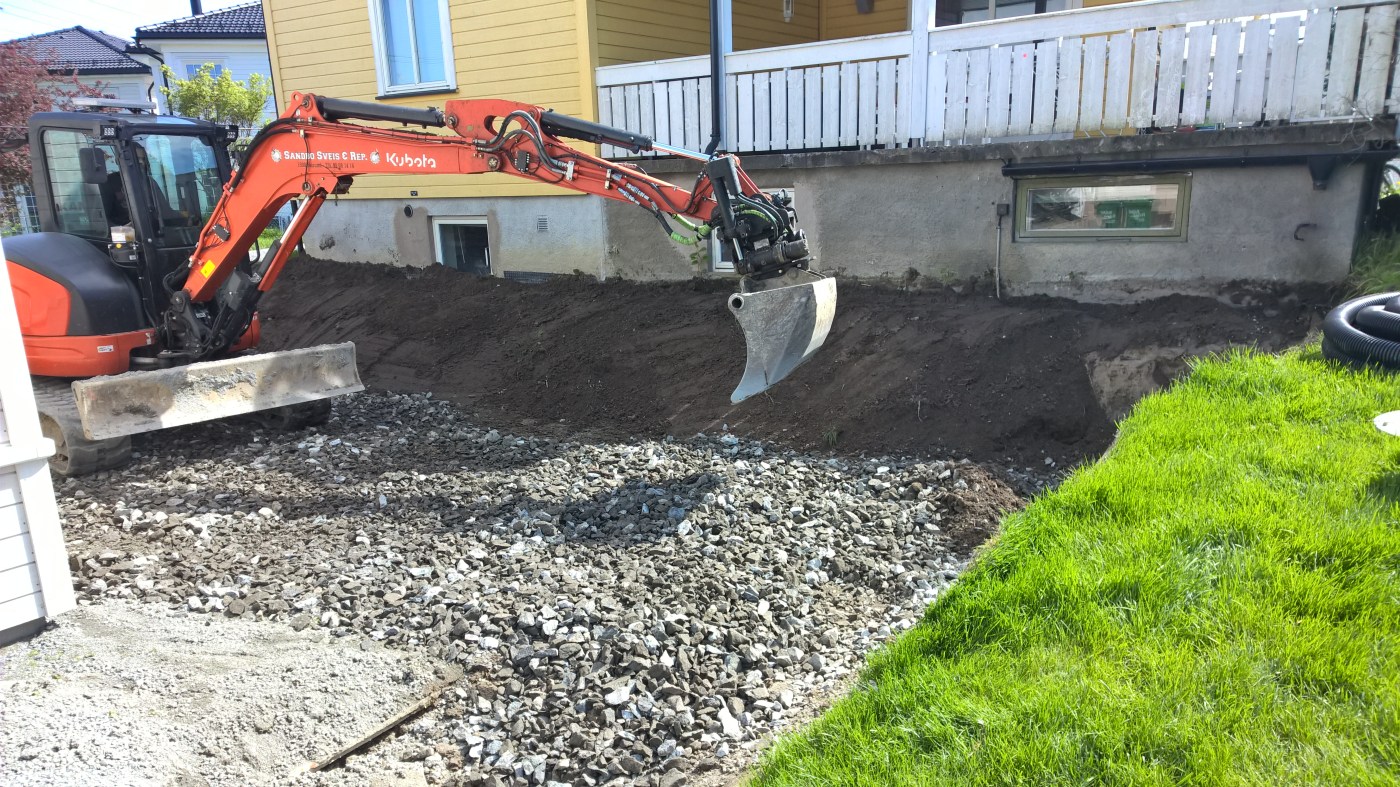
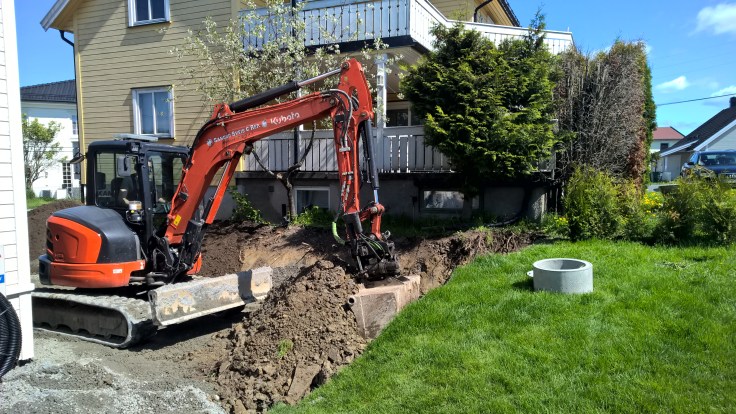
Det er mye som skal på plass nå. Alt ble lagt klart og så kommer tre steinleggerne fra SPS Bygg AS ledet av Timoleon timo@spsbygg.no
De brukte totalt 3 dager
Bestilte alt fra Steinhandel.no og fikk det levert rett på “døren”.
Prisen på stein og materiale var best i klassen, men pukk og grus var ekstremt dyrt.
jeg betalte 840 kr for tonnet i en sekk, mens prisen per tonn hos Feiring Bruk er på 250kr. Vurder å hente dette selv om du skal gjøre det samme.
Det er fult mulig å spa grus selv på Feiring Bruk, her har jeg dratt for å gjøre dette. Husk at bilen ikke kan overfylles! Dro tre turer for å hente ekstra grus. Totalt 2,6 tonn hentet jeg.
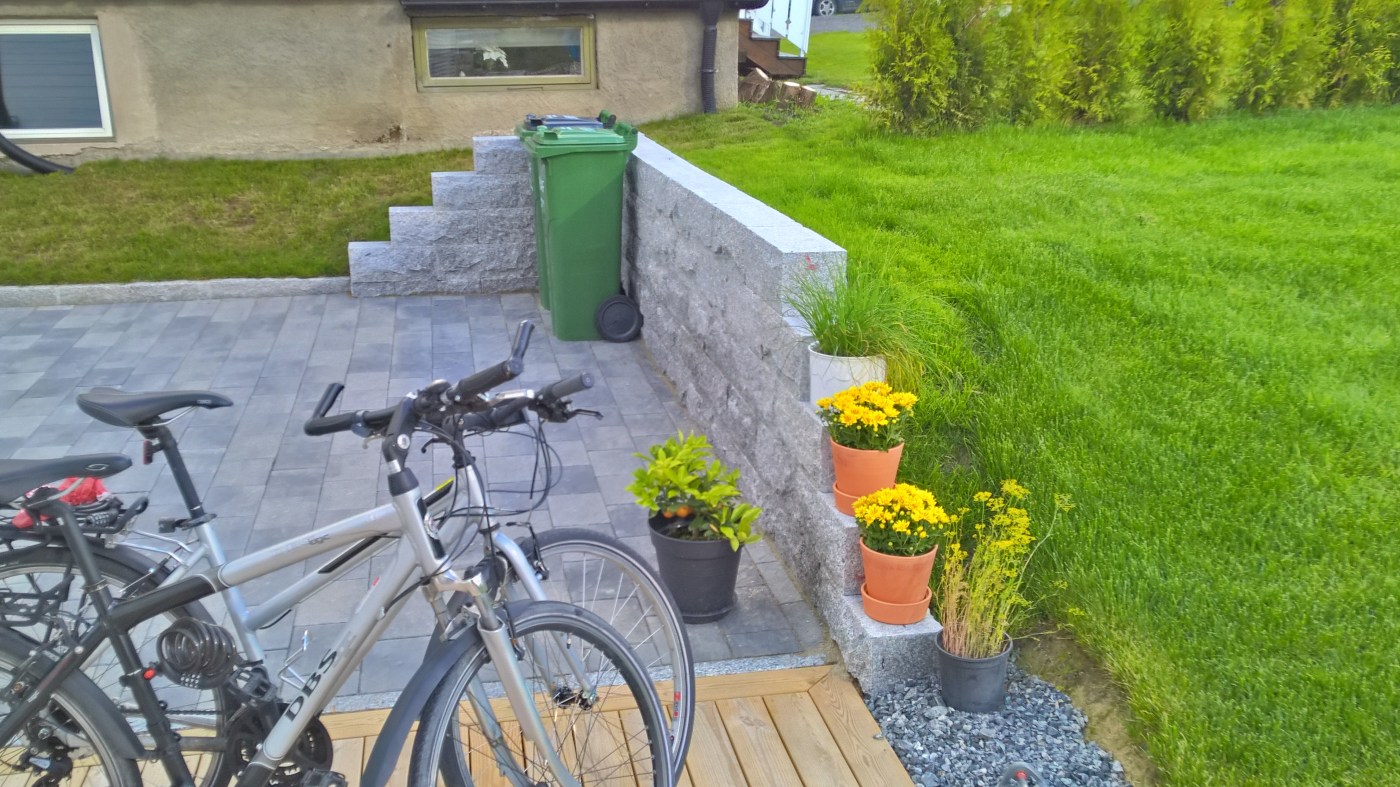
Vi satt opp en støttemur for å holde på massene fra naboen og fra gressplenen vår. Her brukte vi granittblokker som var 50cm lange og veide cirka 65 kilo. De kunne fint løftes uten kran.
Vi la en dreneringslist i front for å ta vekk vannet som kommer fra asfalten. Dette er også for å hindre at vannet renner utover plassen og lager dammer. Dreneringen ble koblet på en ny kum som ble lagt ned under grunnarbeidet.
Vi la granitt kantstein mot jorden for å holde på den. Denne kantsteinen ble støpt med sement. Vi la også kantstein i granitt mot terrassen og mot asfalten
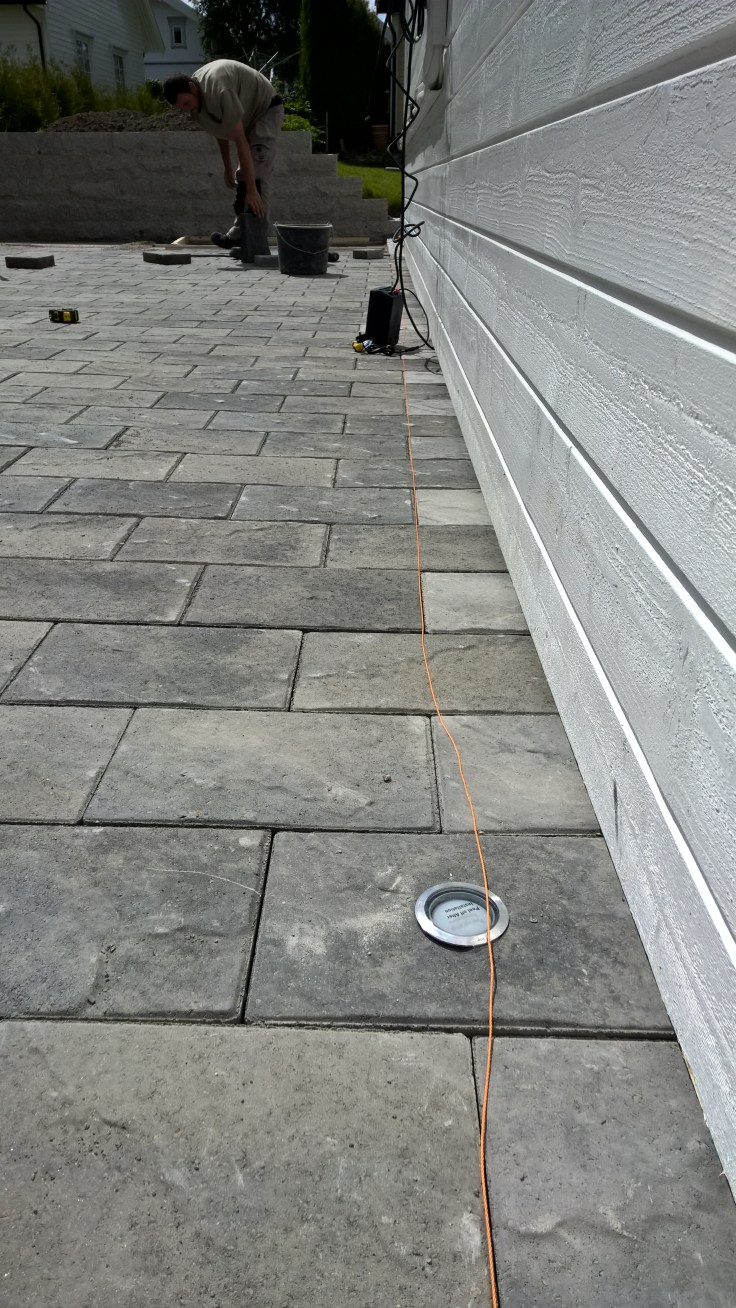
Steinen vi valgte heter Asak Relieff XXL og er en av de dyrere steinene, men har en utrolig kul og trendy struktur når lyset treffer de.































![WP_20160820_17_14_28_Rich_LI[1]](https://haukeberg.no/wp-content/uploads/2016/08/wp_20160820_17_14_28_rich_li1.jpg?w=736)
![WP_20160820_17_14_44_Rich_LI[1]](https://haukeberg.no/wp-content/uploads/2016/08/wp_20160820_17_14_44_rich_li1.jpg?w=736)






 Håvard Siegel Haukeberg
You must be logged in to post a comment.