Search

Håvard Siegel Haukeberg

Paste life: Ctrl+C -> Ctrl+V

Category

Coding without code

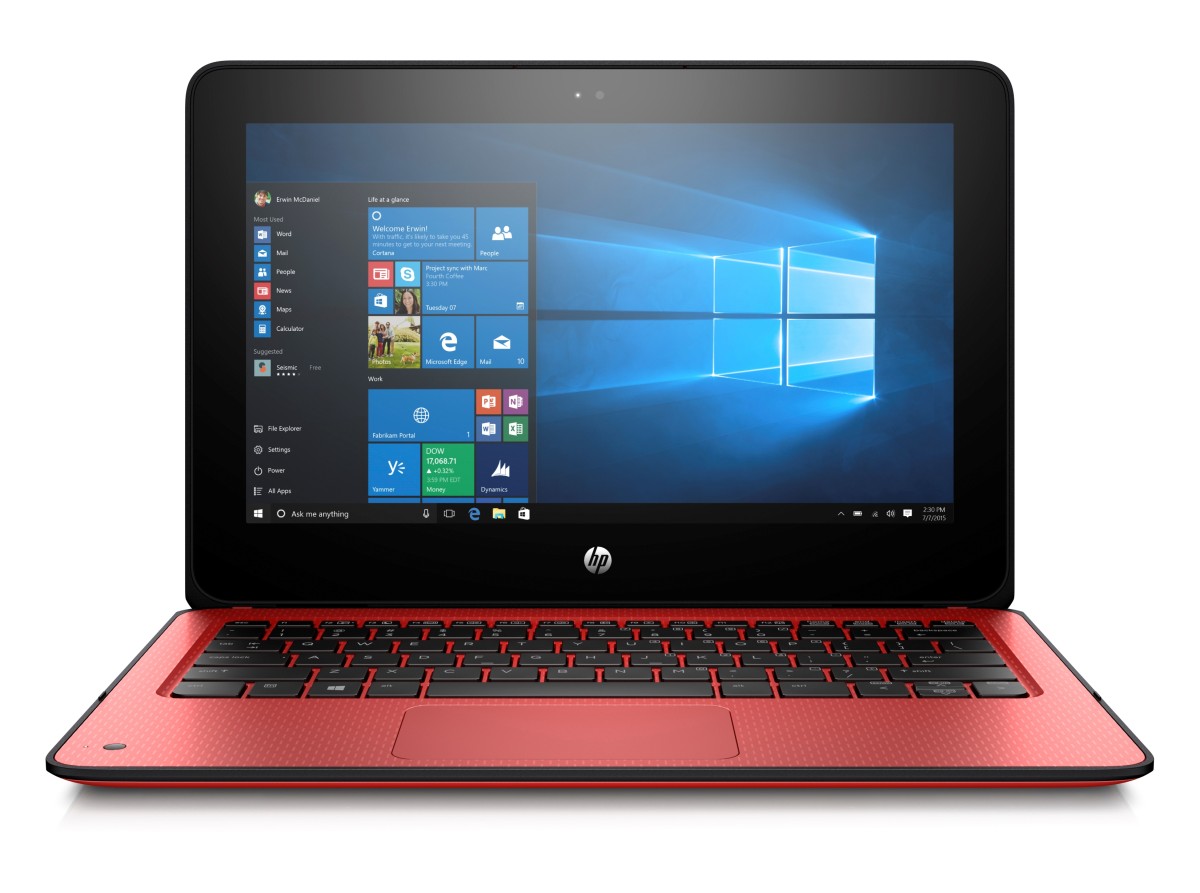
Boot from USB HP X360 ProBook 11 G1 EE

If you have the new HP X360 Education Edition and want to clean the the disk and reinstall to Windows 10 Education this is what you need to do.

  1. Create a Bootable USB stick that supports UEFI
    1. Using CMD and Diskpart
    2. Using WICD

WICD is blazing fast, you can do a clean install in about 15 mins

During startup of your device press ESC to enter UEFI, then select F9 for boot options. Use the arrow key and select your USB drive. Press enter to boot from USB.


Thats it 🙂


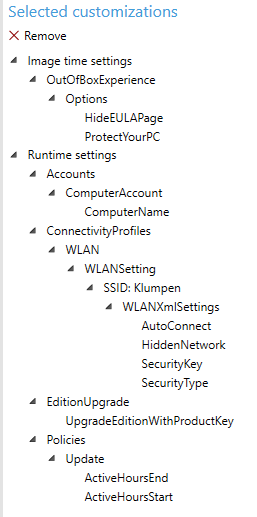
Windows 10 Creators Update new OOBE

The Out of the Box Experience for Windows 10 has gotten a extreme overhaul for Creators Update.

Here are some screenshots. There will be a super fast user switching mode for Azure AD joined devices and Roaming Devices.

Sway: https://sway.com/ECmaKZKHFMIVBV6w


This slideshow requires JavaScript.

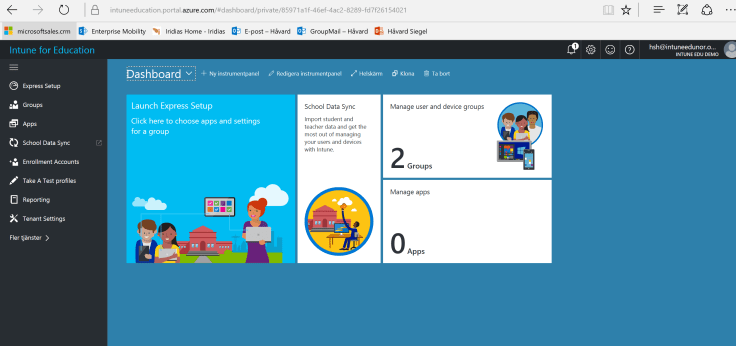
Intune Education first look

intune-portal-first-logon-svensk

Remember to get Intune Education to work properly you need to enable School Data Sync (SDS). You do that here: http://sds.microsoft.com

Lumagate has also created a how to get SDS up and running with Microsoft Classroom here: http://lp.lumagate.com/microsoft-classroom

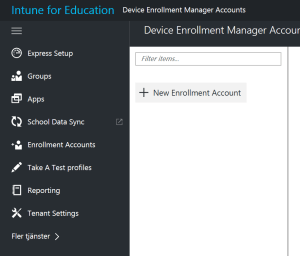
Device enrollment admins per school

Great news you can now specify enrollment admins for different shools. No more global admins. Your IKT kontaktlærer  (IT staff) can manage his/her school. It is not live yet but comming in April.

device-enrollment-admins

Here is the new Wizard to set up your school:

Sway: https://sway.com/ZjI1IgWq6lwRErJh

This slideshow requires JavaScript.


Microsoft Advanced Threat Analytics – False positive

The scenario here is that a company has hired an external consultant. The consultant was on vacation and sick for a total of about 1 month.

Once back at work he started accessing the system and doing this work. Immediately ATA became suspicious and sendt out an alert.

mail-warning-ata

ATA flagged the behavior as abnormal due to the consultant being away for such a long period of time.

identity-theft-ata

This said, a lot of companies are not closing down consultant accounts after they are done working. Some keep them open waiting for “next incident” and some just forget to remove them.

ATA can help you to keep track of this and alerts you if a old consultancy account is stolen.

Intune for Education portal

Yay, the new Intune Education Portal is live. you find it here:

It has:

  • Role-based security (create admins for a region or school)
  • HTML5 support
  • SDS integration
  • Granular deployment for schools
  • ++++ much more

https://intuneeducation.portal.azure.com

portal-not-accessible

If you do not have access, just wait. You get a notification in the old silverlight portal when you can migrate.

Dont want to wait; simply create a new trial to check this out: https://www.microsoft.com/en-us/cloud-platform/enterprise-mobility-security-trial


More info here: https://blogs.technet.microsoft.com/enterprisemobility/2017/01/24/perspectives-on-the-new-intune-console/


Minecraft Education Edition Activation Emails

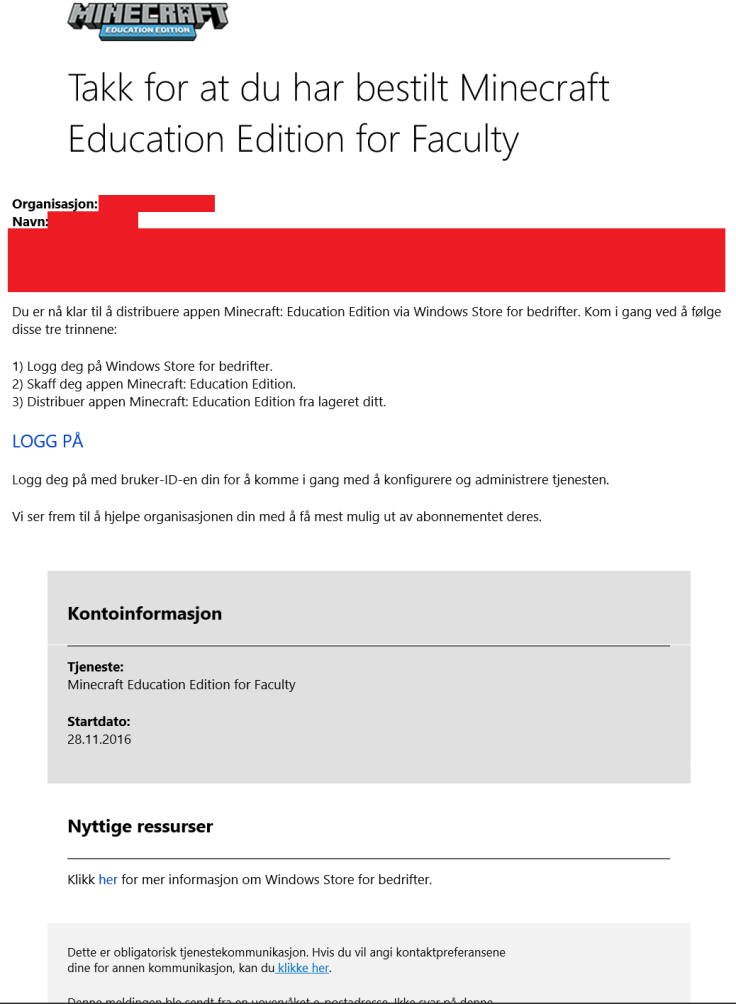
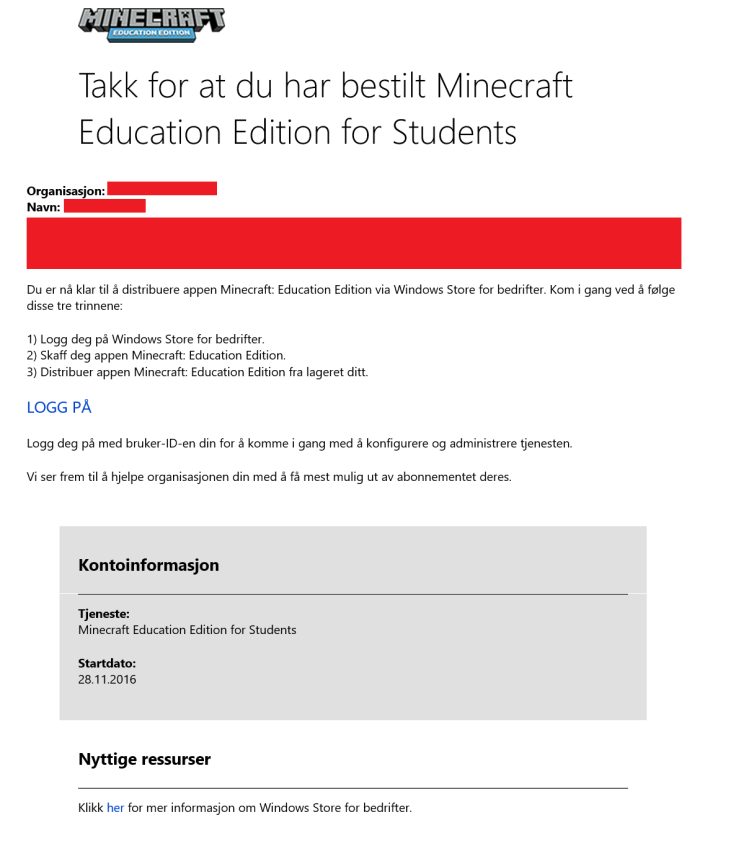
If you have ordered Minecraft Education Edition on EES you will get an activation email which places your licenses in Windows Store for Business

The sender is: Microsoft Online Services Team msonlineservicesteam@email.microsoftonline.com

One mail is for Faculty

activation-mail-minecraft-faculty

One is for Students

activation-mail-minecraft-students

Remember to open your browser in “incognito” or “in-private” mode Ctrl+Shift+P (Edge or IE) then shut down all other browser windows before you click the link. this way you prevent your licenses from ending up in the wrong place.

How to get Minecraft Education Edition Trial

If you want to get Minecraft Education Edition Trial this is what you need to do:

Note, this solution is for the free 25 licenses trial and does not use windows store for business for deployment

First make sure you have this:

  1. Office 365 Education Account
  2. User with Office 365 Education Faculty License Assigned

Download Minecraft EE here: http://education.minecraft.net/get-started/download/

Save the Zip file and right click on the “InstallMInecraftEducationEdition” and select “Run as Administrator”

files

This will happen:

powershell

Start Minecraft:

minecraft-installed

Login to minecraft and accept eula

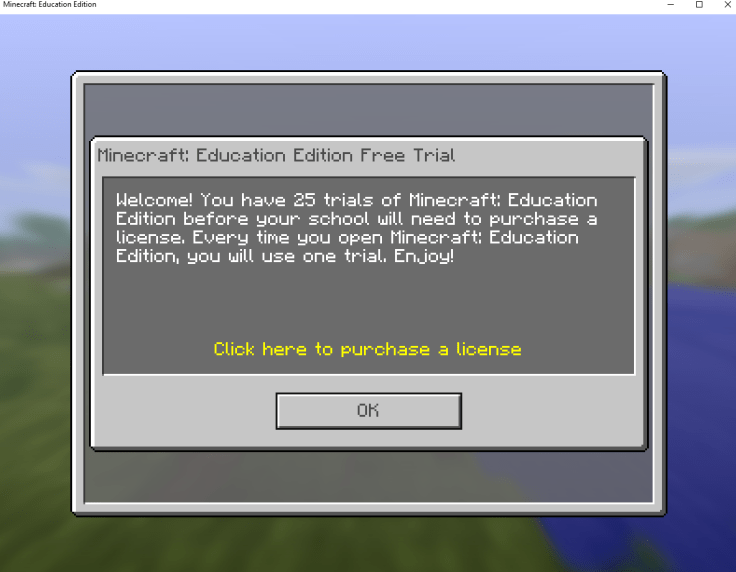
Now you have 25 test licenses to showcase Minecraft Education Edition:

minecraft-trial

Go ahead and set up your world to play.

First time playing? Download a tutorial world here:

https://education.minecraft.net/worlds/tutorial-world/

tutorial-world

Deploy OneNote learning tools with Intune

Great news, Learning tools come as an MSI package!

This is how you use Intune to deploy OneNote learning toolslearning-tools-bar

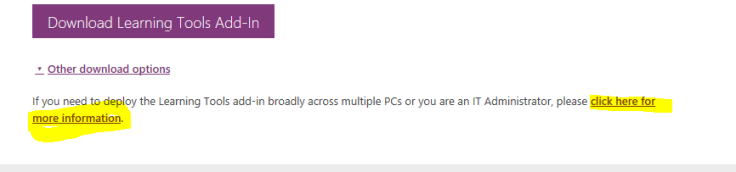
  1. Download the tool from http://onenote.com/learningtools
  2. other-downloadmore-info
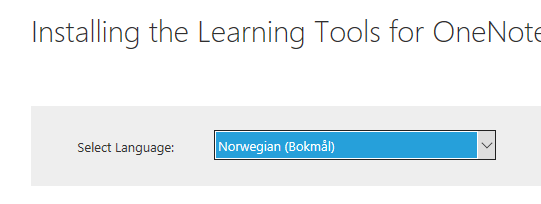
    choose-language
    you can change language to Norsk

    save-msi
    save it
  3. go to http://manage.microsoft.comappsadd-appadd-app-settings


If you are updating machines use the following argument:

  • REINSTALL=ALL REINSTALLMODE=vomus REBOOT=ReallySuppress UILevel=2

If you are installing fresh use the following argument:

  • LearningTools.msi /quiet /norestart


Send your Office 365 users to your branded portal

If you have set up Office 365 and want your users to be automatically redirected to your company branded Office 365 logon portal here is what you need to do

1-dns-settings-for-office-365-www-redirect
Go into your DNS settings at your registrar

You may use the following destination for your www-forwarding in order to get to your portal:

  1. https://outlook.office365.com/owa/?realm=haukeberg.no

  2. https://outlook.com/haukeberg.no

Note that I can turn on URL cloaking, which means the user will allways see my domain (epost.haukeberg.no) in the URL header when he navigates the site. There are some benefits and drawbacks to this

If you can not find your WWW-forwarding settings, use a CNAME post instead. Here is what you need:

4-cname-post-for-365
If you can not find WWW-forwarding

The destination is:

  1. Outlook.office365.com

Result is as follows:

2-standard-login-365-no-branding
Standard Office 365 portal
3-custom-branding-office-365-portal
Already branded Office 365 portal

Adapted from: https://blogs.technet.microsoft.com/kpalmvig/2011/09/15/easy-url-for-office-365-owa/

Blog at WordPress.com.

Up ↑