
If you want to get Minecraft Education Edition Trial this is what you need to do:
Note, this solution is for the free 25 licenses trial and does not use windows store for business for deployment
First make sure you have this:
- Office 365 Education Account
- User with Office 365 Education Faculty License Assigned
Download Minecraft EE here: http://education.minecraft.net/get-started/download/
Save the Zip file and right click on the “InstallMInecraftEducationEdition” and select “Run as Administrator”

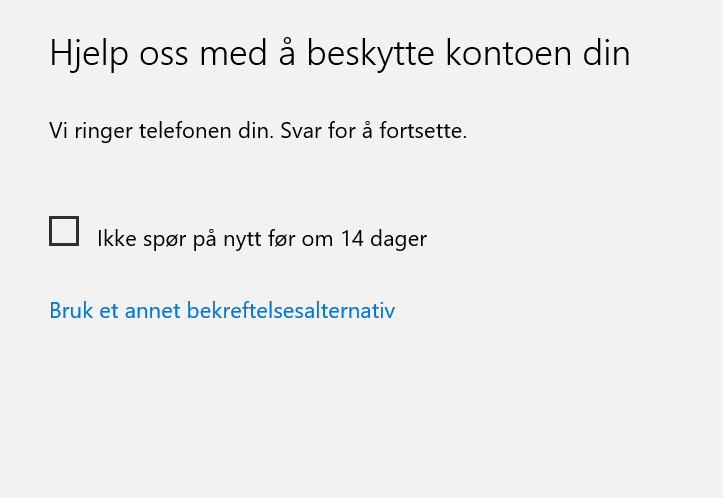
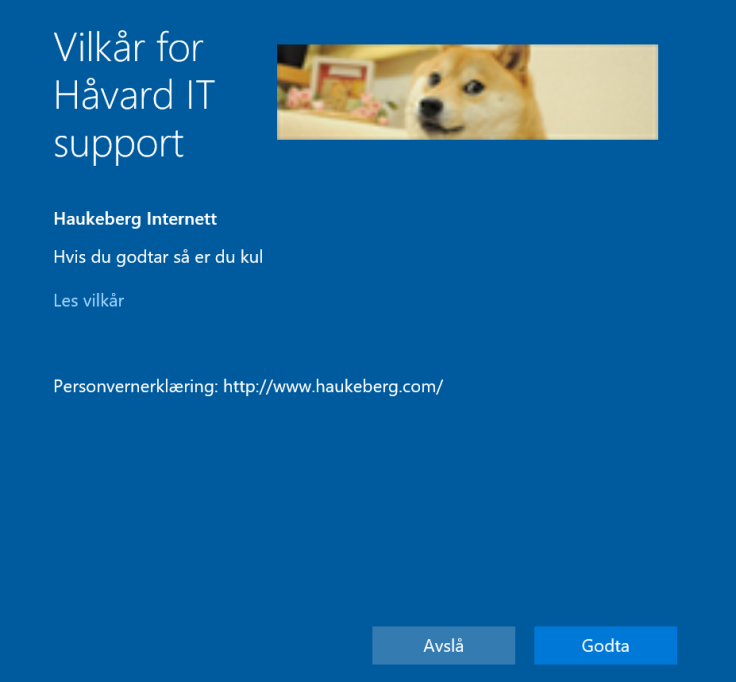
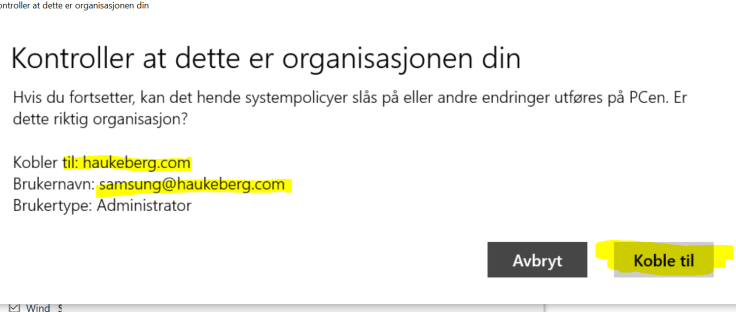
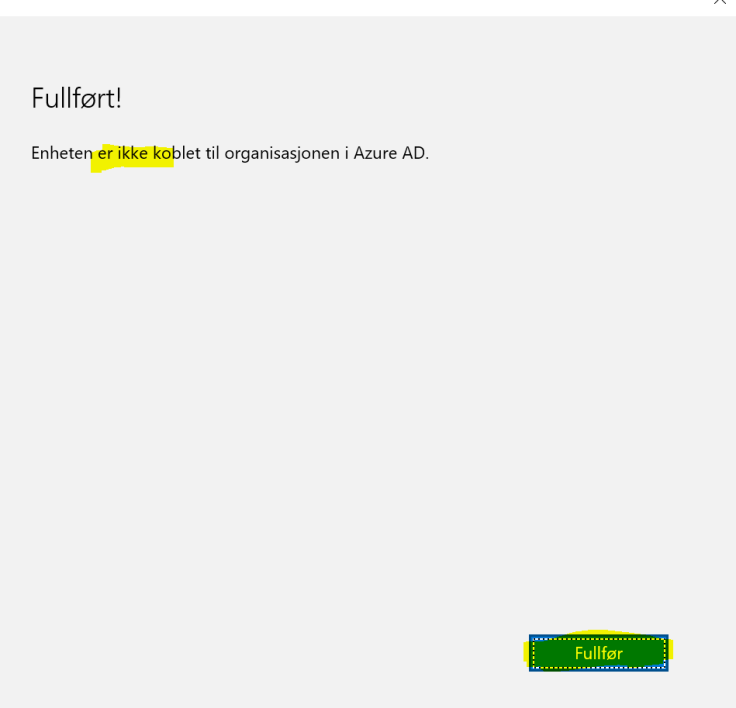
This will happen:

Start Minecraft:

Login to minecraft and accept eula


Now you have 25 test licenses to showcase Minecraft Education Edition:
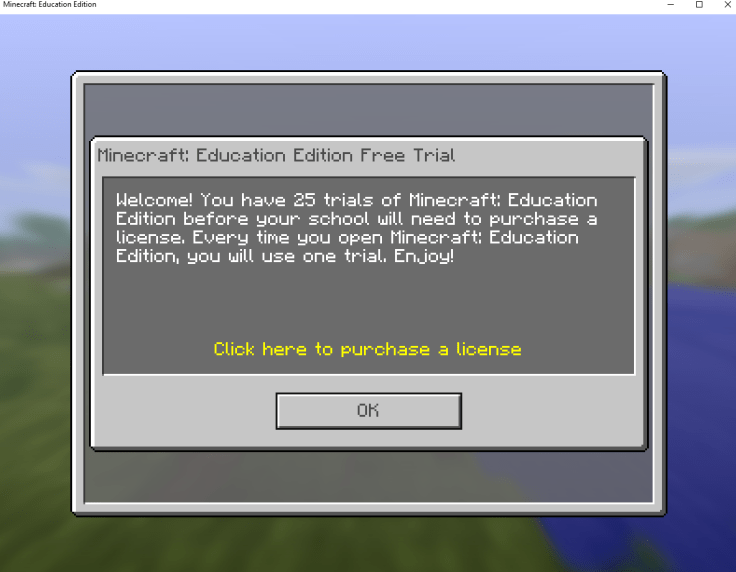
Go ahead and set up your world to play.


First time playing? Download a tutorial world here:
https://education.minecraft.net/worlds/tutorial-world/






 Håvard Siegel Haukeberg
You must be logged in to post a comment.