I bought a brand new SanDisk Ultra® II mSATA SSD for my PCI-e mSATA adapter. Did it to get more space for games. A 256GB Wave chip was replaced with a 512GB chip.
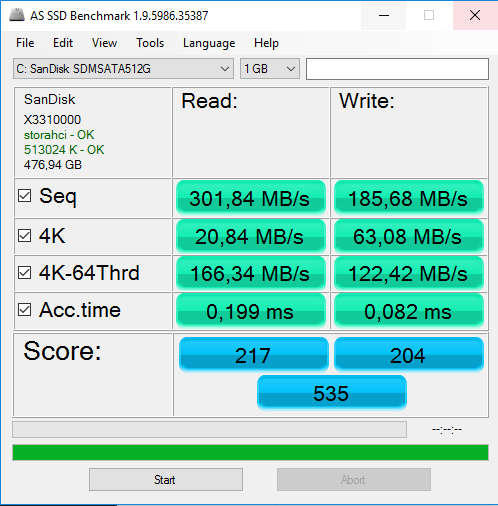
I did a benchmark with AS SSD Benchmark tool version 1.9. Here is the result:
Running Windows 10 1607
Note that this score is less than the Wave 256GB chip that was really cheap.
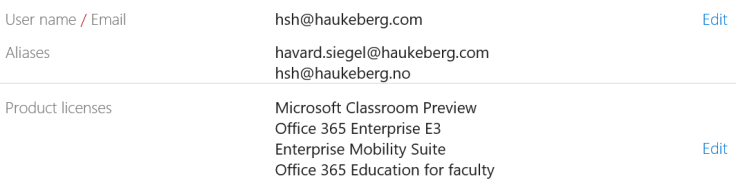
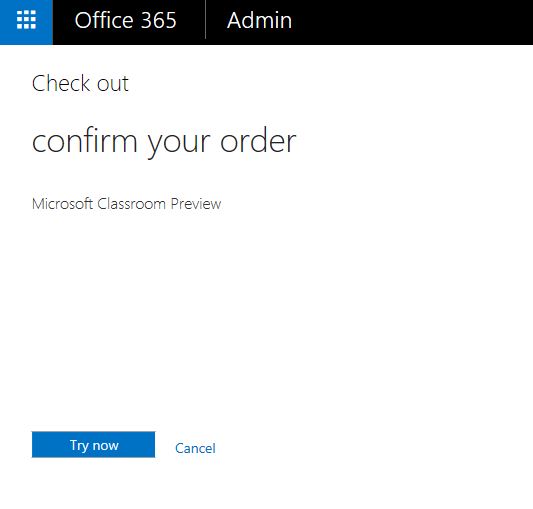
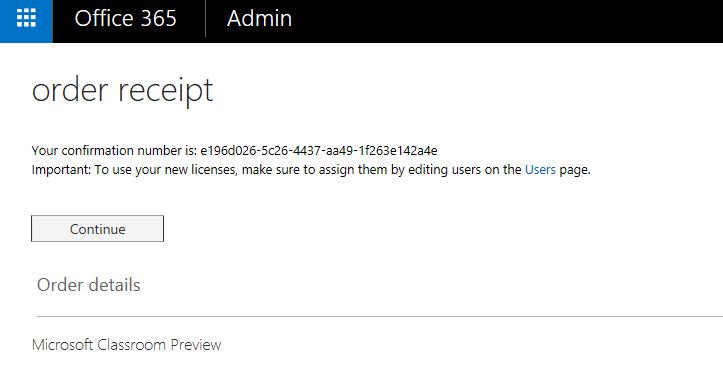
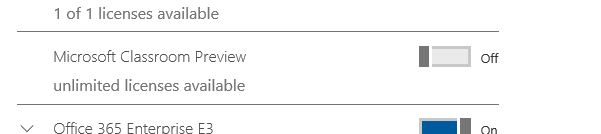
Once you have gotten Microsoft Classroom licenses you need to make sure that licenses are applied correctly to the teachers and students. Microsoft uses the Office 365 licenses to identify if you are a teacher or student. In case you are using school data sync (SDS) then this will be taken care of there.
Here is the right license assignment you need:
Teachers:
Microsoft Classroom
Office 365 Education for Faculty
Students:
Microsoft Classroom
Office 365 Education for Students
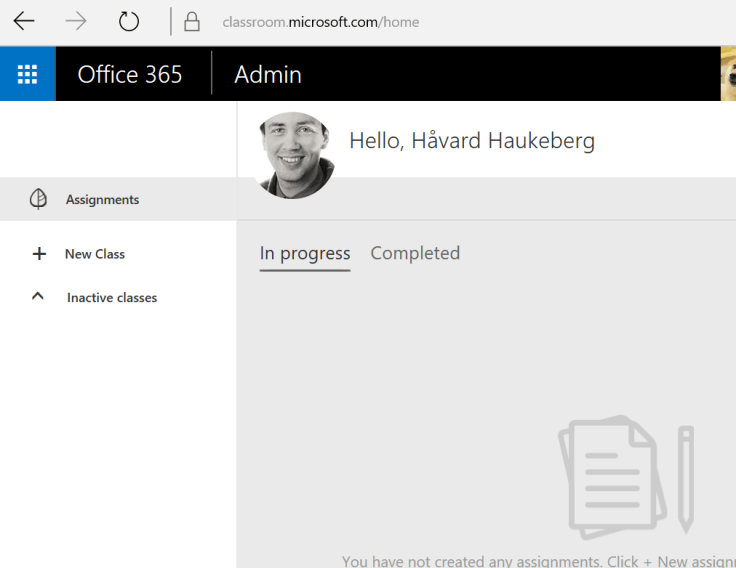
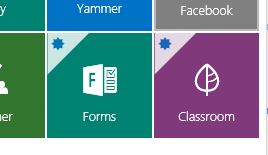
Now, log on as a teacher and start making classes.
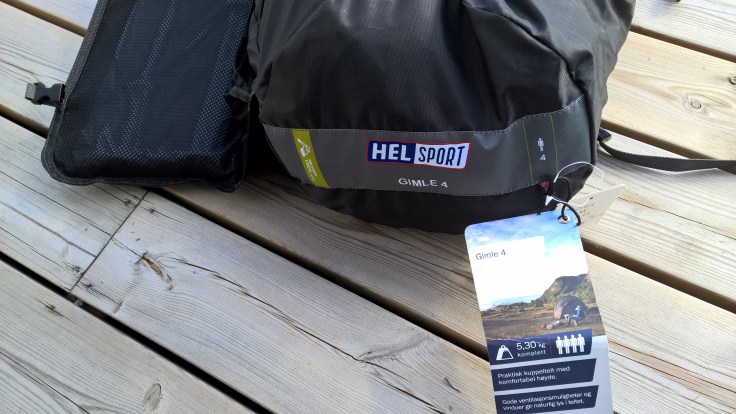
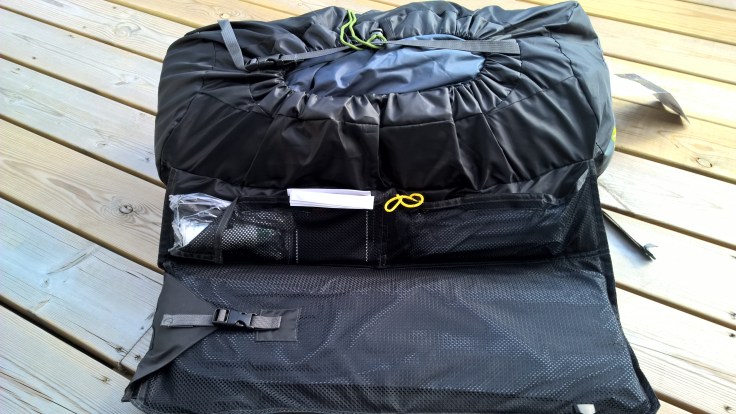
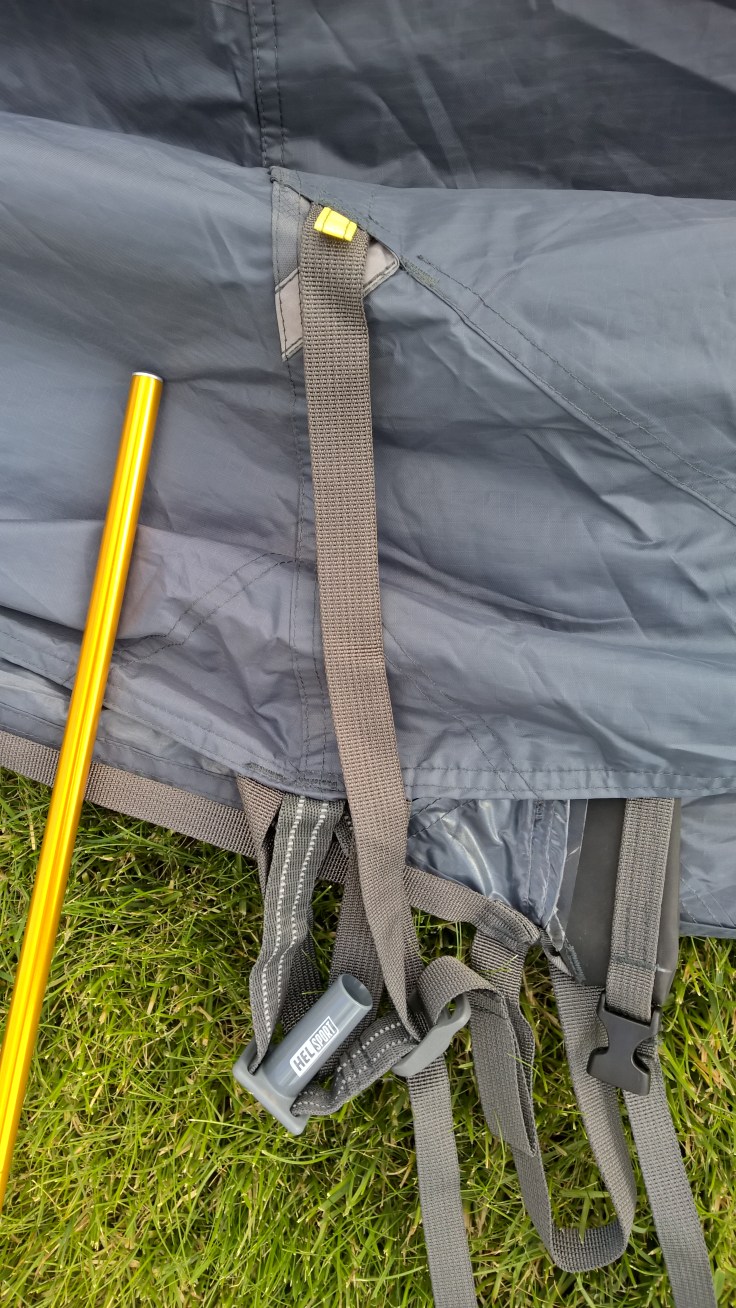
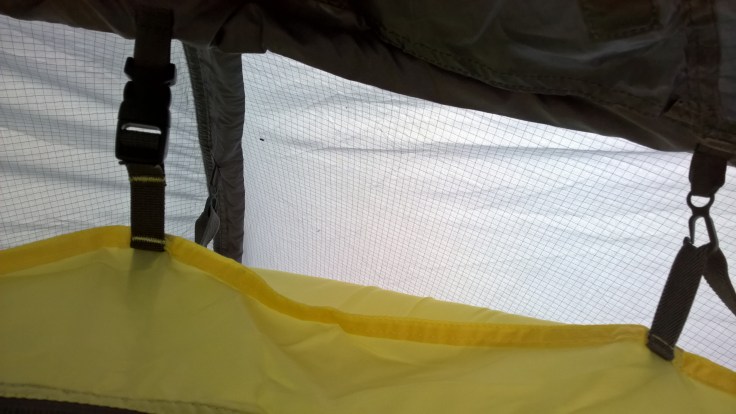
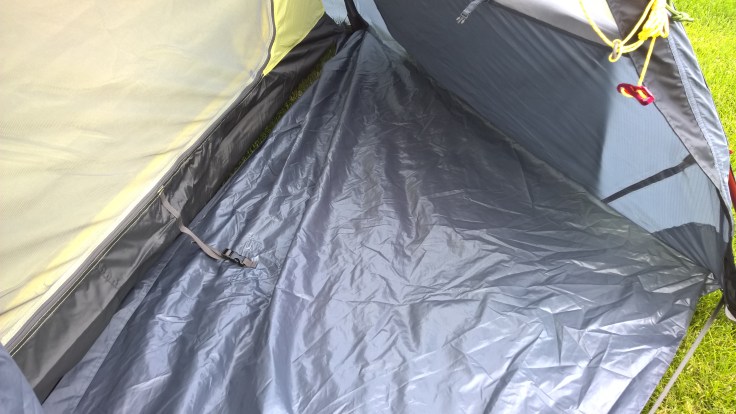
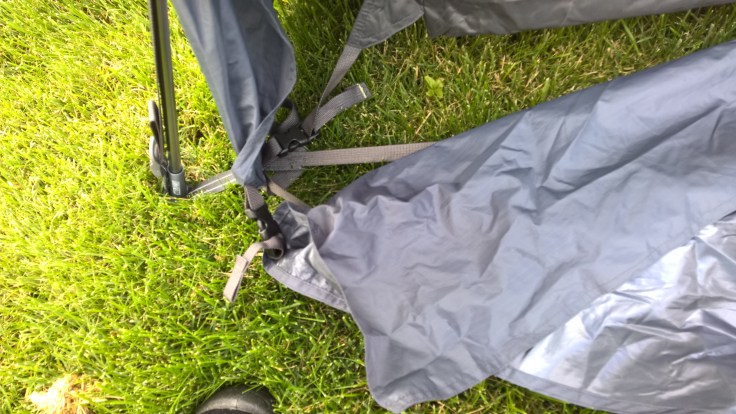
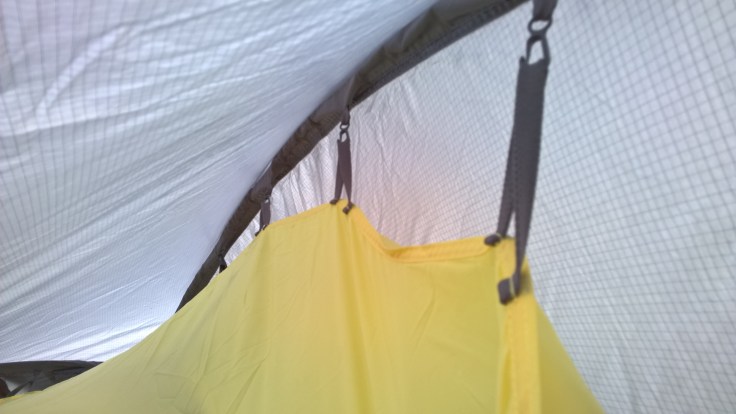
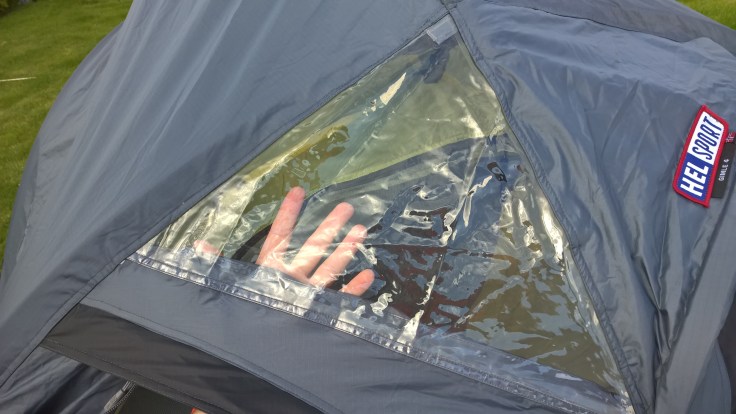
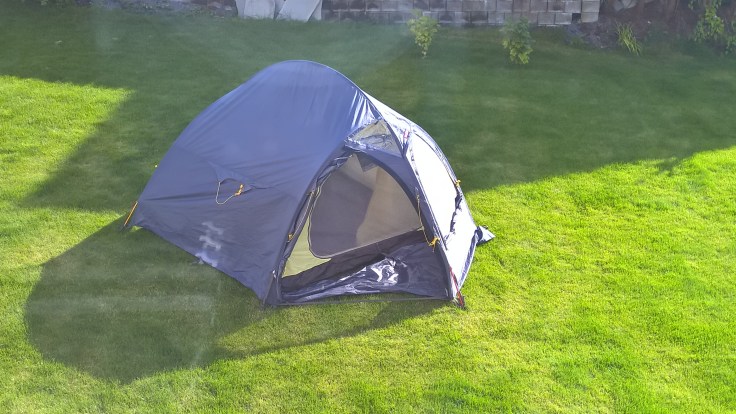
Her er en kort bildestrøm av Helsport sitt Gimle 4 Iglo telt når jeg satt det opp for å teste.
Dette er en litt eldre modell av Gimle 4
Utrolig flott bag med fine lommer til telt, stenger, plugger og lappesakerDet følger med ett reserve ledd dersom en av leddene skulle bli borteDersom en av leddene skulle brekke så kan du bruke denneStengene er fargekodet og av forskjellig lengdeHer ser du røde lappen på teltet, her bruker du den røde stangenGul stang herInnerteltet henges enkelt og greit oppTeltet er tynt men slitesterkt i sømmeneHovedfrontinngangen har en matte. Denne klippes på innerteltet. Er innerteltet feil vei så mangler klipsen mellom matten og innerteltet. Du må da snu innerteltet 180 graderDuken festes med klipsHoldes enkelt oppe. Dersom du opplever at det ikke stemmer med klips og oppheng så har du tatt innerteltet feil vei.Baksiden av teltet har ikke underlag utenfor inneteltet
Takluke for å se ut eller legge ting synlig ( skilt/flagg)Sett ovenifra
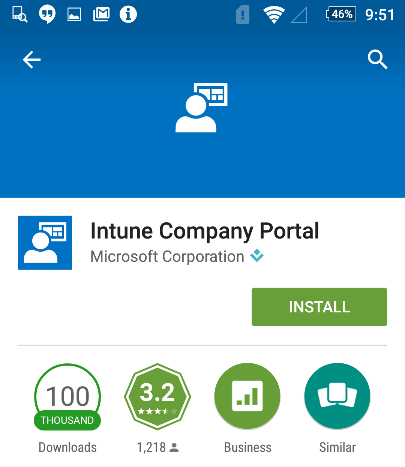
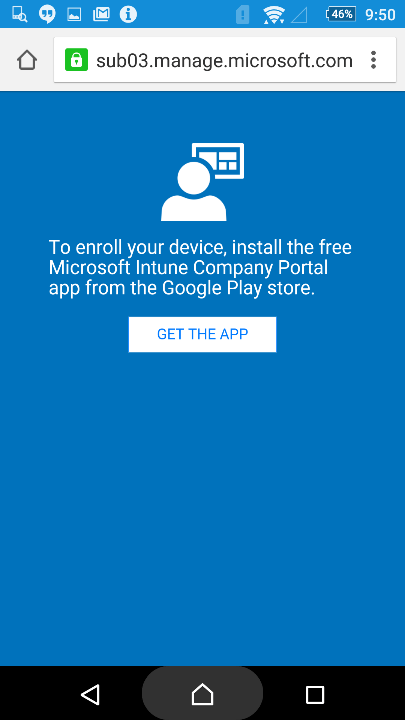
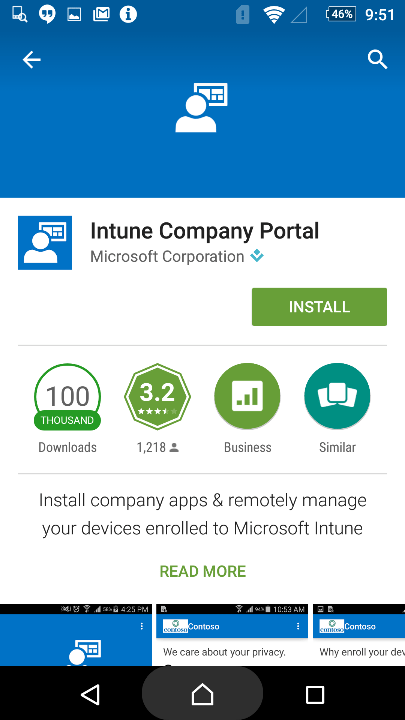
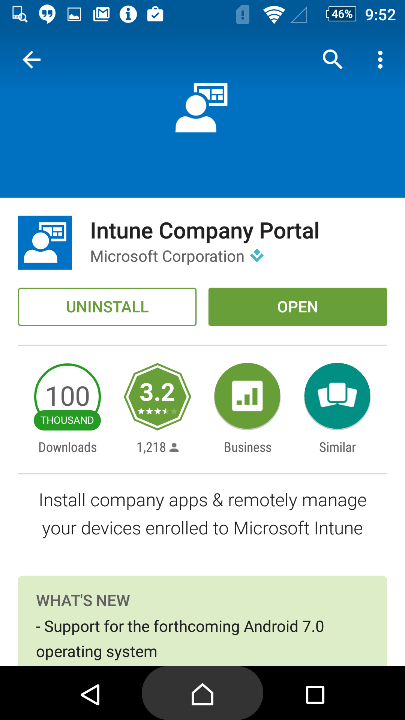
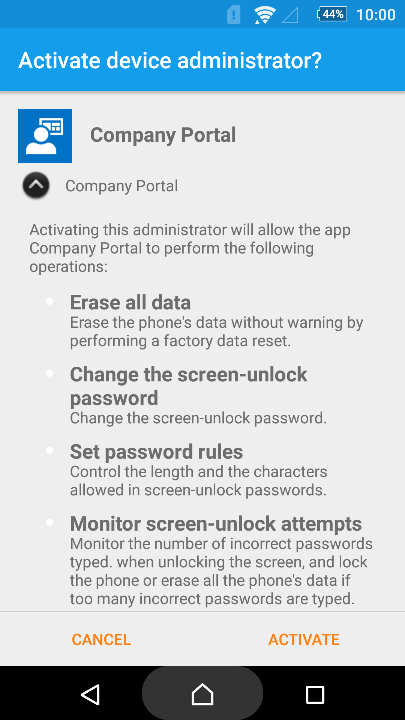
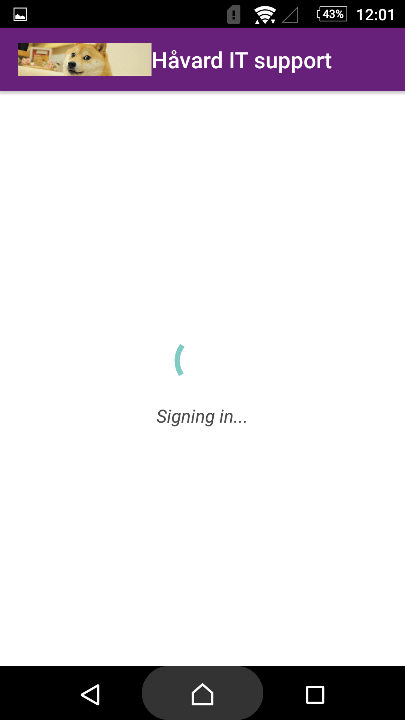
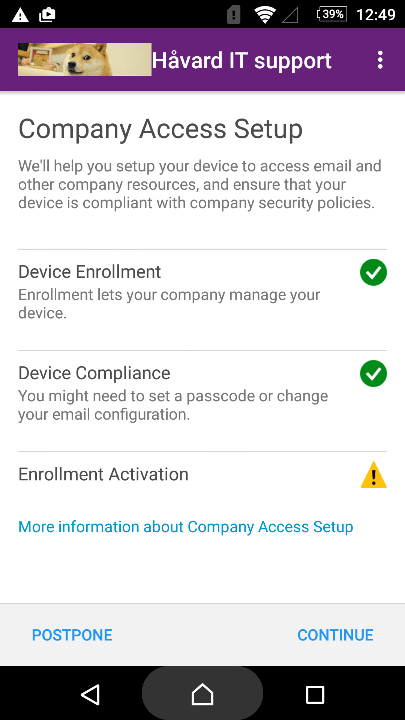
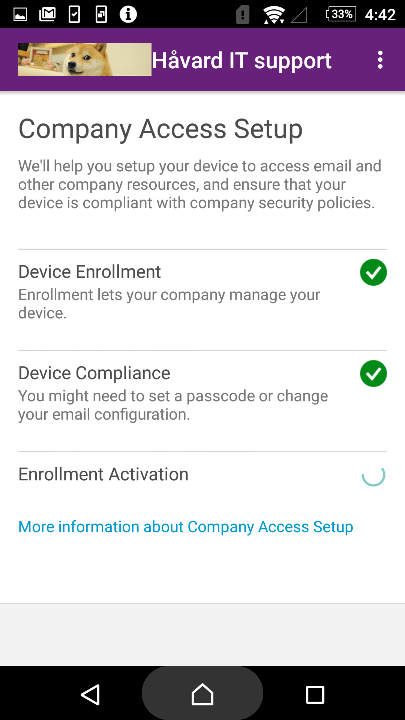
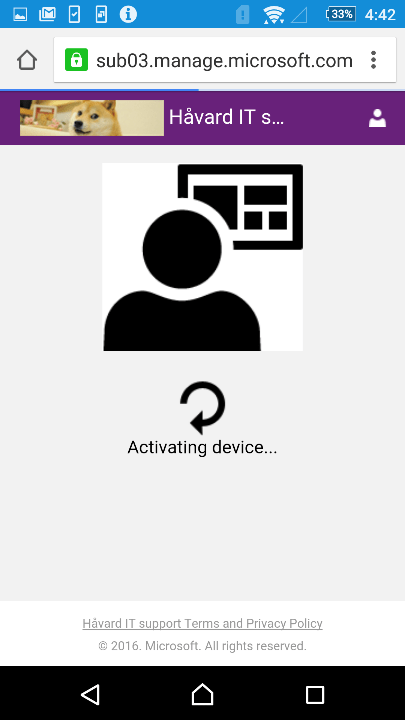
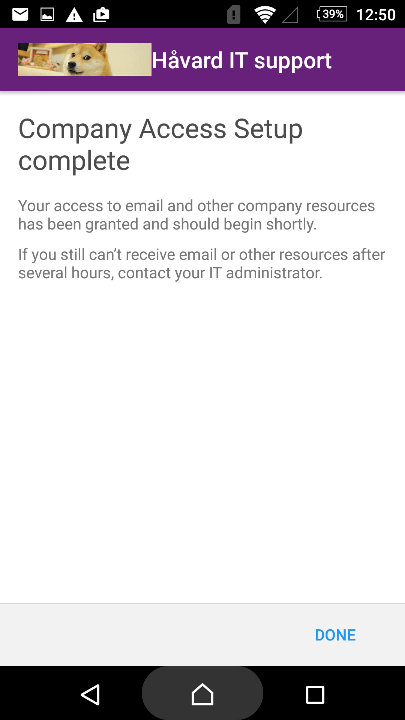
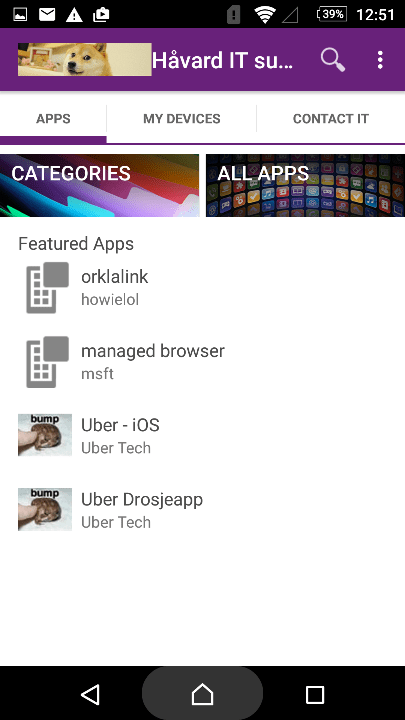
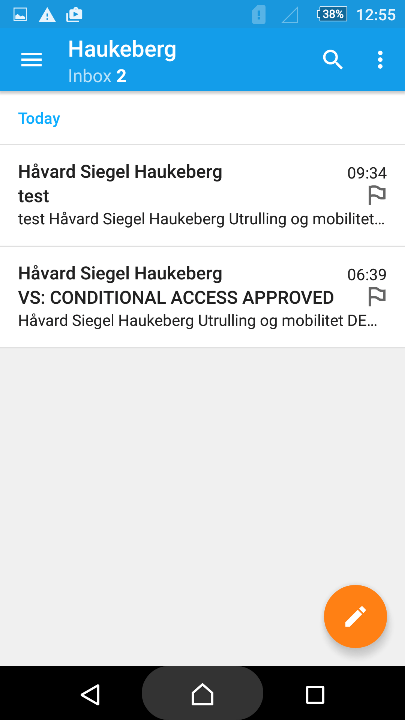
First let me start of by saying that almost all android phones are different in respect to enrollment. These screenshots are taken on a Sony Device. The most complicated part with Android is that the End User have to fix the compliance settings yourself.
How good are your users?
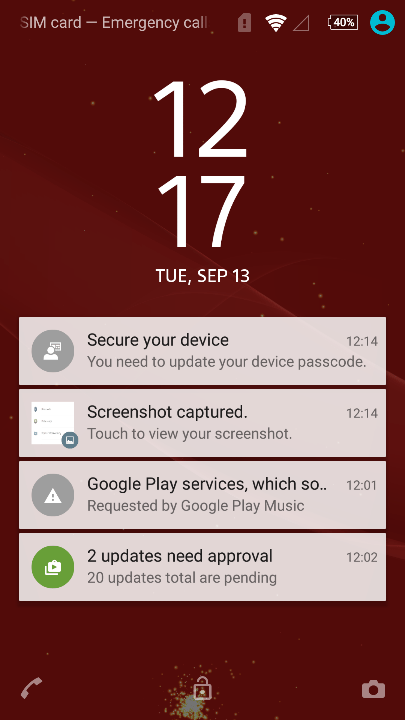
e.g. as seen here the end user need to set the pin-code him/herself to be compliant. Make sure that your users can do this themselves before you start.
Picture by picture guide
Here is how you as a end user will experience Intune in your organization
If you are an IT admin, check out this guide on how it looks like for you in the Intune Portal
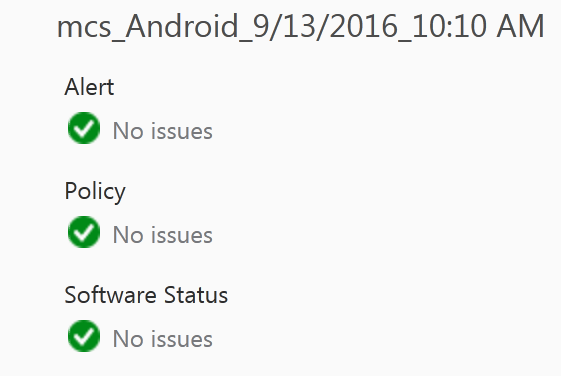
This device is healthy and should have access to email and does not need attention.
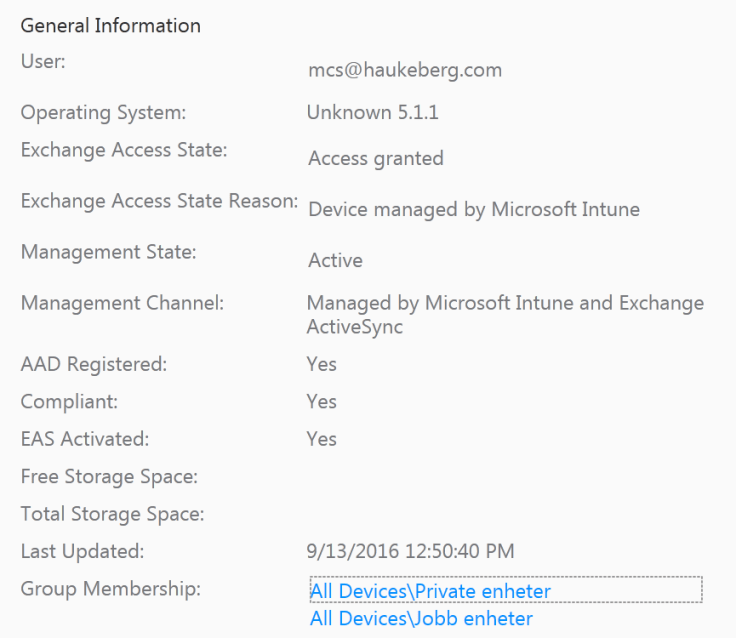
If you need device info, the Intune MDM agent will pull information from the device and display some of it here in the general info tab just right to the health status
Just some of the info pulled from Intune
There are many different Android phones out there. They all provide info to Intune MDM differently. Here Sony is not able to convey the OS name correctly to Intune.
Not all android phones report OS correctly
In the device list you can see and sort the list of devices on most of the general information.
Sort and find your device
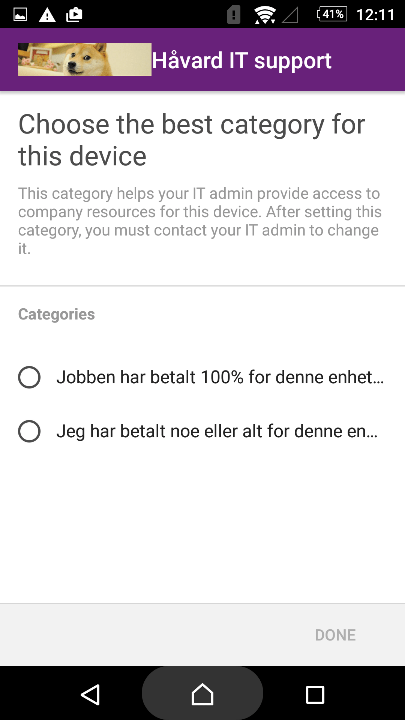
When the end user enrolled this Sony Android Device he was prompted to group his device himself into a group. This group is displayed here. I have named this group myeself in the Intune portal. You could name it anything other than personal if you want to.
Device Group Mapping
Management channel should be set to intune or intune and EAS when your device is enrolled. We should also se the Compliant status. If it is not compliant, check your compliance policies in intune policy tab or make sure that you have made the device compliant e.g. enabled PIN or encryption/screen lock +++
If your device is not compliant it will be blocked from exchange when you run Conditional Access.


 Students:
































 Håvard Siegel Haukeberg
You must be logged in to post a comment.