If you enable conditional Access in Intune then Your devices will have to be enrolled with Intune in order to read mail. If they are not enrolled or otherwise compliant they will be blocked.
-You can relax these demands as you see fit, but that would kinda defeat its purpose.
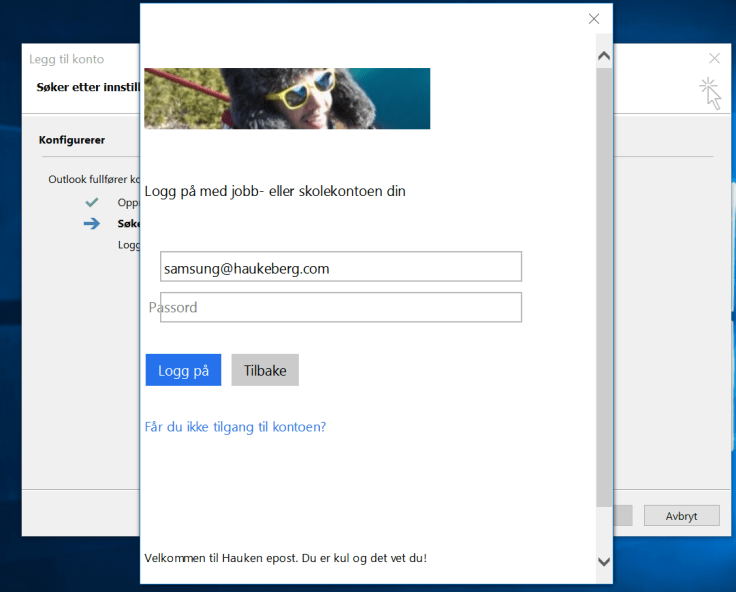
This is how Outlook behaves
Add Your account as usualModern Auth PromptConditional Access checkpoint
This user will not be allowed to Complete the mail setup.
Note that you have to enable ADAL on Exchange Online and use Outlook 2013-2016 With ADAL in order for this to work. Click here to se how to set up Exchange Online with ADAL
How to enroll Your Windows 10 Machine in Intune to get back mail?
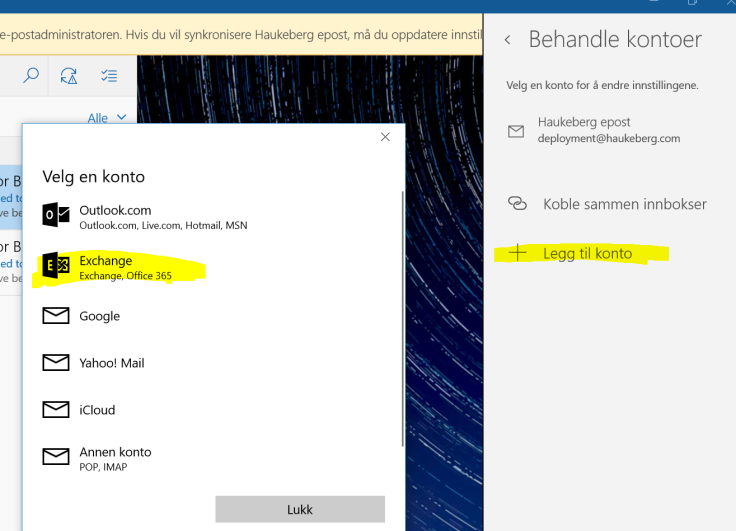
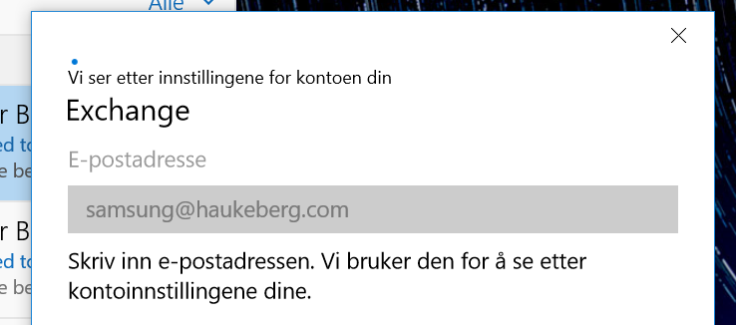
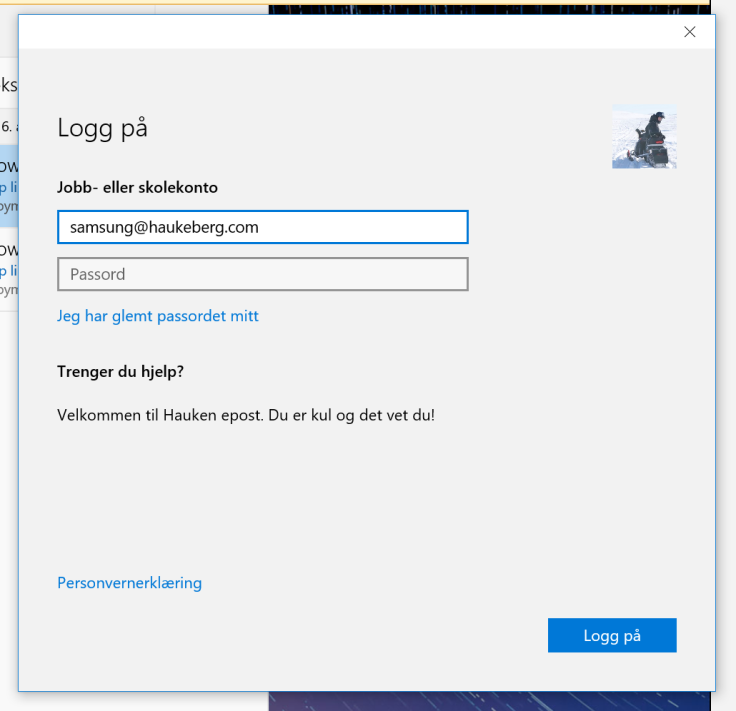
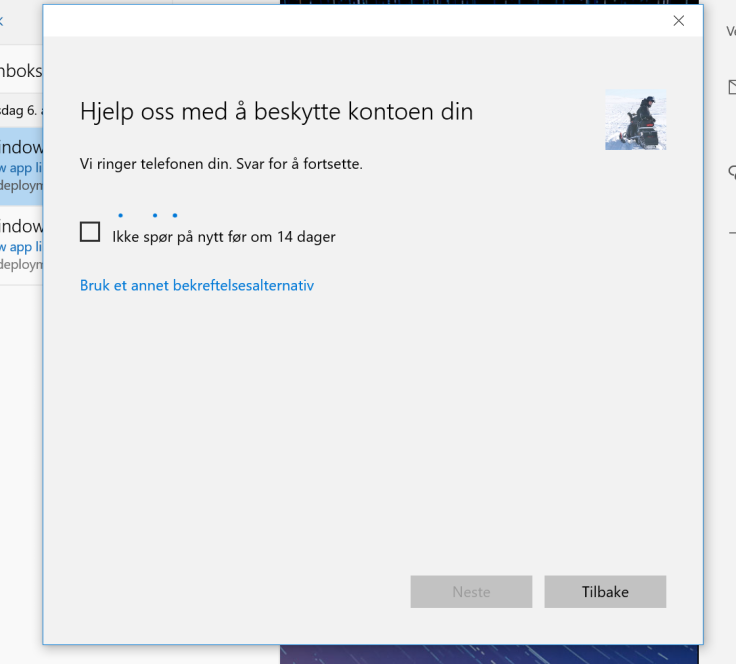
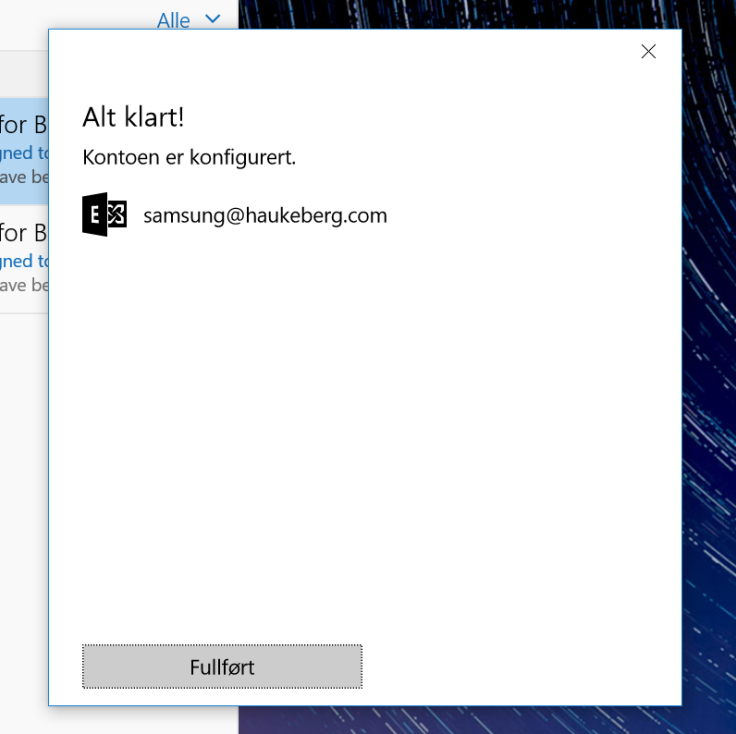
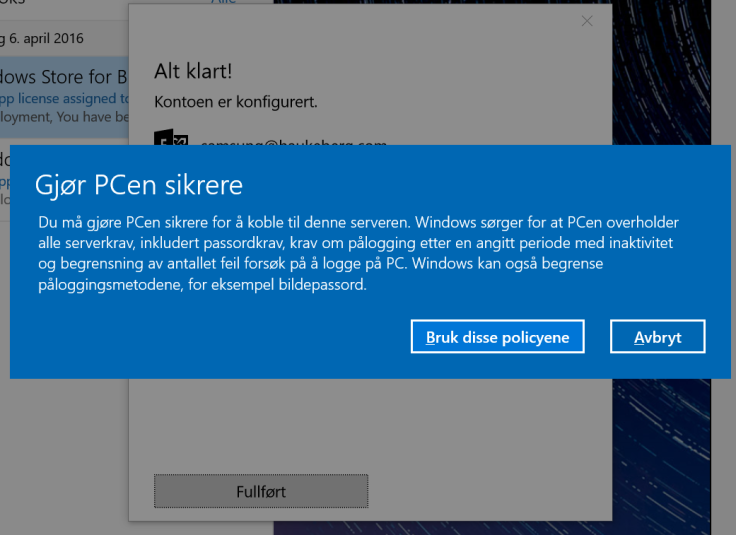
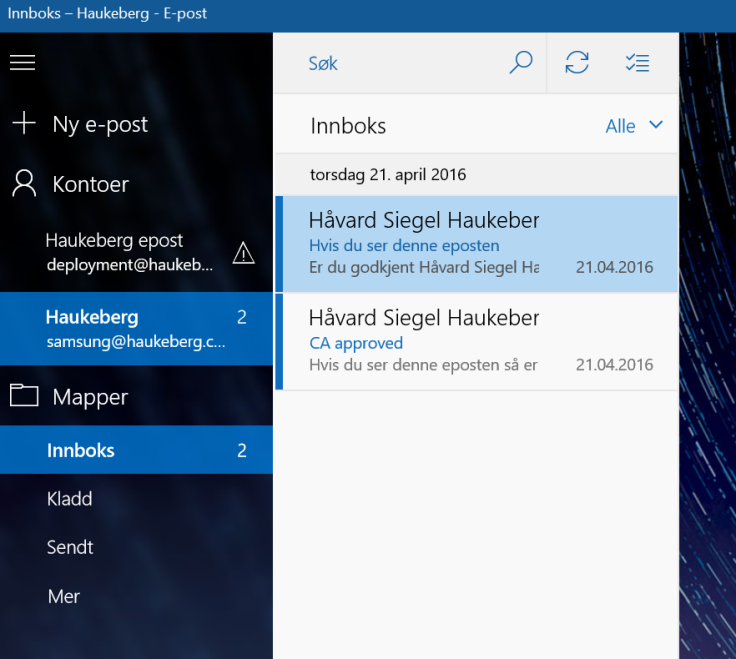
If you enable Azure MFA in Office 365 and try to sync mail using the native Windows 10 Mail client, this is what the user will see:
(Sorry for the Language. Just the buttons and boxes are all the same)
User needs to Select Office 365 for Azure MFAUser needs just now to enter his UPN, it can not be usernameIf it fails here then Autodiscover is broken.Observe that the mail app has pulled Down my Company details including logo and custom textRight now yor phone would ring or you would get a sms/app challengeThats itYour Company Security settings will now be Applied. Usually you get this Box regardless just to tell you that it might tighten securityYou recieve mail. If you do not see mail, mabye the mail is older than a month. Then you need to change the sync settings to enable all mail to sync down
If you want to use Microsoft Intune to deploy a MSI file it needs to be signed by a Code Signing Certificate. Most MSI’s from software vendors are signed already, but if you created a custom MSI (e.g. Office 365) by wrapping an EXE then you need to sign that MSI.
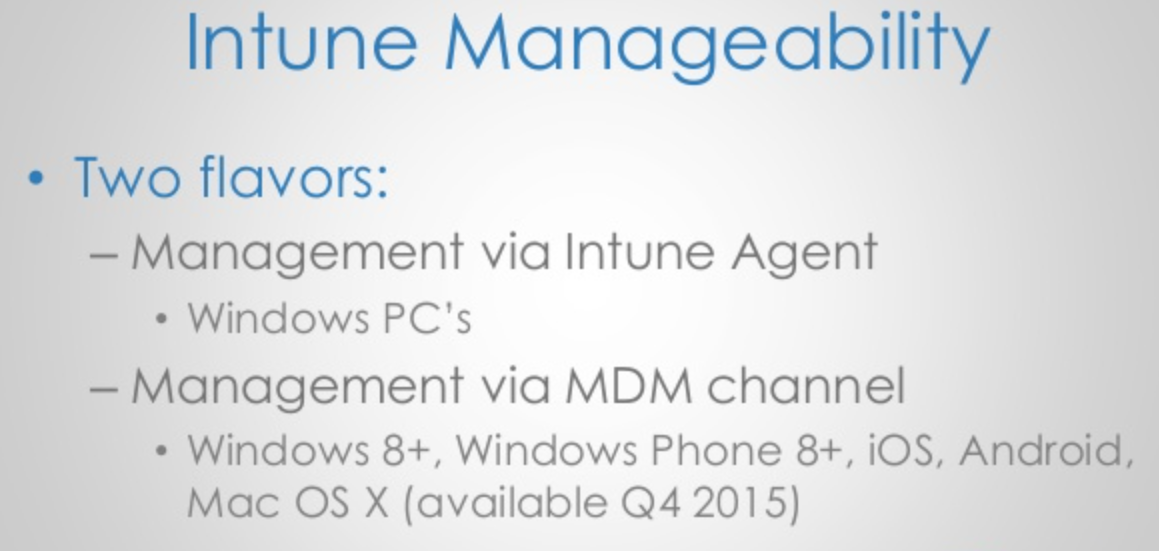
Using a MSI will enable Intune to push that software using the MDM channel. All MDM joined PC’s will be able to recieve this software.
Scenario this covers: I want to use Microsoft Intune to deploy apps and exe files to PC’s e.g. Office 2016/Custom Software
Step 2 – Download and Install Windows 7 SDK to get the signtool.exe get the SDK from here: https://www.microsoft.com/en-us/download/confirmation.aspx?id=8279 ->Accept all defaults and do not change anything. It will prompt errors
->Check that you have the signtool.exe in this folder: C:\Program Files\Microsoft SDKs\Windows\v7.1\Bin
Step 3 – Get your certificate exported in a PXF file. and put it in the same folder as your MSI file.
Step 4 – Run CMD as administrator and input this command:
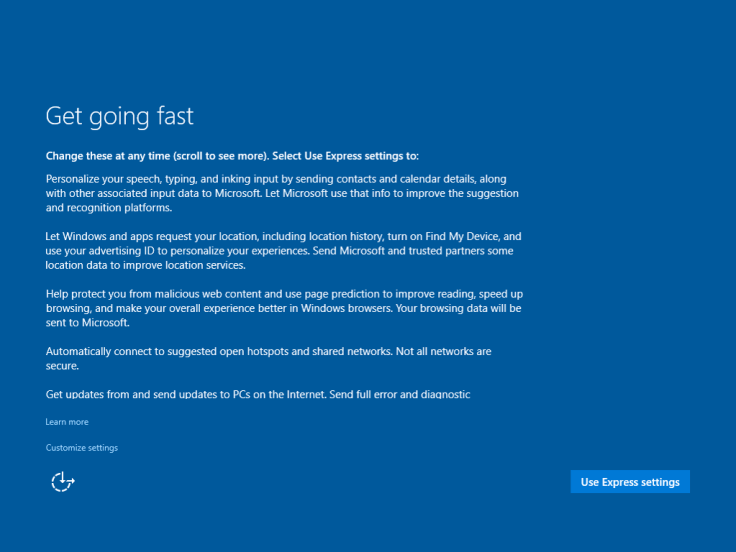
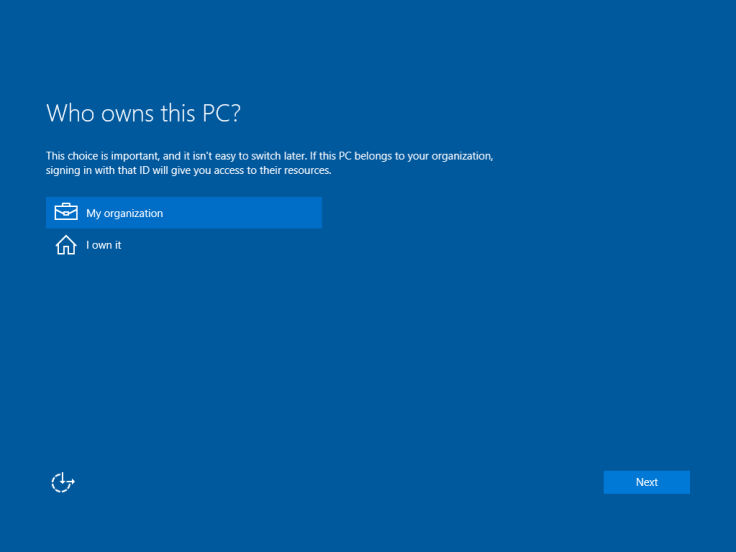
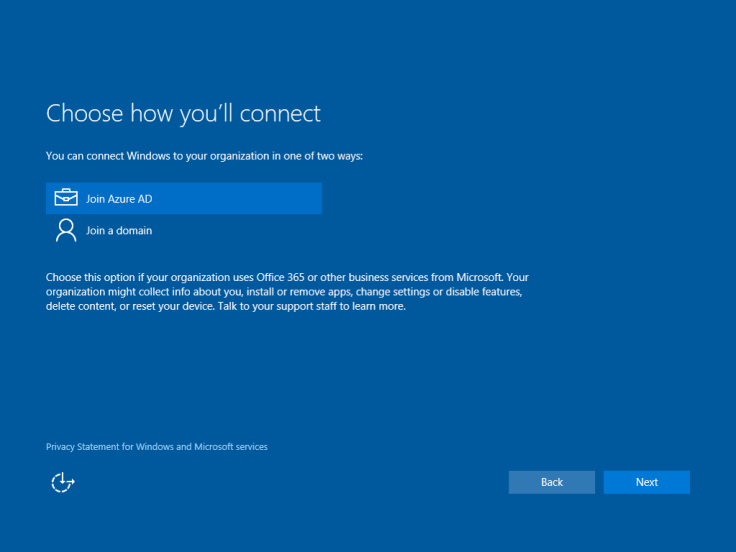
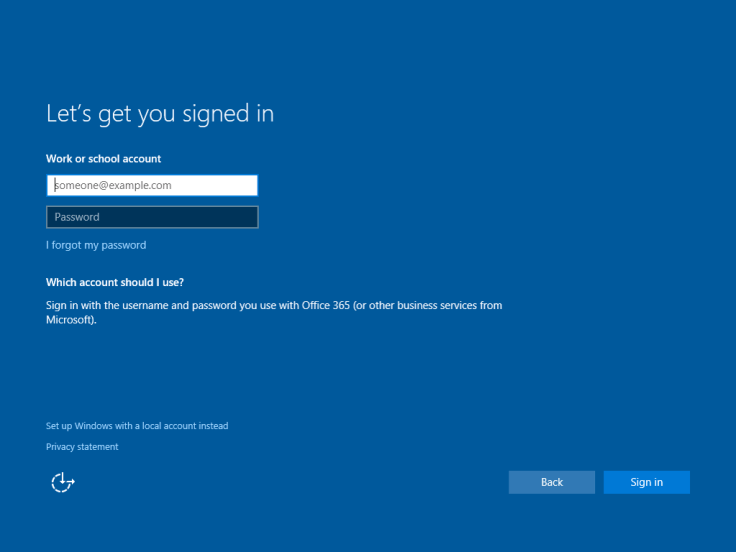
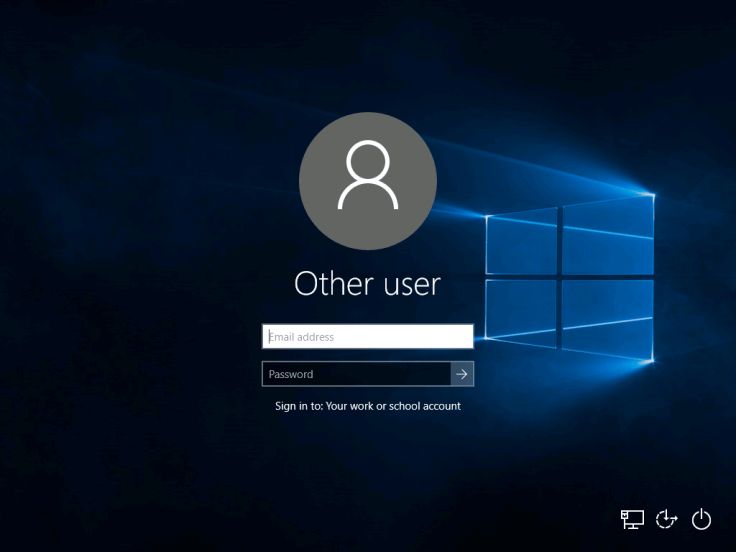
In Windows 10 you can join a machine to Azure AD instead of a local domain.
But
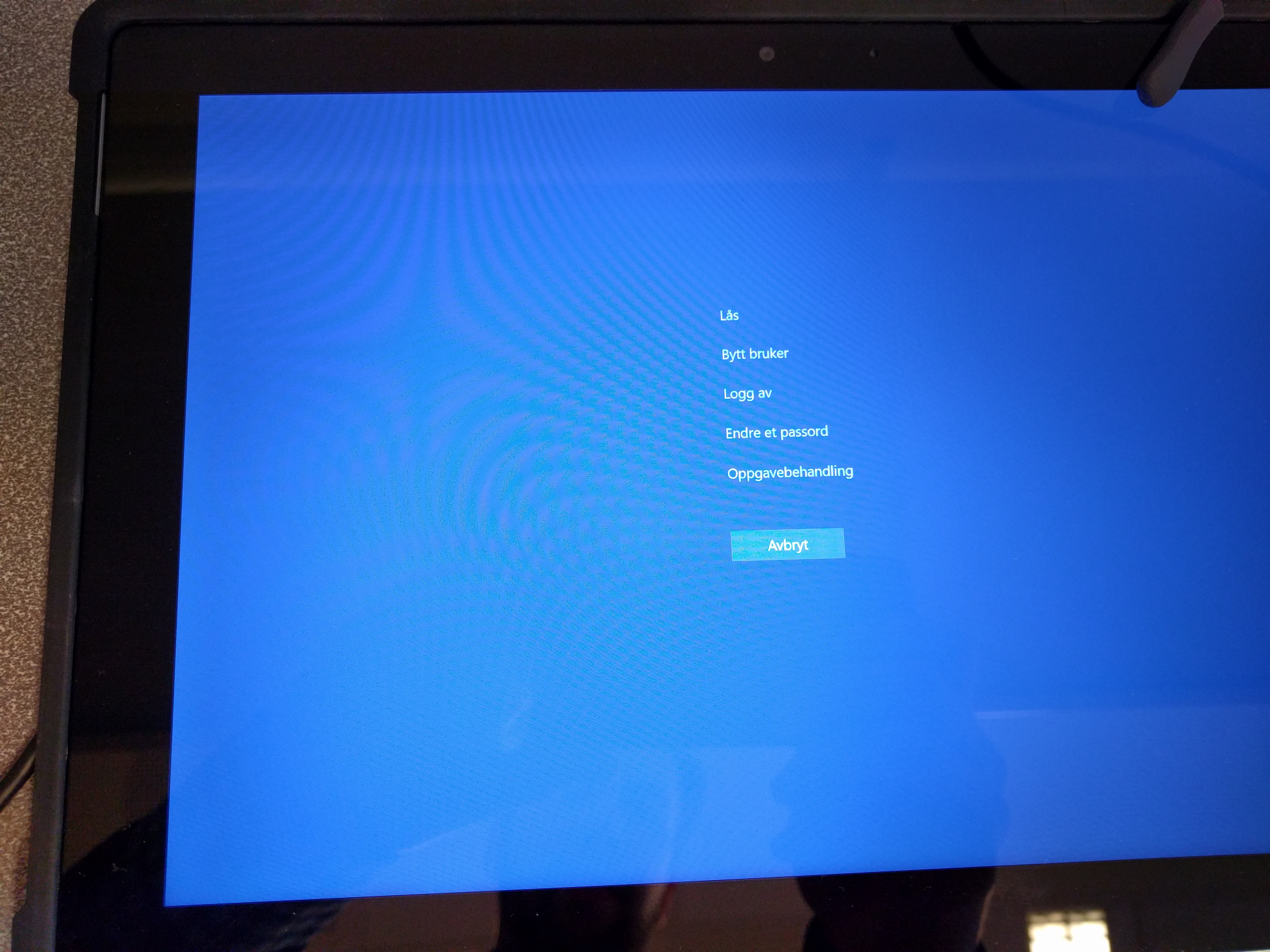
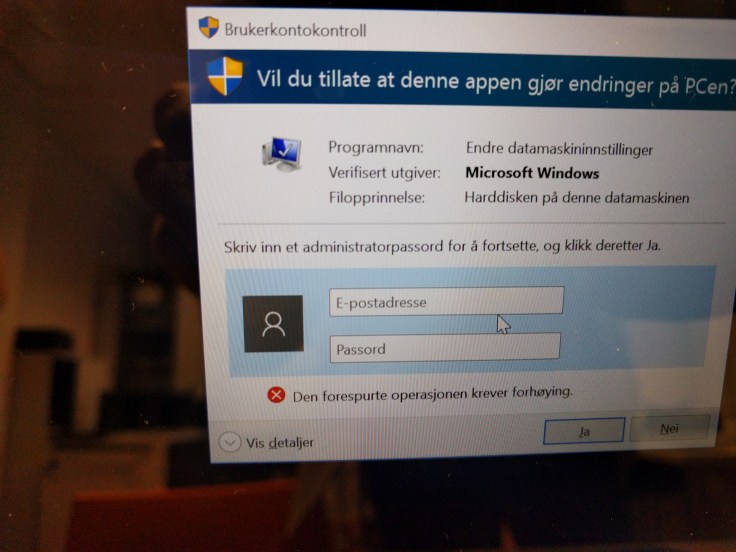
When you join Azure AD your account is given administrator privileges automatically. If you switch users by Ctrl+Alt+Del and Switch user, that user is set as a Standard user.
If you do not know who will use the computer, only the first user will be administrator, the rest will be standard users and can not install programs.
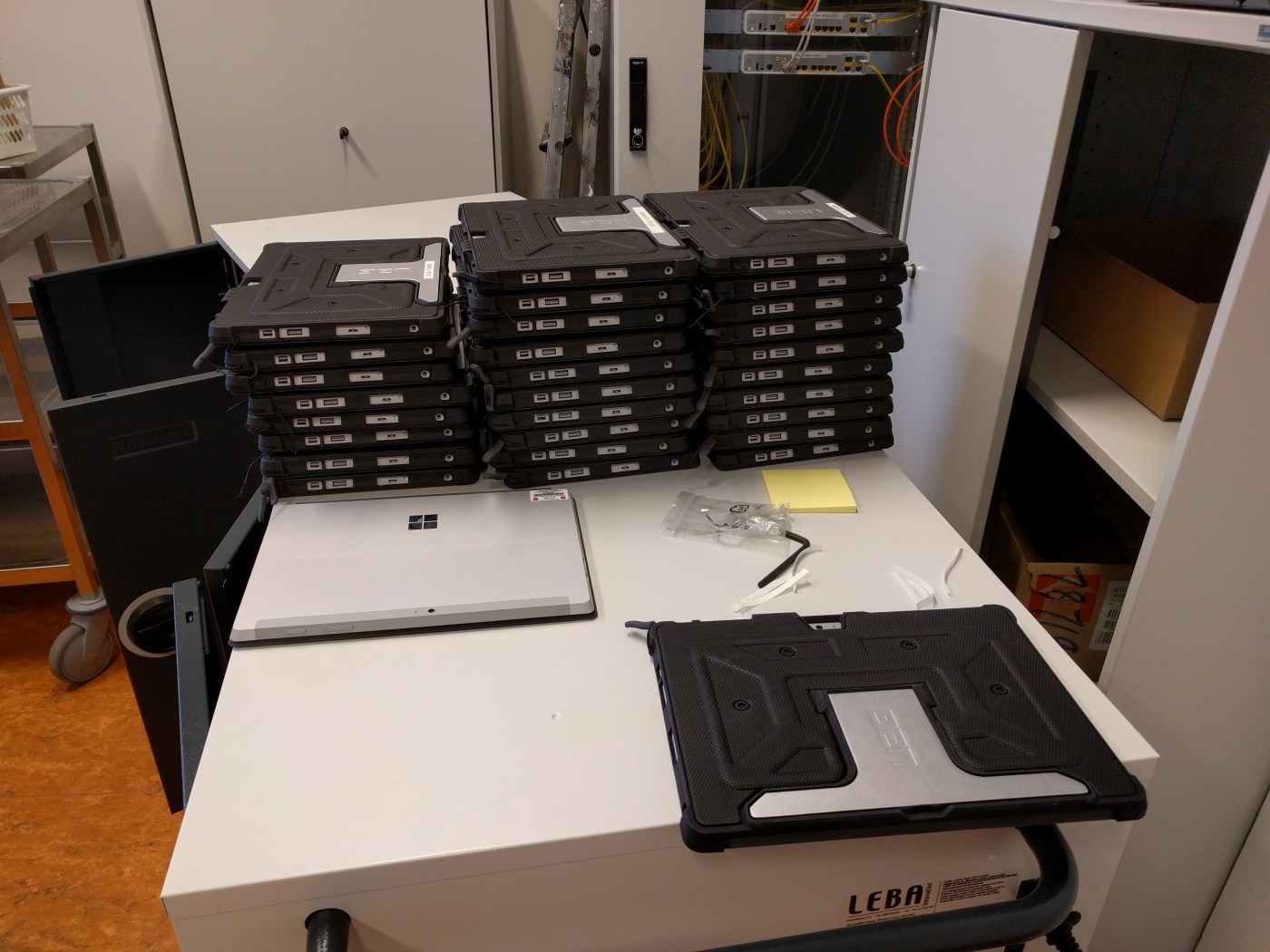
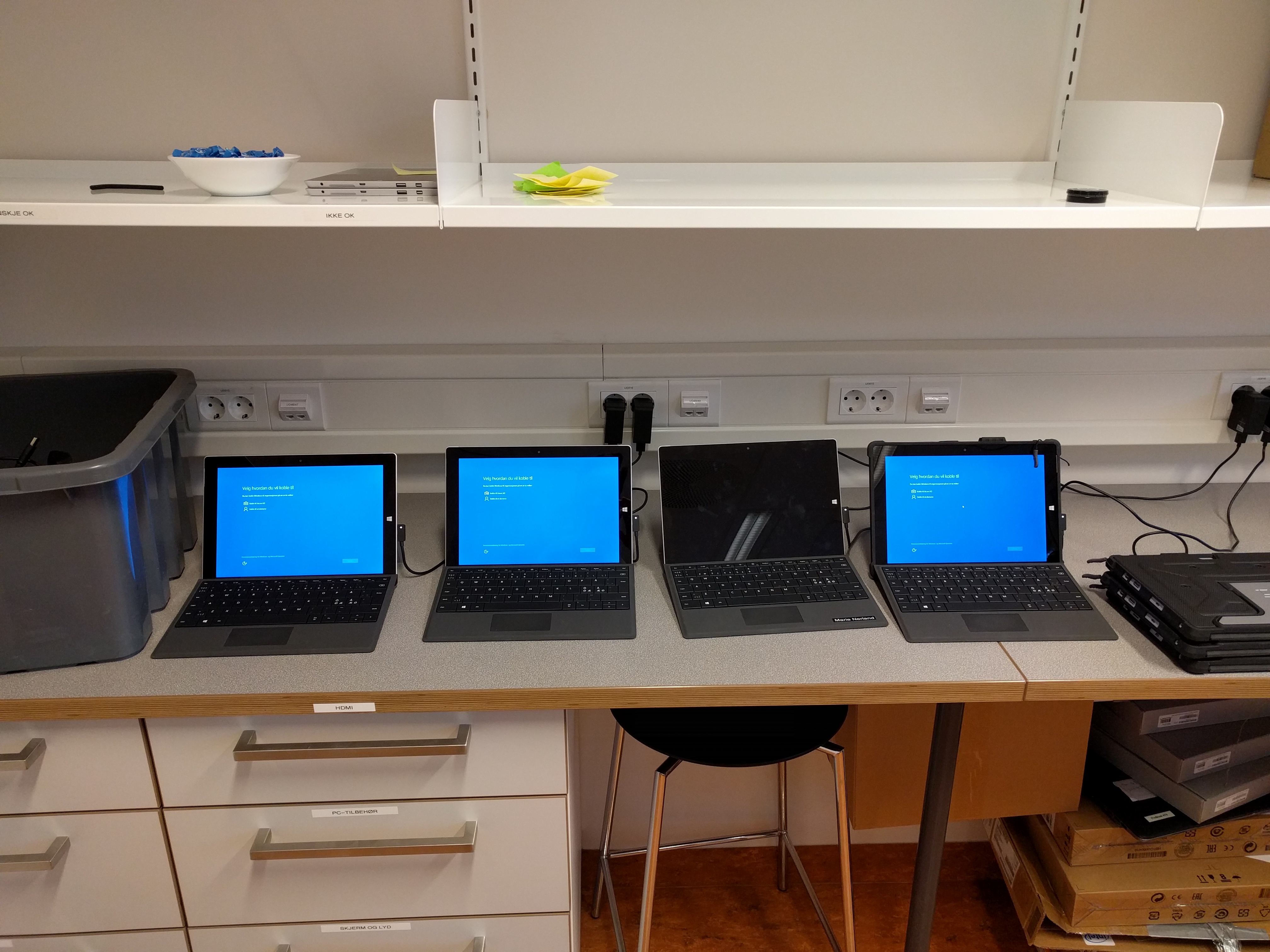
This action is default and can not be changed. Simply giving machines out to students will result in the first users becoming administrators. If you boot all machines before deployment and log in with your user, that user will be blocked after about 20 devices.
Thinking about the new Surface Pro 4? Cool. It’s a very well built device with a even better pen!
However these are some things you might want to think about before you buy.
The Surface Pro 4 will fit in the old Surface Pro 3 dock, but not 100% More like 90%. It will charge but it sits wrong, a bit tilted to one side due to its thinner design.
EDIT: There is a free adapter which you can order from Microsoft to fix this. Get it here
The Surface Pro 3 Keyboard fits the new SP4 but not 100% more like 90% as the new SP4 has a smaller bezel the keyboard overlaps the screen area. The magnet also will not clip on as tight.
Magnet not 100% on
Keyboard overlapping
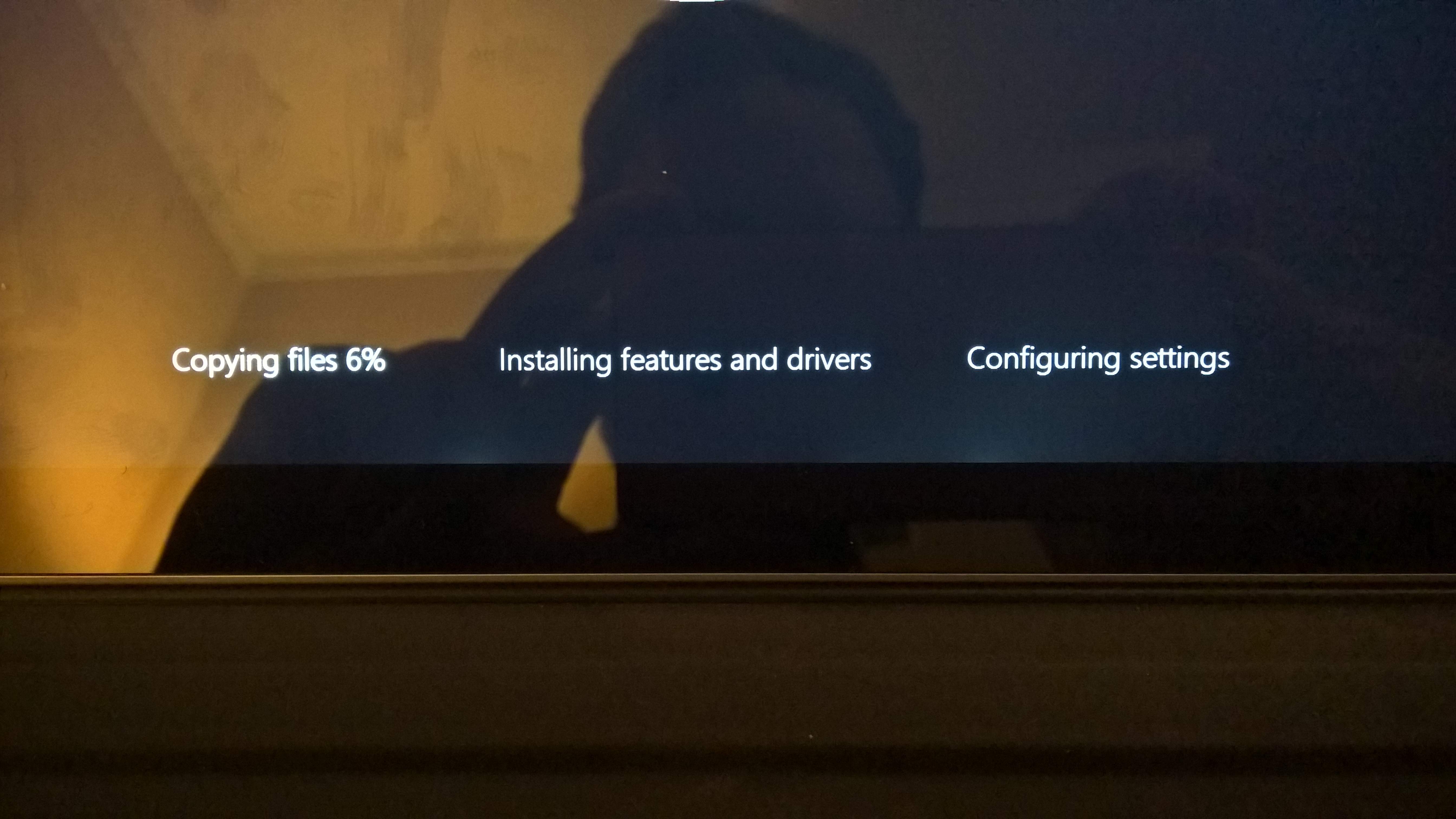
pdates, then updates, and some more updates. When you Buy a SP4 you have to update the device for at least 1-2 hours before its “done”
Windows Hello, is not supported out of the Box and you need to run that 1-2 hours of update and then update again to receive the necessary firmware update for Windows Hello to work.
Screen bleeding, the screen is not perfect black. There are some edge bleeding.
Some minor bleeding of the light on the bottom
But you know what. Despite all this, the device is awsome and I love Windows Hello!
I just sit down in front of the camera and “whosh” it logs me in, every time!
I would recommend this device to all my family members and my business associates!















 Håvard Siegel Haukeberg
You must be logged in to post a comment.