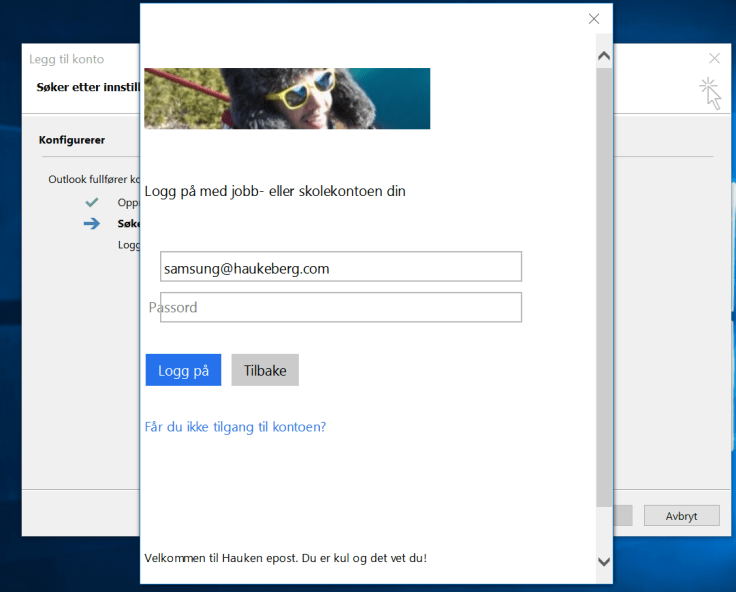
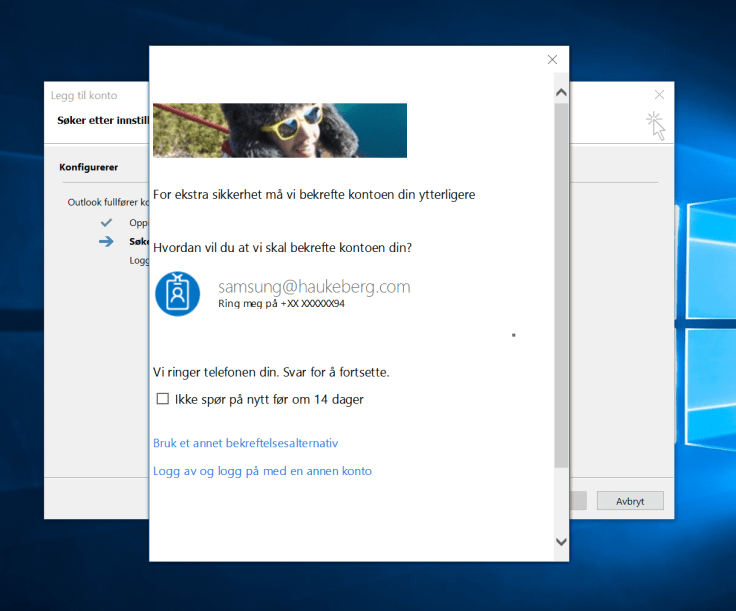
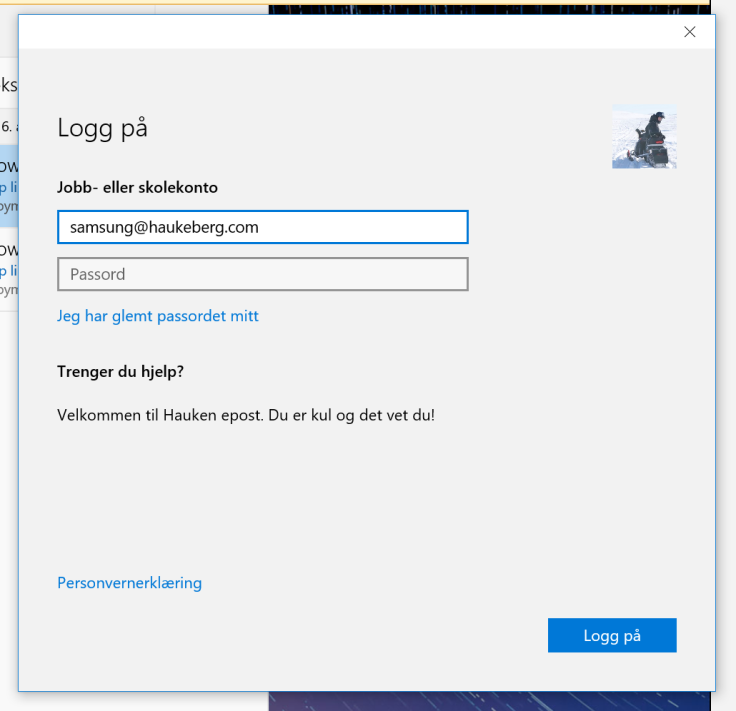
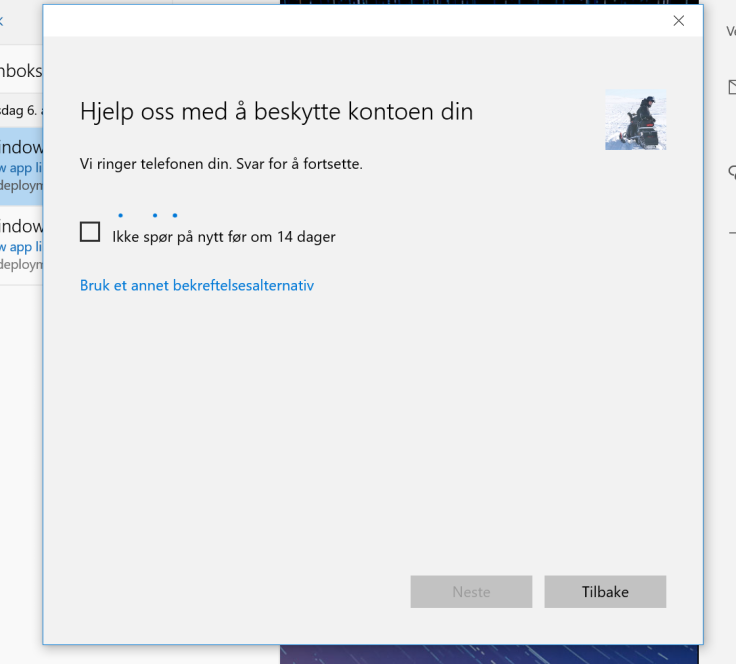
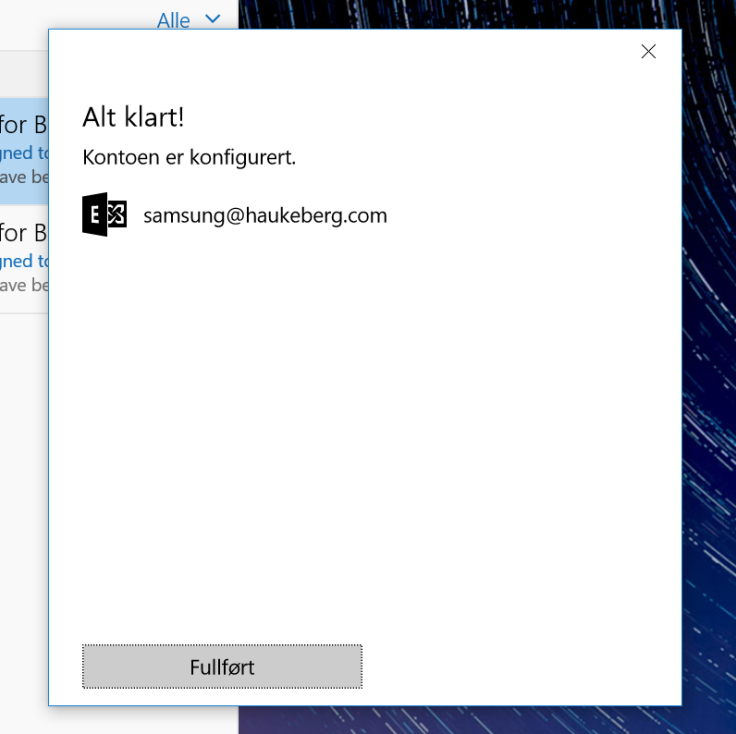
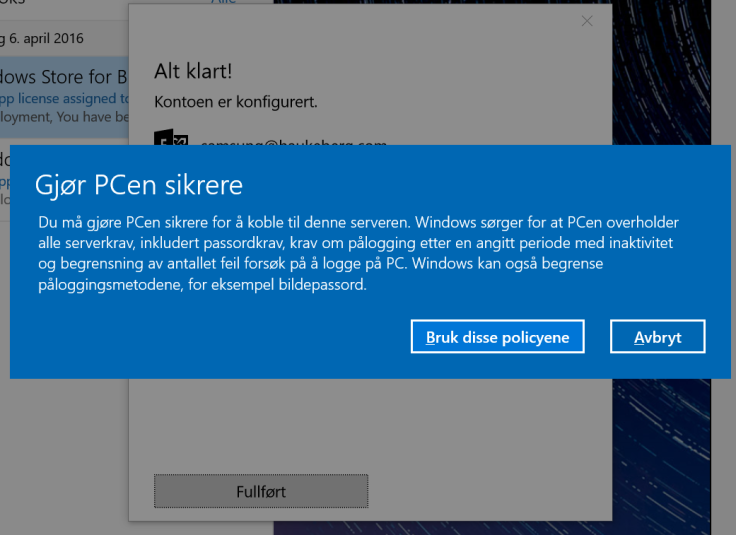
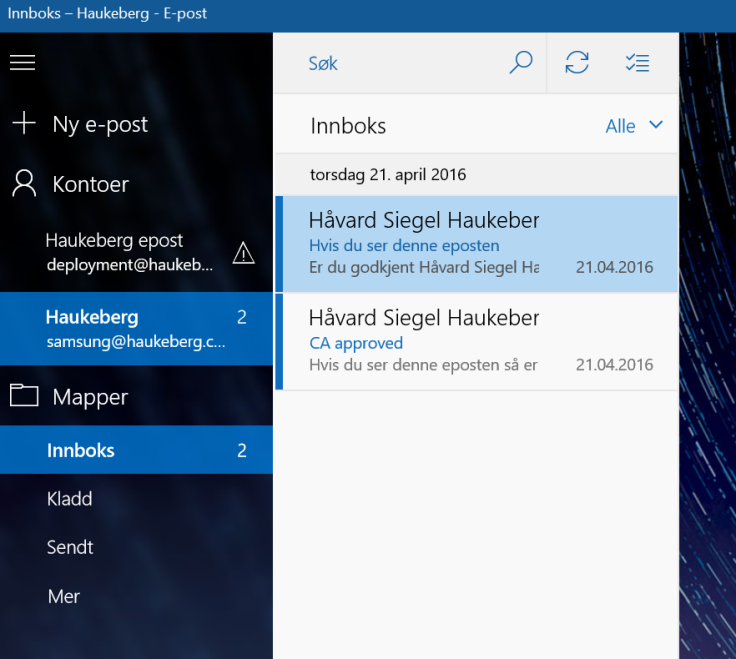
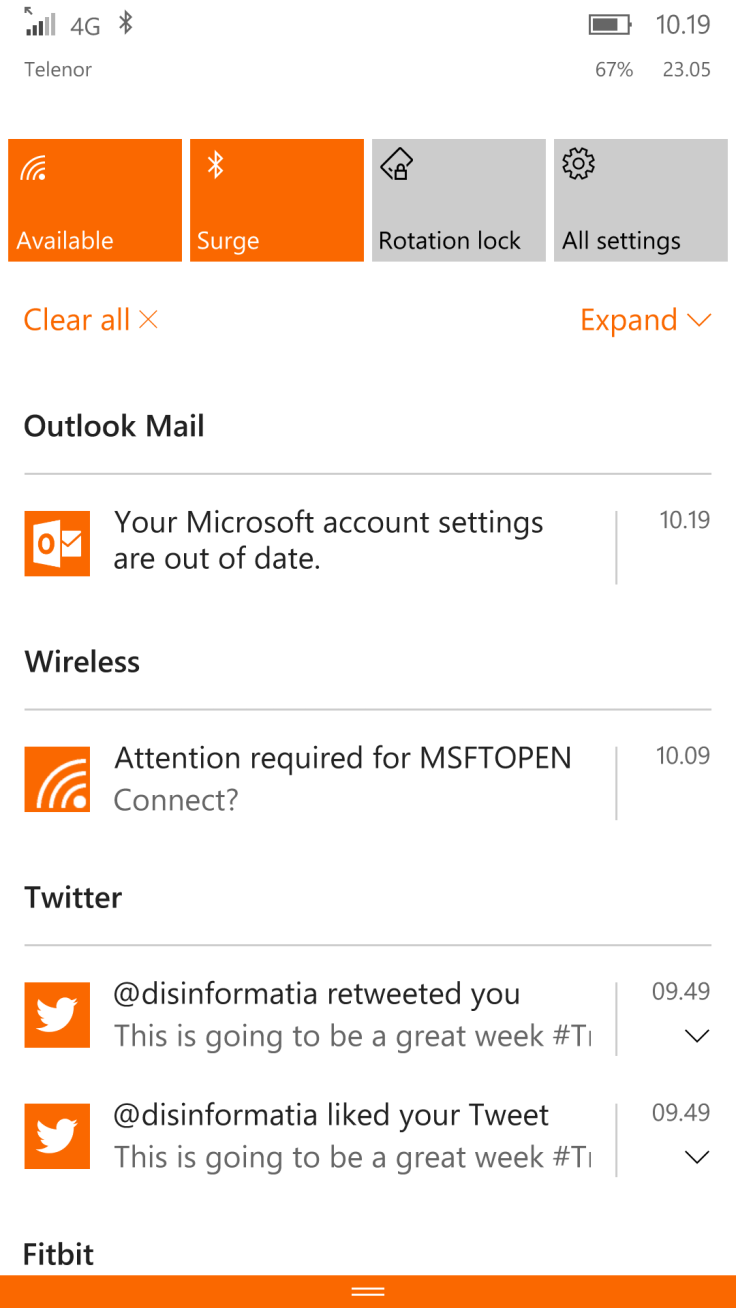
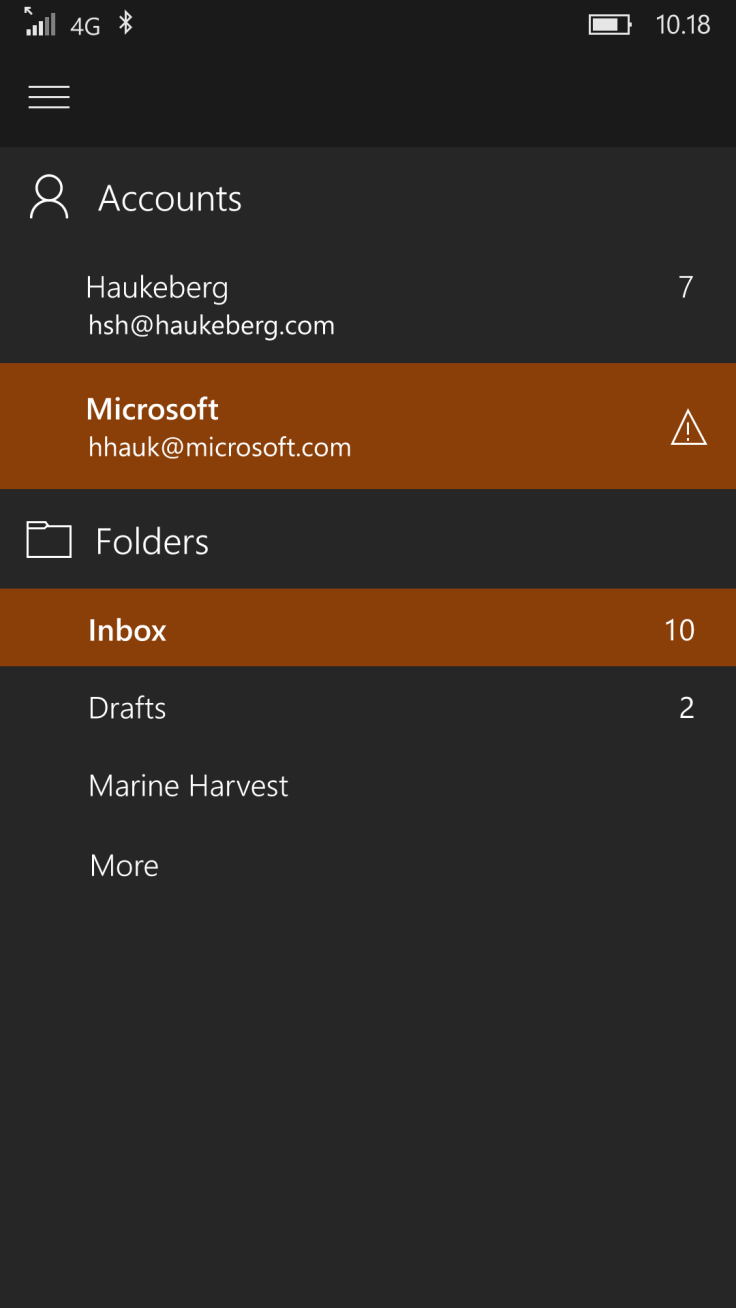
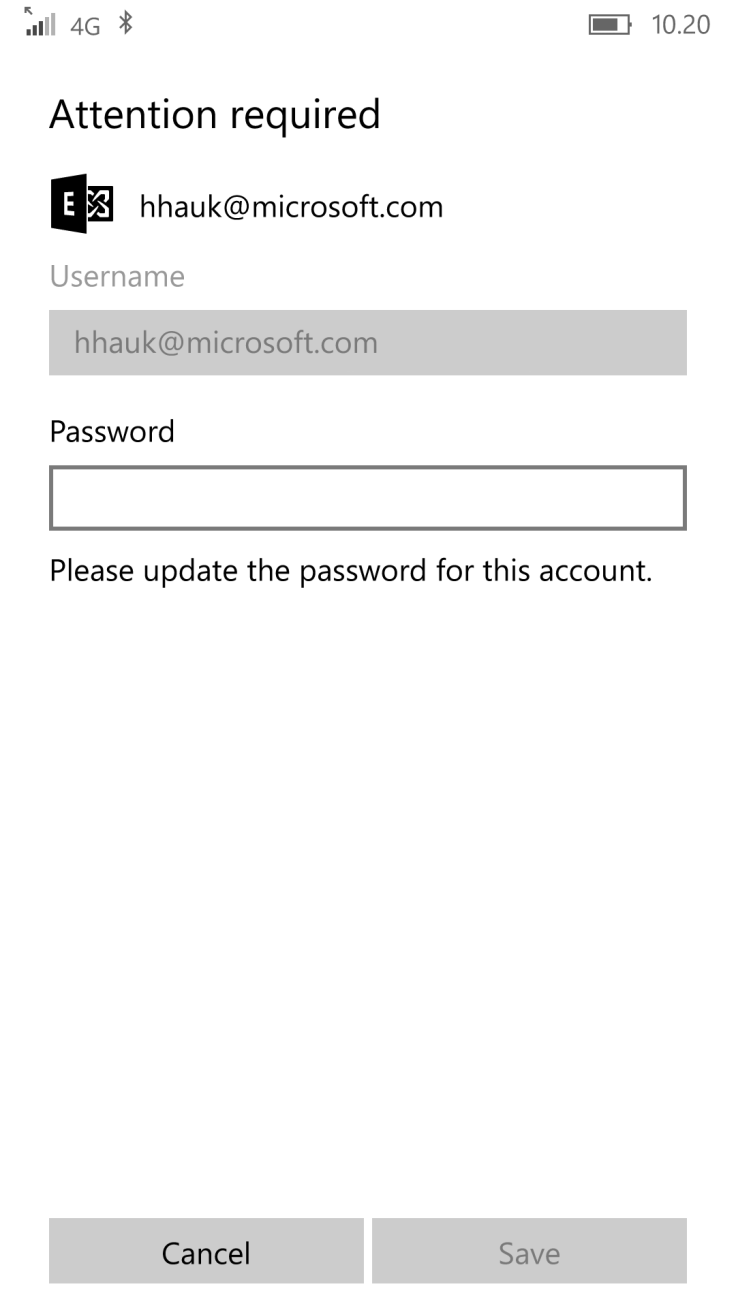
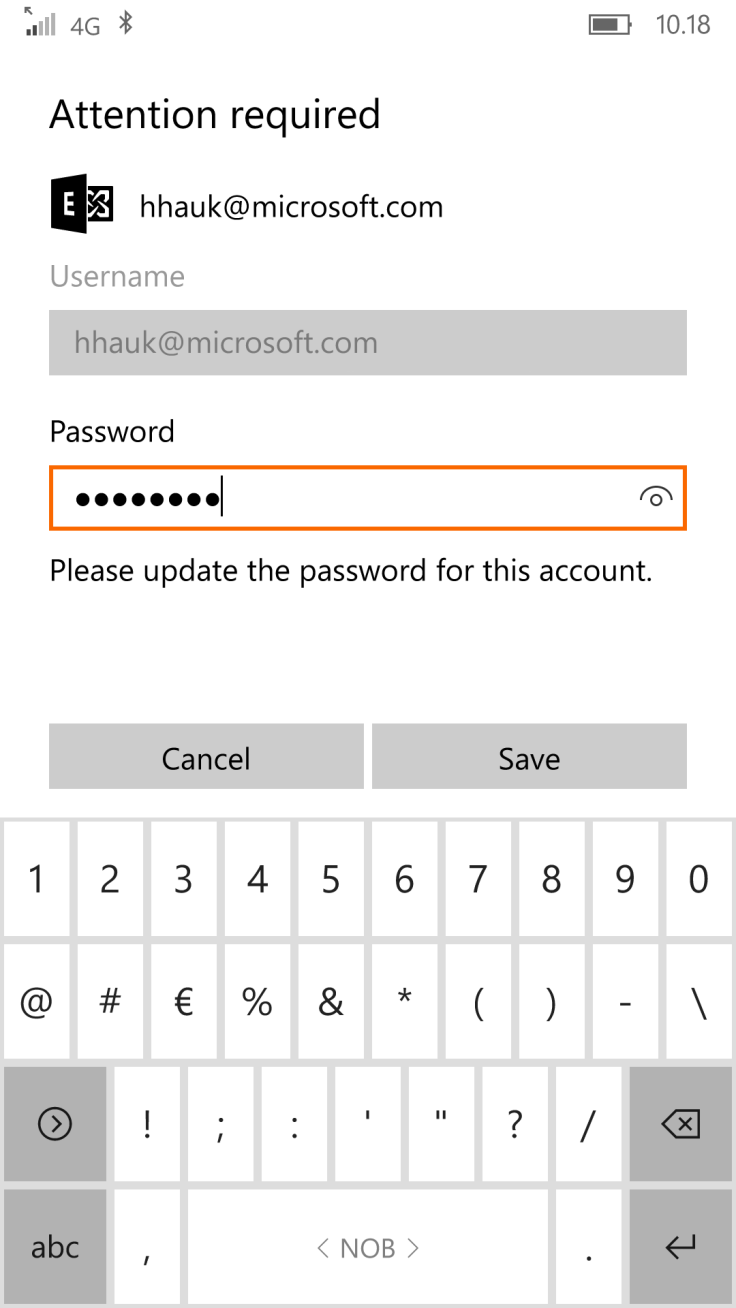
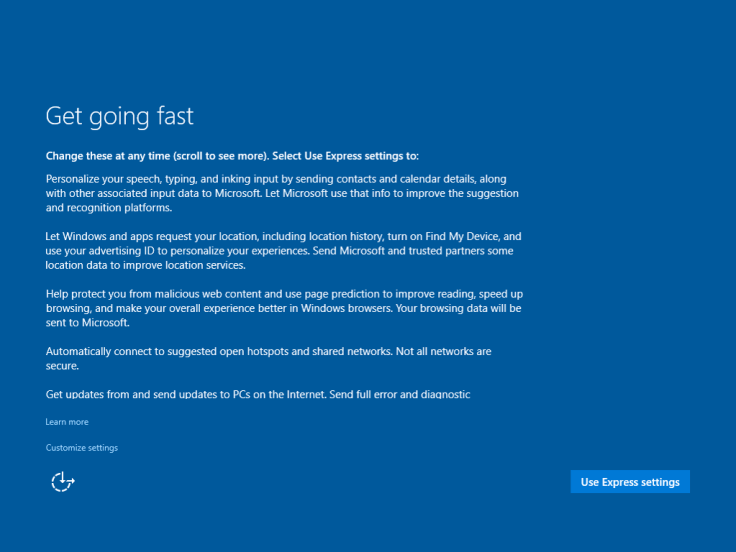
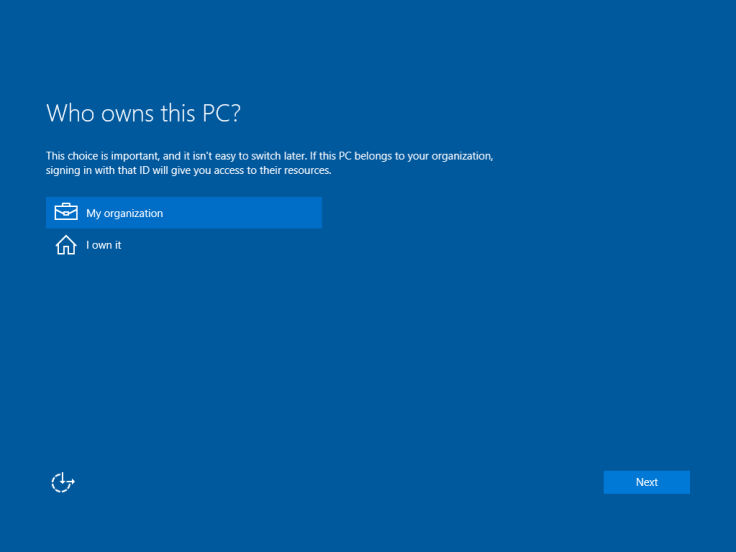
If you enable Azure MFA in Office 365 and try to sync mail using the native Windows 10 Mail client, this is what the user will see:
(Sorry for the Language. Just the buttons and boxes are all the same)
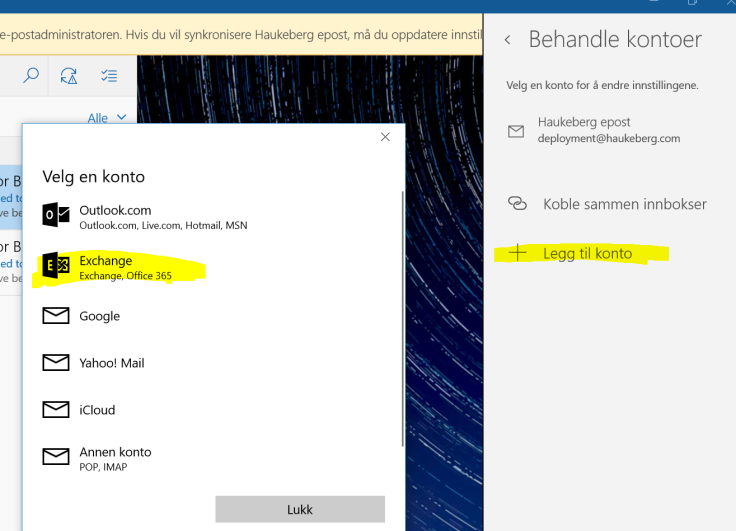
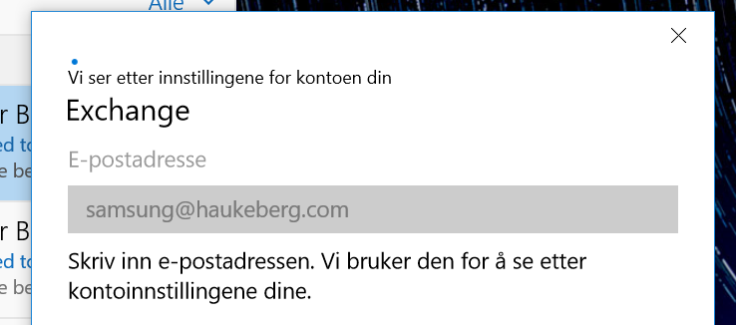
User needs to Select Office 365 for Azure MFAUser needs just now to enter his UPN, it can not be usernameIf it fails here then Autodiscover is broken.Observe that the mail app has pulled Down my Company details including logo and custom textRight now yor phone would ring or you would get a sms/app challengeThats itYour Company Security settings will now be Applied. Usually you get this Box regardless just to tell you that it might tighten securityYou recieve mail. If you do not see mail, mabye the mail is older than a month. Then you need to change the sync settings to enable all mail to sync down
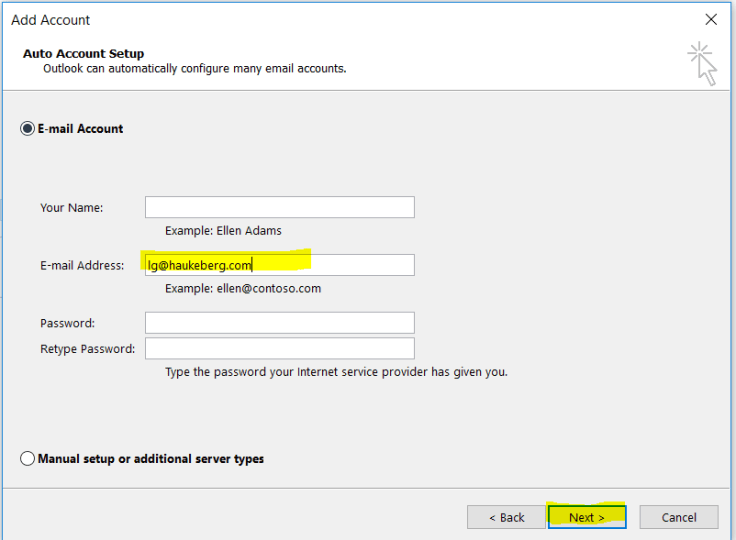
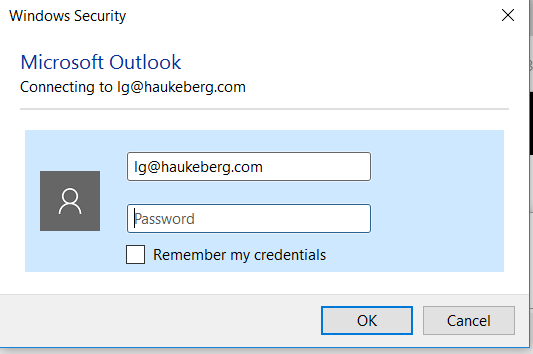
Scenario: You select “ENABLE” on Azure MFA but you do not Enforce. The user has not logged onto Office 365 before and is setting up his Outlook for the first time.
Spoiler warning: Nothing happens, YET.
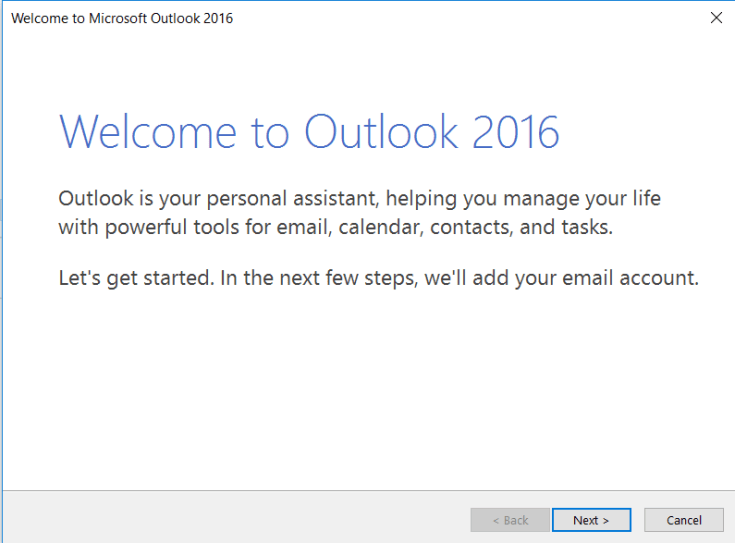
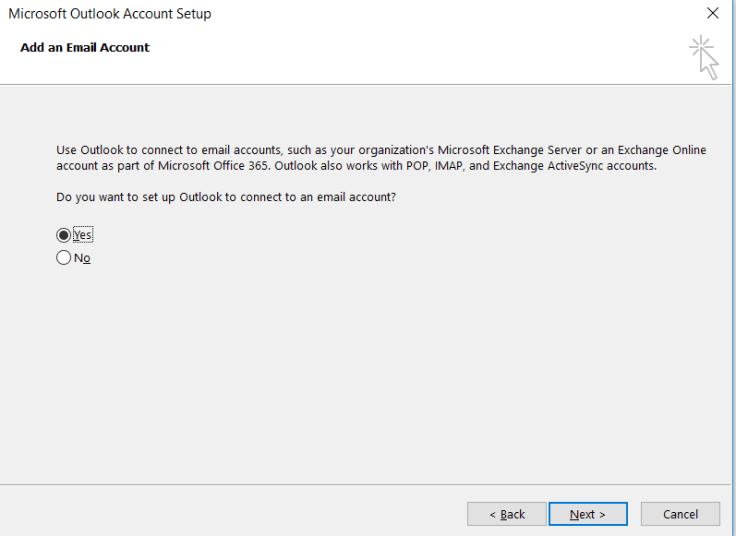
Here is how Outlook 2016 behaves when you activate Azure MFA for your Account.
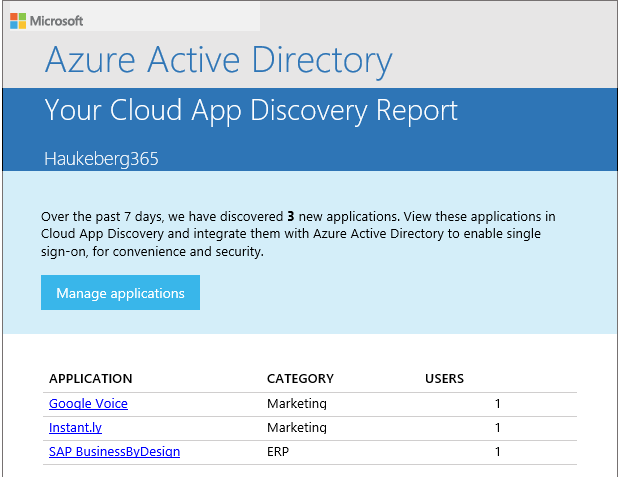
Once you have set up the Cloud App Discovery feature then the service will send admins a weekly report with new apps and a one-button click to start managing them.
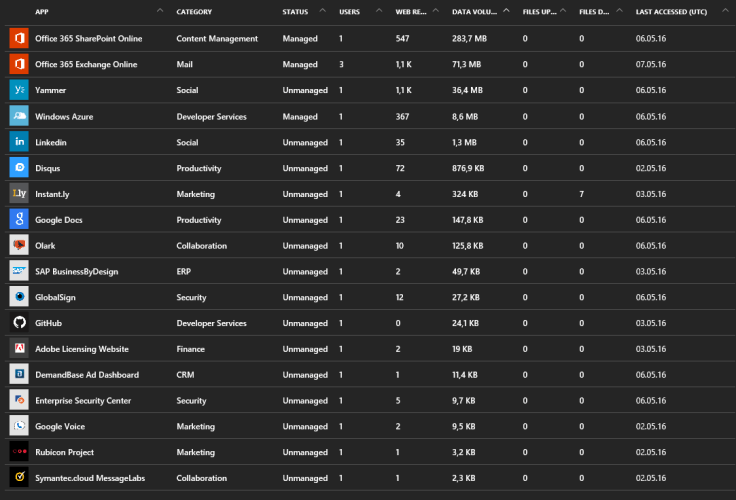
Here is what I used last week:
If you click manage appliation then users may log onto these apps with their Azure AD creds
Hey, are you a municipality, county or another complex organization? Do you have education users and corporate users and want all of them to be in the same Azure AD?
Good news for you. It’s possible!
And I have here Both E3 and Education (E1) for students.
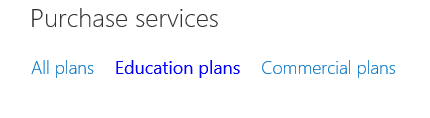
Buy EDU Licenses and The CORP licenses should also be in the same list under “Purchase Services”
You have a CORP tenant that you need EDU licenses on.
Email your License supplier hand have them reach out to your local Microsoft Education Team.
The local MSFT EDU team can tag your tenant as EDU. YOu need to provide them with your tenant name: e.g. MYTENANT.onmicrosoft.com
Wait 48 hours after the MSFT EDU team has submitted the request.
Here is proof that it works:
I can select between EDU and CORP plans
Limitations,risks and warnings.
Risks include students having access to the entire GAL
Do a GAL segregation please.
Volume License plans – it has not been tested and no one knows how exactly it will pan out with the agreement you have. So be warned the deployment of licenses may take a LOOOOOOONG time.
You do this at your own risk at the moment and there is no guarantee it will work in the end either.
This scenario works fine when you buy licenses in the portal (MOSP) shown. The problems arrive when you use a partner which sells you licenses. And that applies for most of you.
In Azure AD you have this service called Cloud App Discover. It consist of an agent you install on a local machine and a web service which polls the data and visualizes it.
Take a look at this:
Azure Cloud App Discovery Report
This service is a great way to discover what your employees/users/students/family really uses and how much they use it. e.g. You have bought Google apps, but your users use OneDrive or Box.
I did not know I even used all these services. And best of all you can manage them with Azure AD which means you can use your Office 365 credentials to logon to these services.
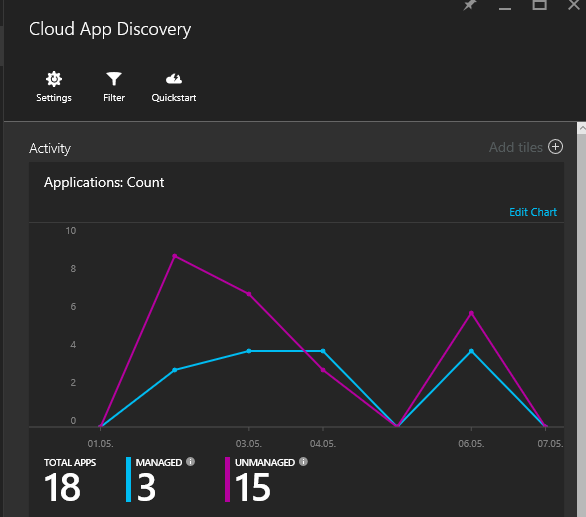
Here are the aggregated results for all agents and all users. Click on the numbers to access the data.
Here is how you set up cloud discovery on a local machine:
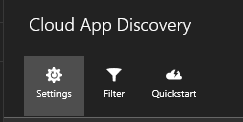
Click SettingsClick Manage AgentClick “Download”You get a ZIP package with a CERT file. Click the MSI file.
Remember that if you want to distribute this application you need to include the CERT file as well.
So, waking up to leaked credentials can be frustrating. Probably since you do not know how exactly they got leaked. Fortunatly Azure AD have some sugestions on what to do.
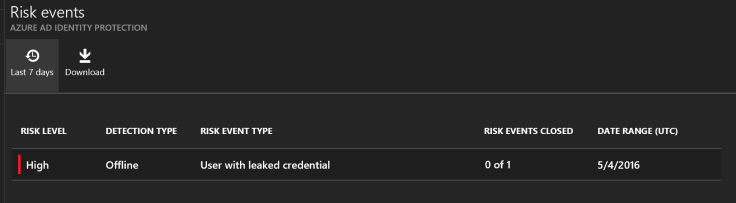
This is what it looks like in Azure Identity Protection and how you mitigate the impact:
A very high risk, click the risk to see what it is.
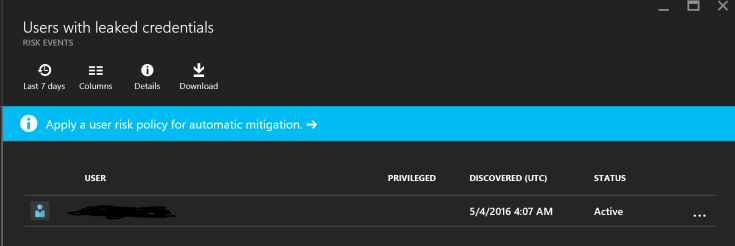
Here you see what it was all about, click on the event to se which user
here you see the user. click on the user to get actions on what to do
Here is what yo can do
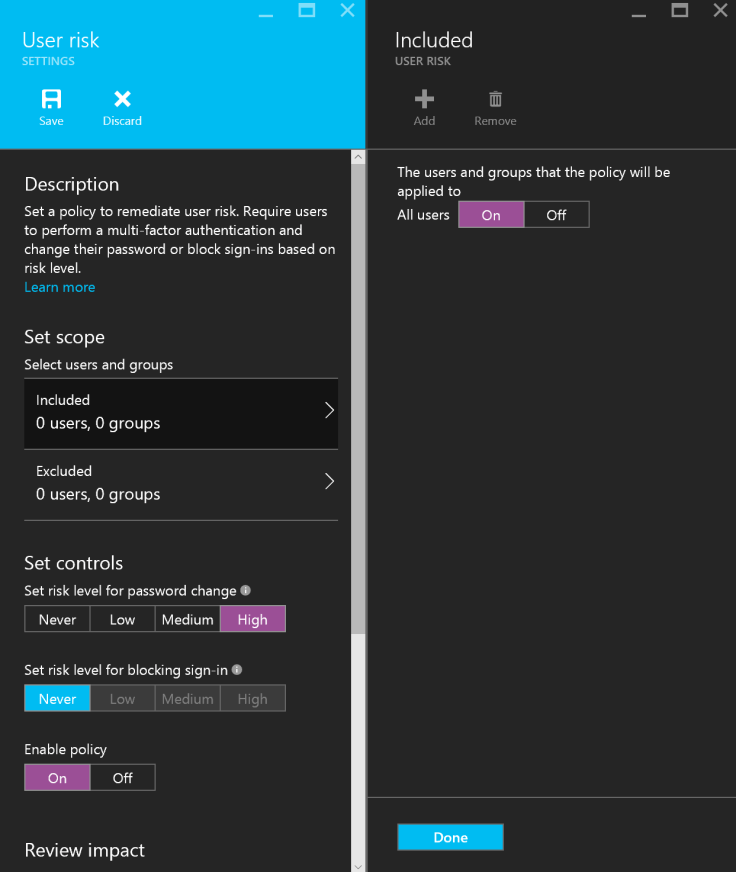
Here is what I did to mitigate the event.
I simply requested the user for a password change. Keep in mind that the malware that did this might have stolen all other passwords as well. It might also be active on the target device, så MFA might be something you should consider.
Also have the user change passwords on all other services he uses!















 Håvard Siegel Haukeberg
You must be logged in to post a comment.