
So, waking up to leaked credentials can be frustrating. Probably since you do not know how exactly they got leaked. Fortunatly Azure AD have some sugestions on what to do.
Read more about leaked credentials here:
This is what it looks like in Azure Identity Protection and how you mitigate the impact:

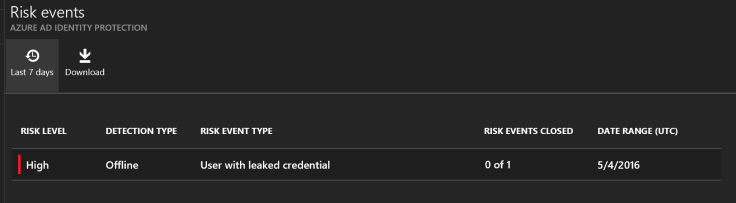
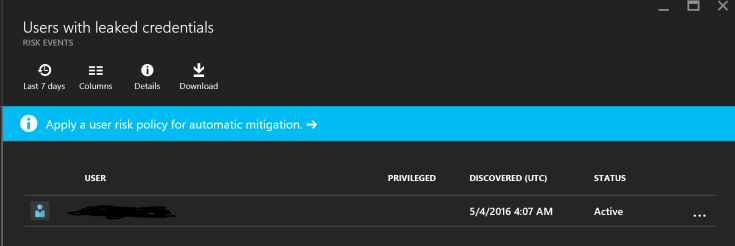

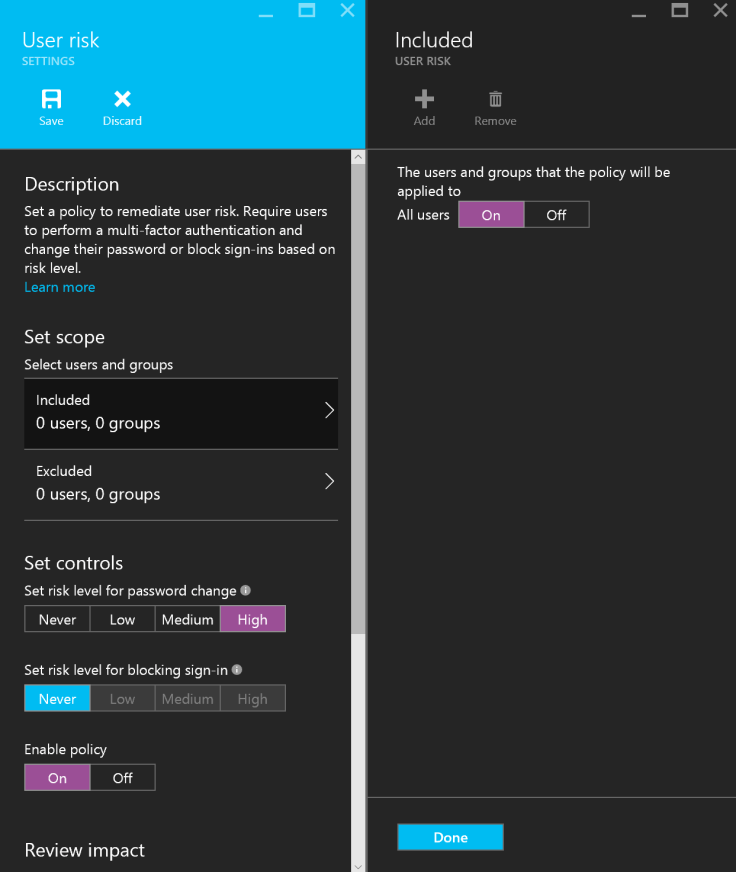
I simply requested the user for a password change. Keep in mind that the malware that did this might have stolen all other passwords as well. It might also be active on the target device, så MFA might be something you should consider.
Also have the user change passwords on all other services he uses!
And, have him wipe his device!
 Håvard Siegel Haukeberg
You must be logged in to post a comment.