This is how you both join Azure AD and enroll for MDM. Your admin need to have configured Automatic MDM enrollment into intune over at http://manage.windowsazure.com for this to work.
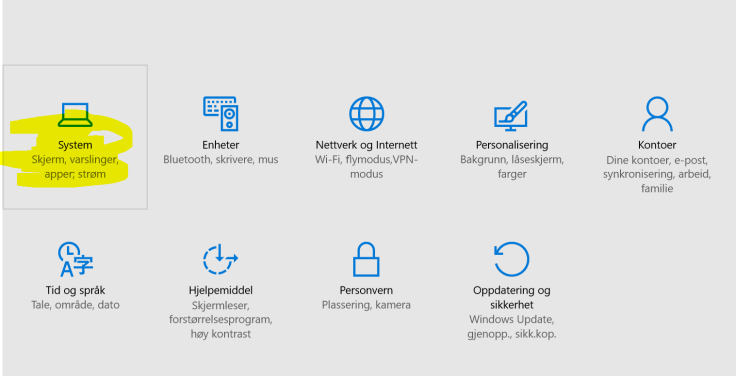
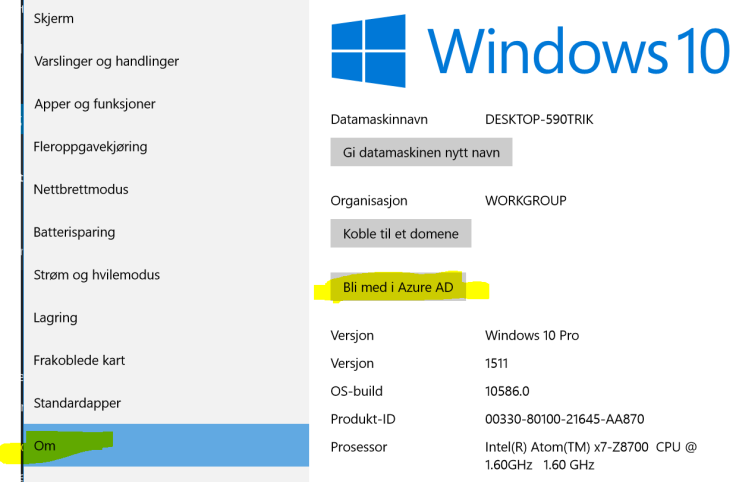
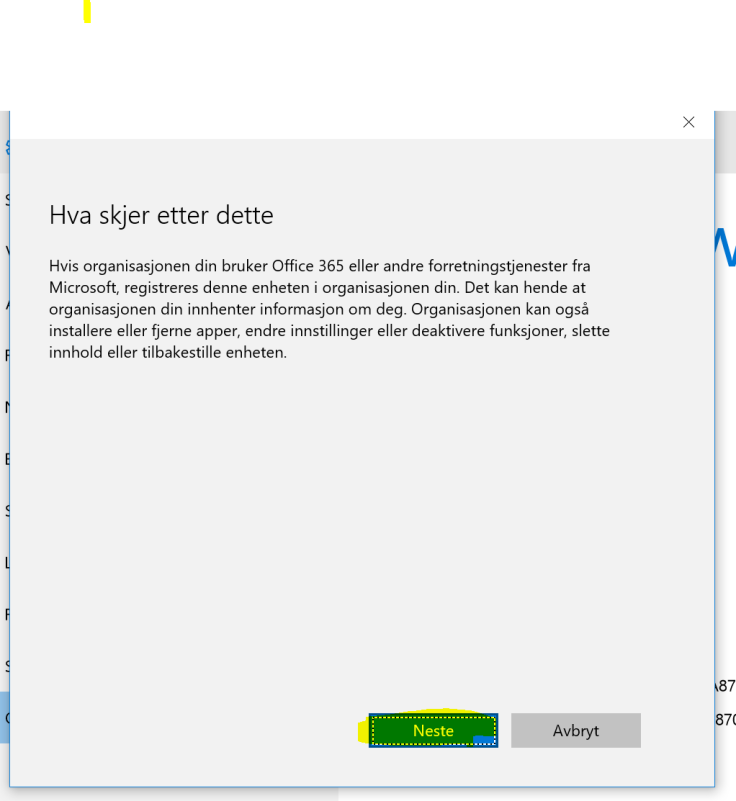
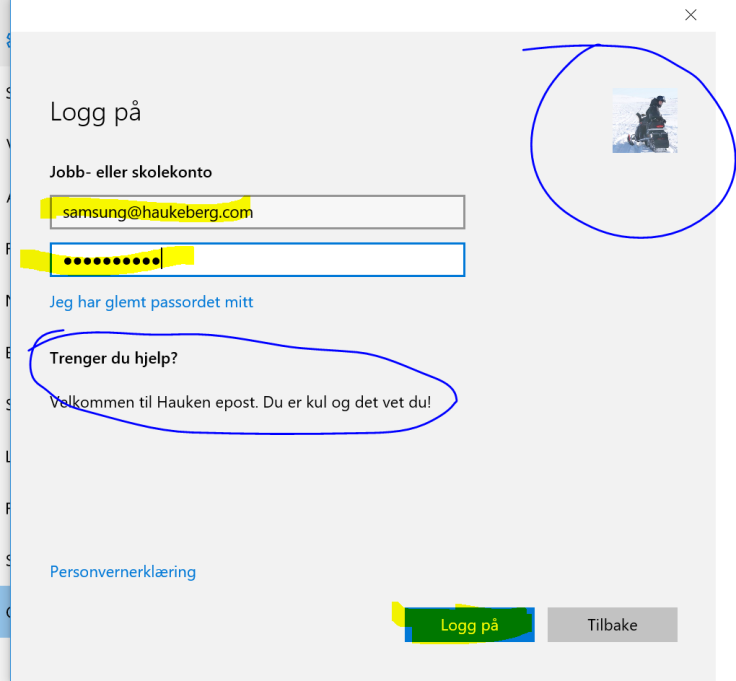
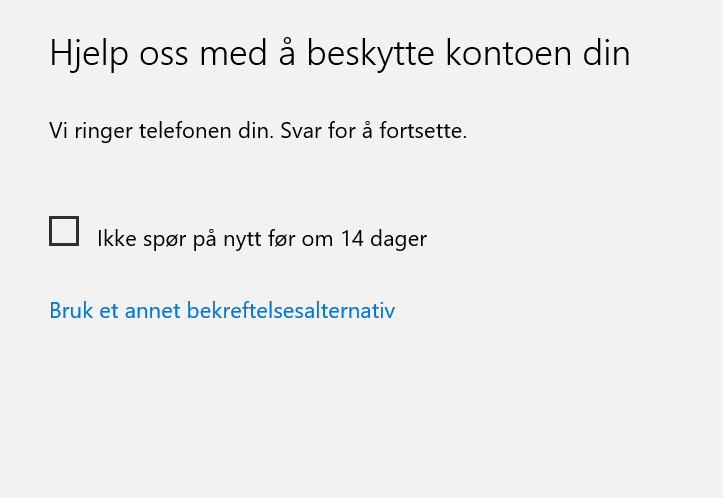
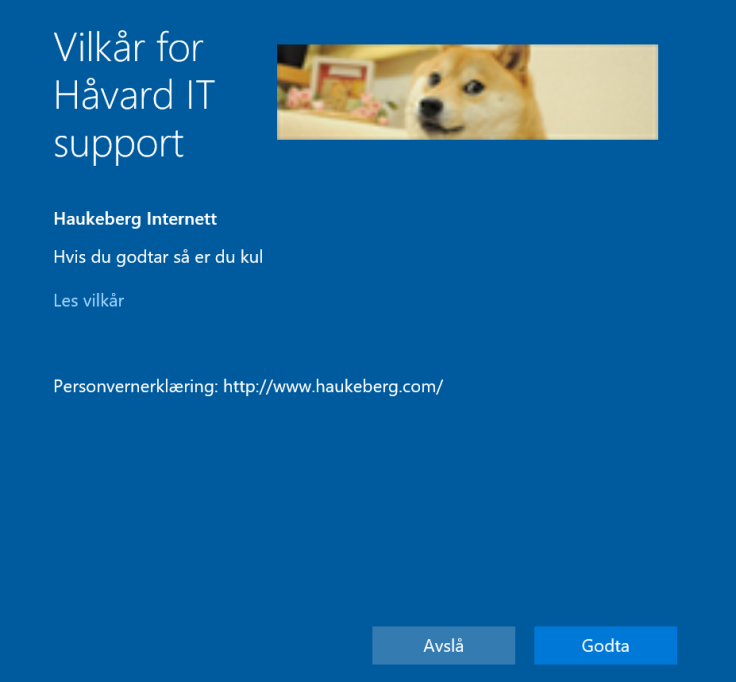
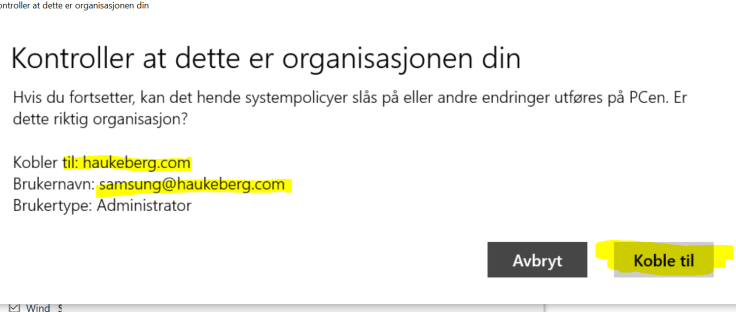
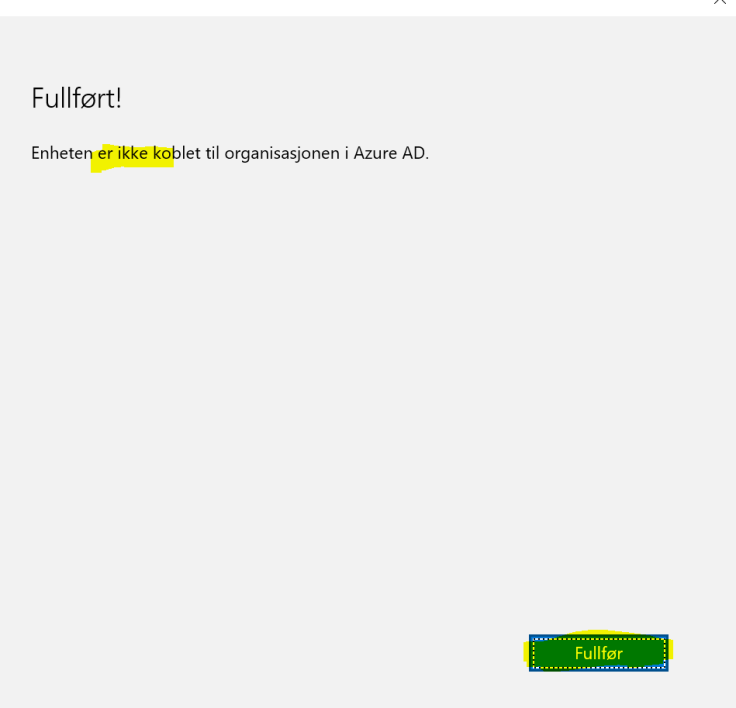

This is how you both join Azure AD and enroll for MDM. Your admin need to have configured Automatic MDM enrollment into intune over at http://manage.windowsazure.com for this to work.
If Your Company has enabled Conditional Access you have to enroll your device. This is how you enroll your device with Microsoft Intune on Windows 10.
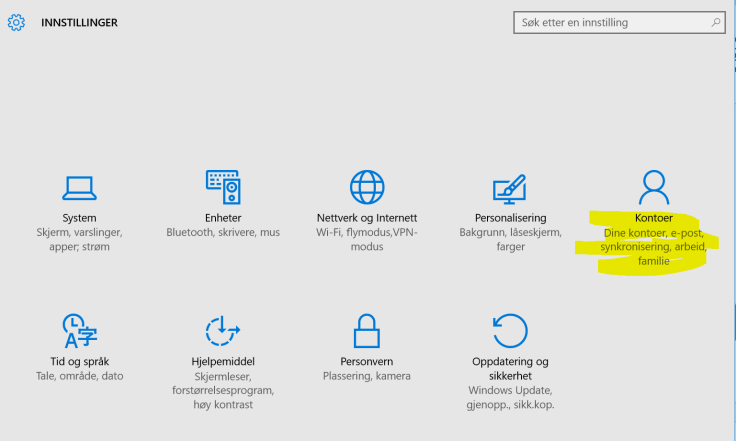


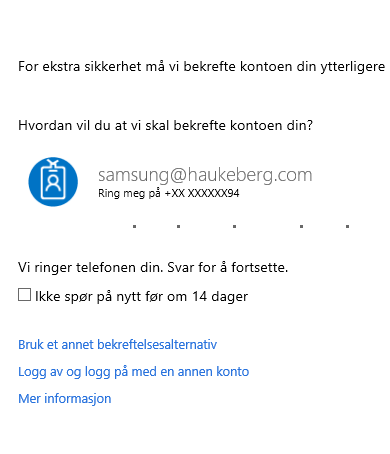


If you enable conditional Access in Intune then Your devices will have to be enrolled with Intune in order to read mail. If they are not enrolled or otherwise compliant they will be blocked.
-You can relax these demands as you see fit, but that would kinda defeat its purpose.

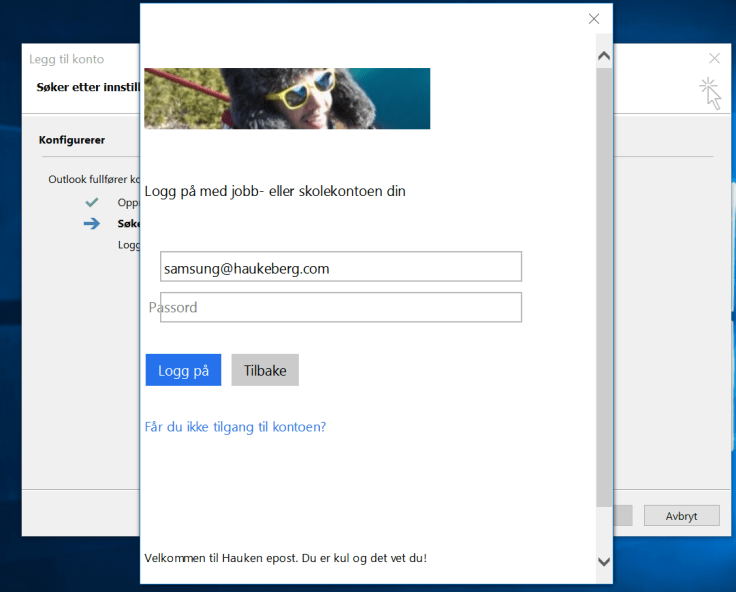

This user will not be allowed to Complete the mail setup.
Note that you have to enable ADAL on Exchange Online and use Outlook 2013-2016 With ADAL in order for this to work. Click here to se how to set up Exchange Online with ADAL
How to enroll Your Windows 10 Machine in Intune to get back mail?
Click here for the MDM enrollment instructions without Azure AD join.
or here

If you have Outlook 2016 or Outlook 2013 and want to use Azure MFA but you do not want to use Application Passwords there are one thing you need to do.
ADAL for Exchange Online is Off by default turn it on here: How to turn on ADAL for Exchange Online
Set-ExecutionPolicy RemoteSigned
$UserCredential = Get-Credential
$Session = New-PSSession -ConfigurationName Microsoft.Exchange -ConnectionUri https://outlook.office365.com/powershell-liveid/ -Credential
$UserCredential -Authentication Basic -AllowRedirection
Import-PSSession $Session
Get-OrganizationConfig | fl *Oauth*
Set-OrganizationConfig -OAuth2ClientProfileEnabled:$true
Remove-PSSession $Session
Click here to see: This is how Outlook Click to Run behaves with Azure MFA turned on
When you click enforce Azure MFA your users will not be able to Connect to Office 365 With Clients that does not support modern auth.
When they set up Outlook they will see this screen and be stuck there:
When you have enabled MFA on your Exchange Online Tenant this is what will happen:
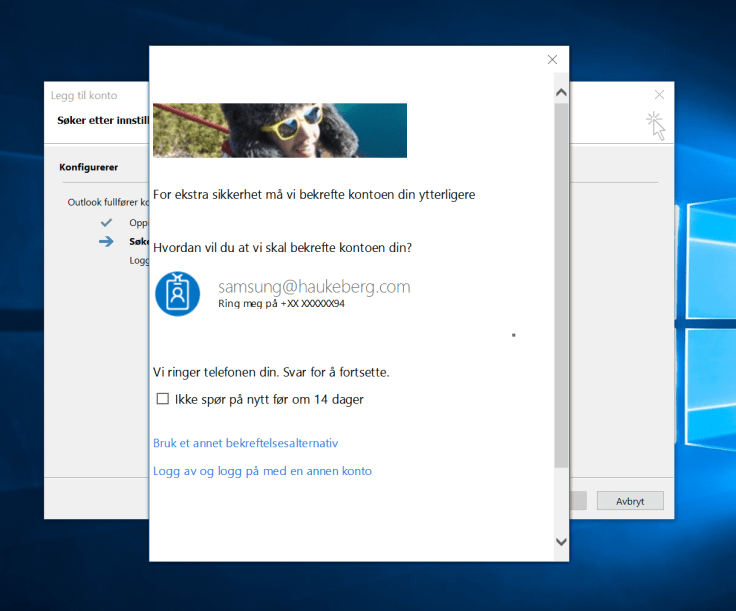
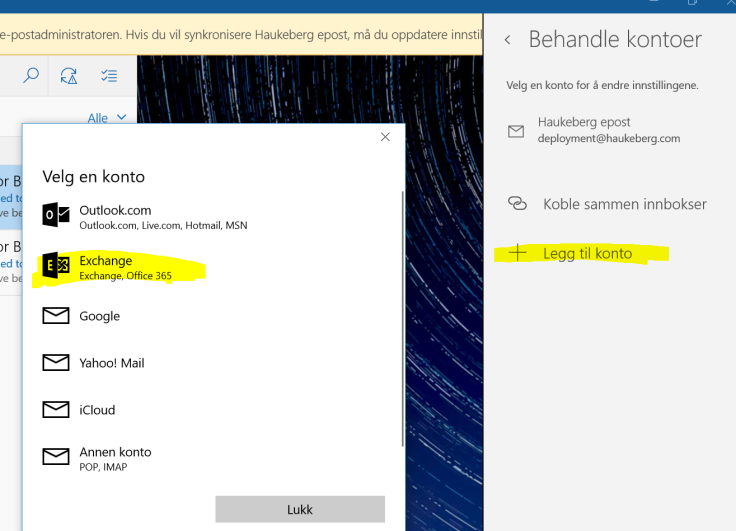
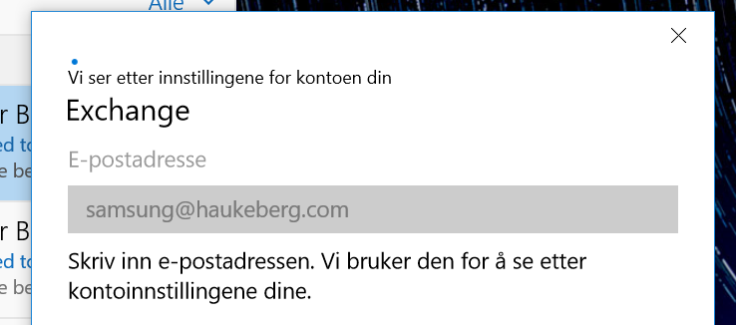
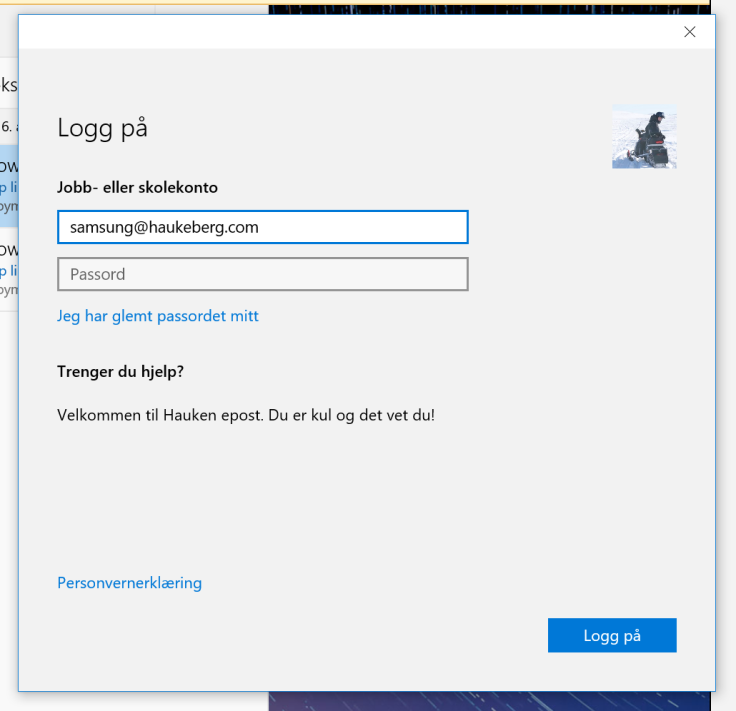
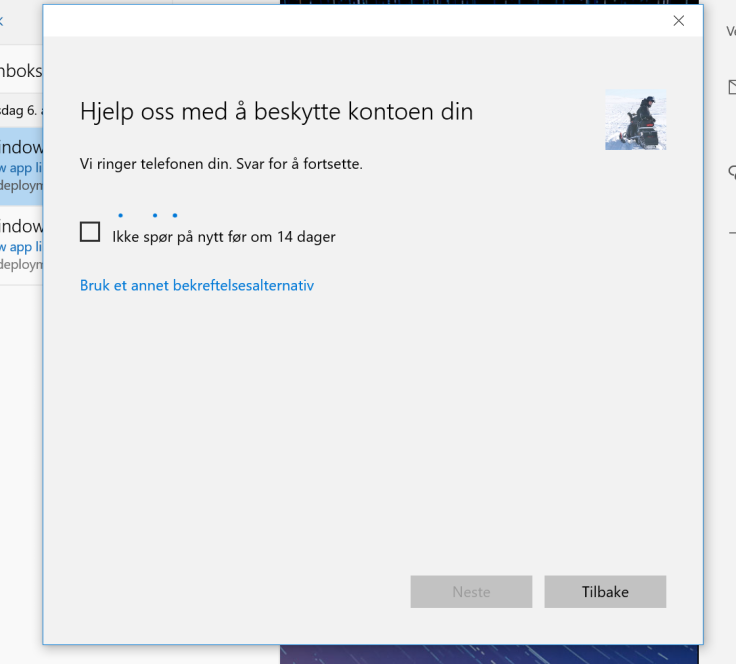
If you enable Azure MFA in Office 365 and try to sync mail using the native Windows 10 Mail client, this is what the user will see:
(Sorry for the Language. Just the buttons and boxes are all the same)

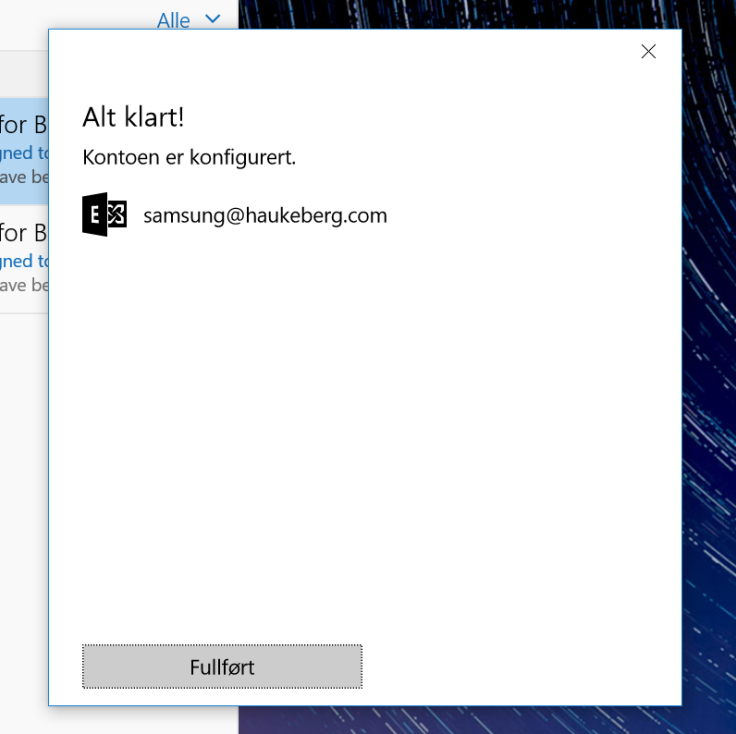
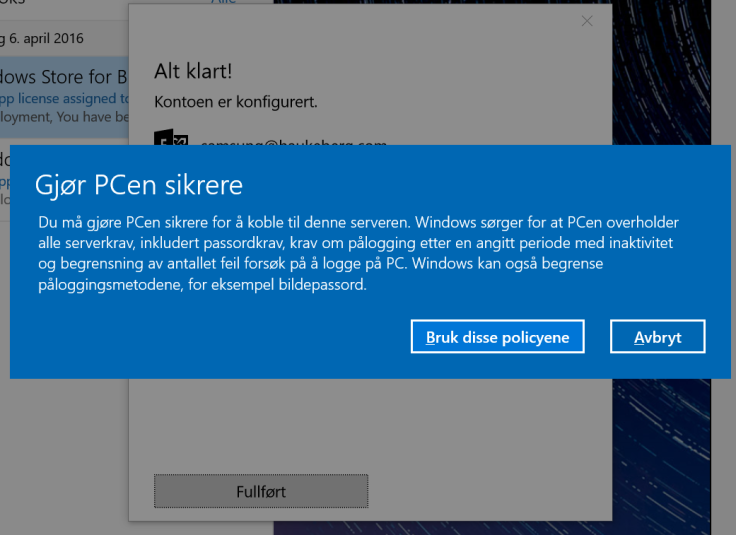
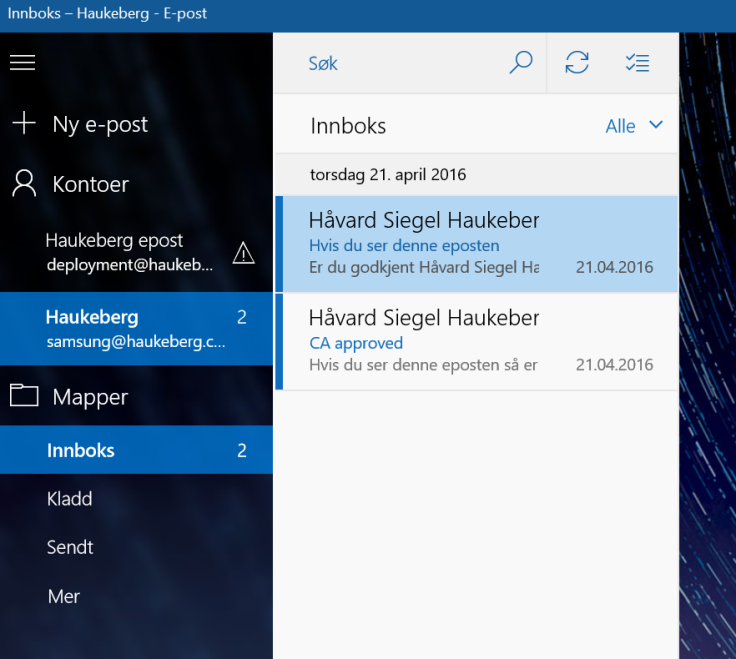
What happens on your Windows Phone when you reset your Azure AD Password?
This happens on Windows Phone 10 Outlook:
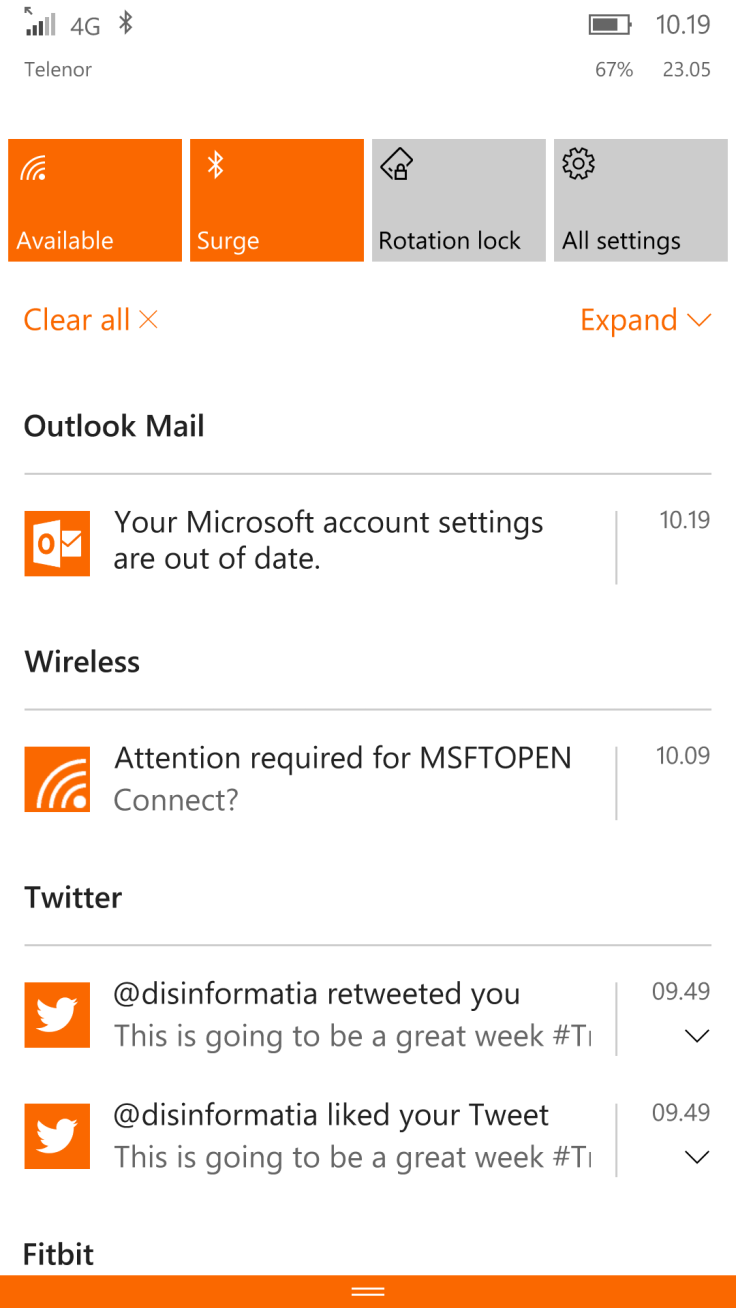
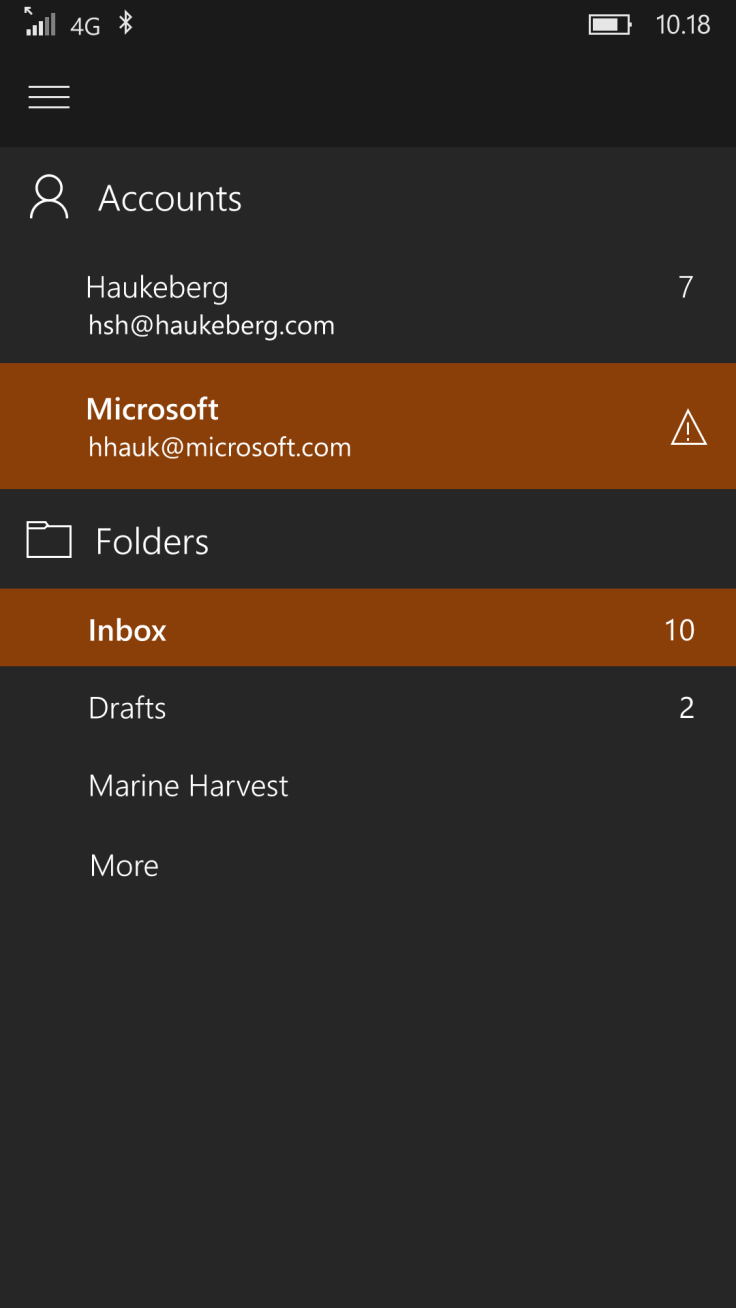
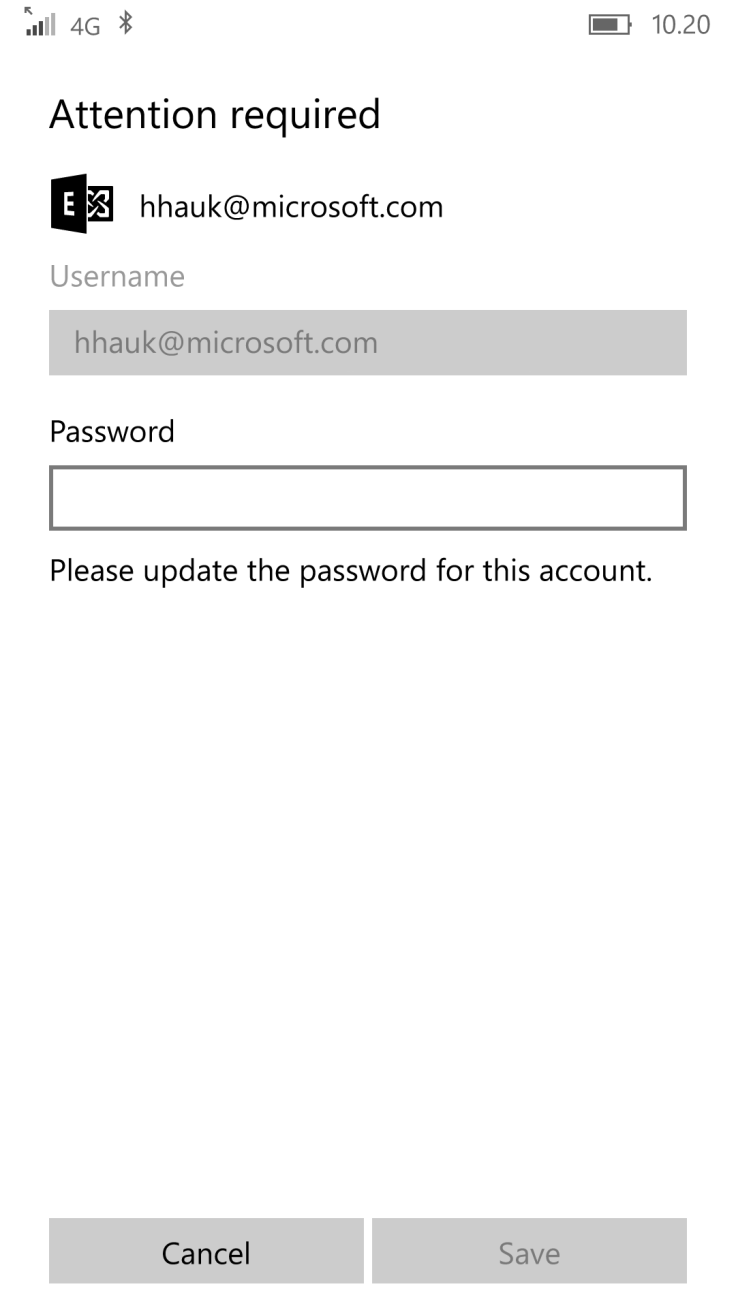
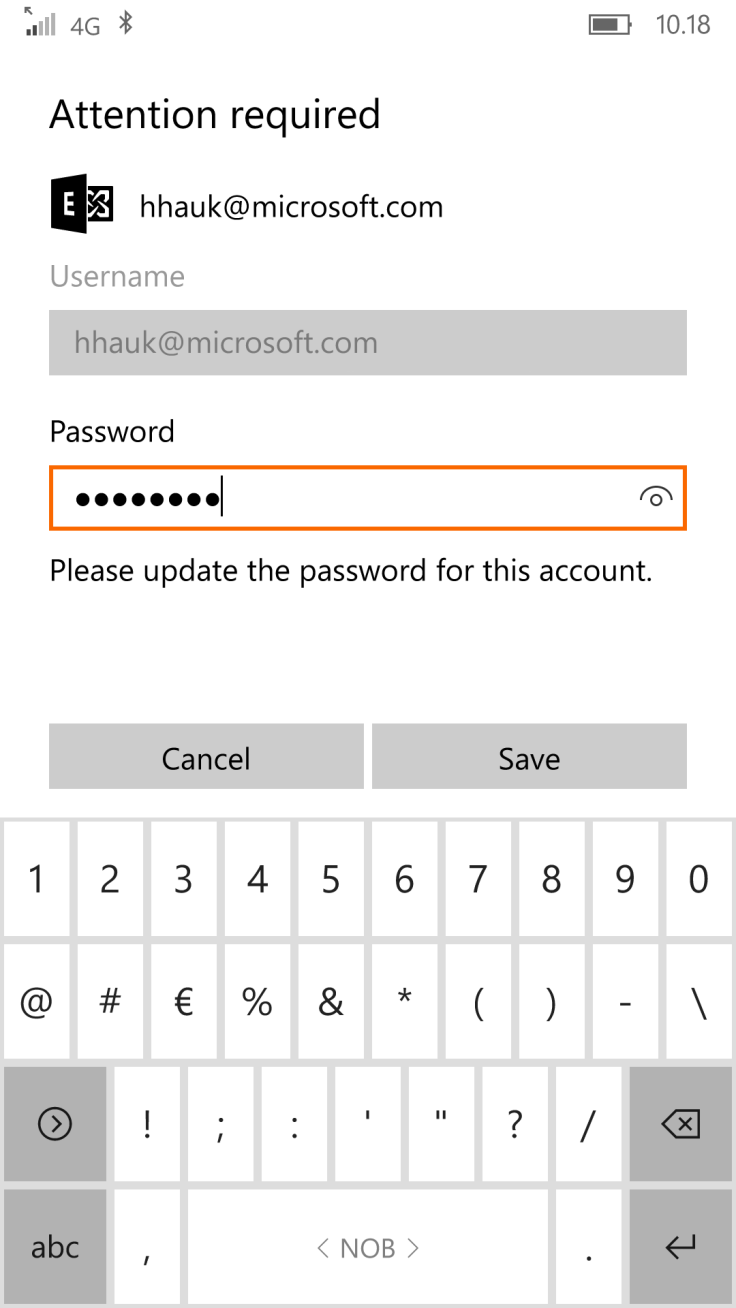
Spoiler warning: Nothing happens, YET.
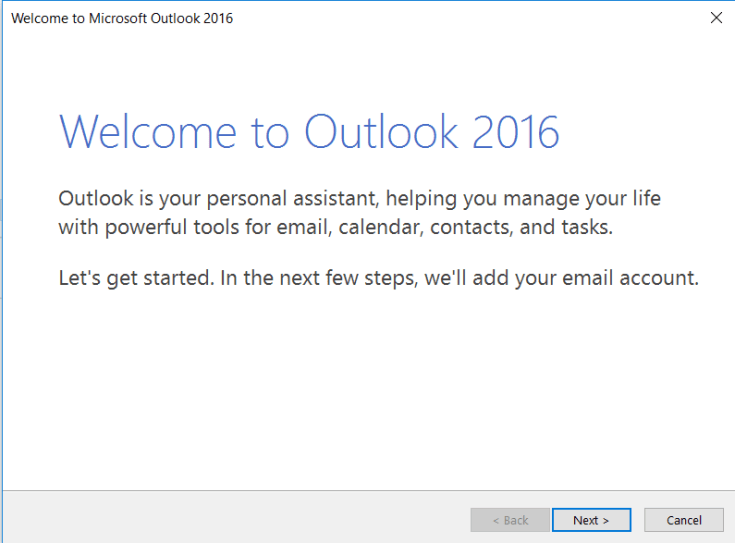
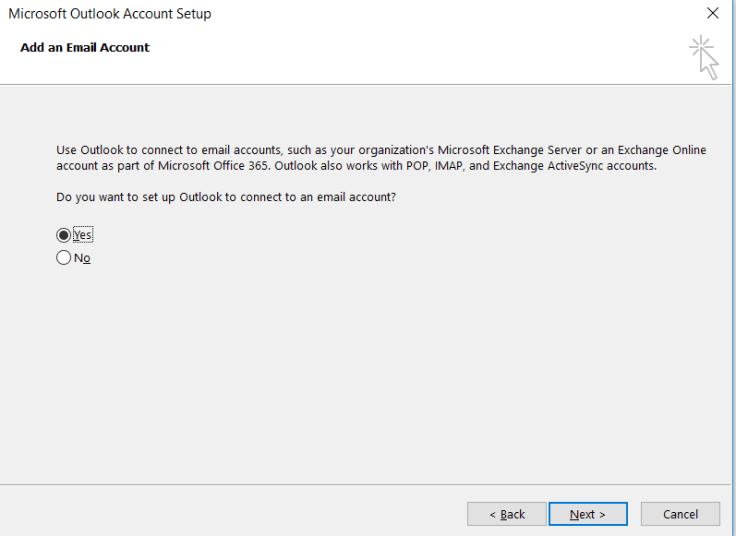
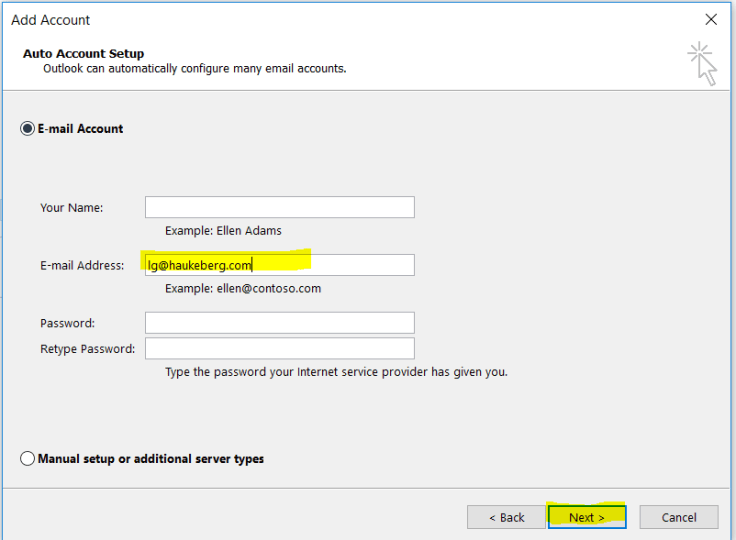
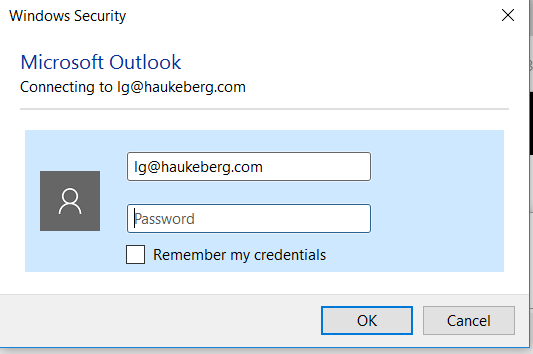
Here is how Outlook 2016 behaves when you activate Azure MFA for your Account.



If you are setting up a new machine and you have Office 365, Azure AD, Intune or CRM why not Azure AD join it and get all the benefits!?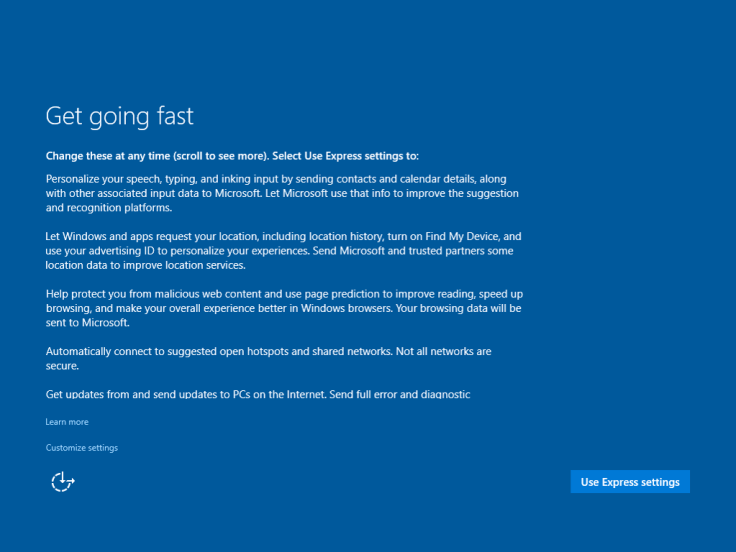

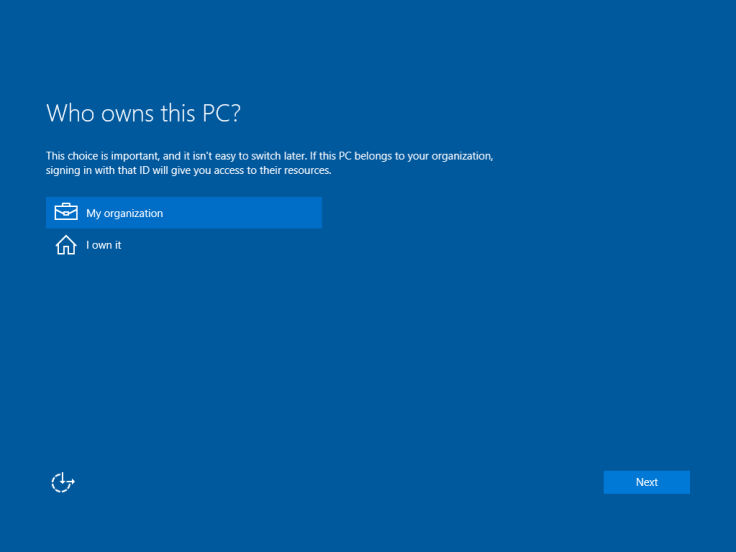
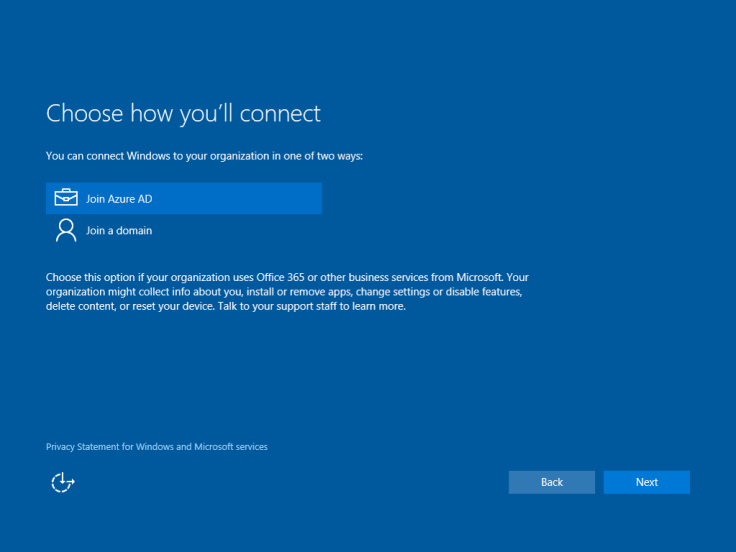
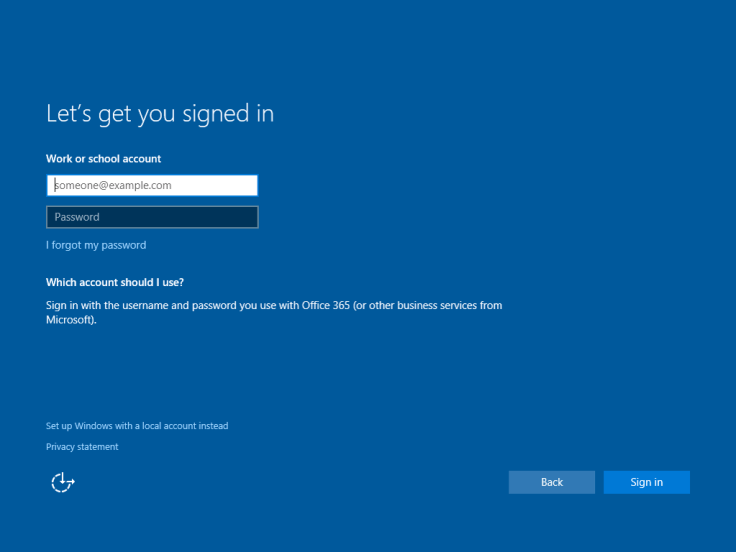


Here is the whole thing in a Sway:
 Håvard Siegel Haukeberg
You must be logged in to post a comment.