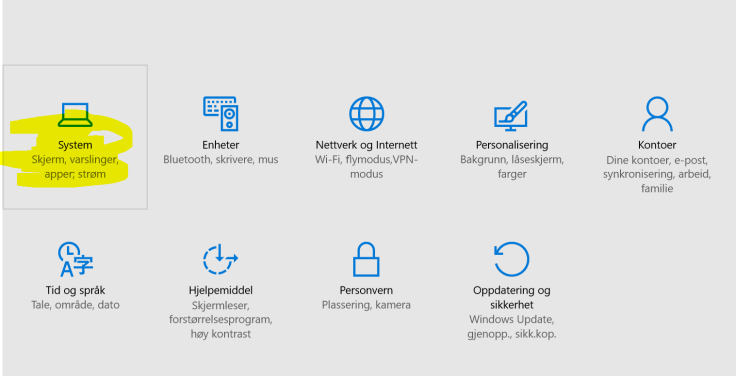
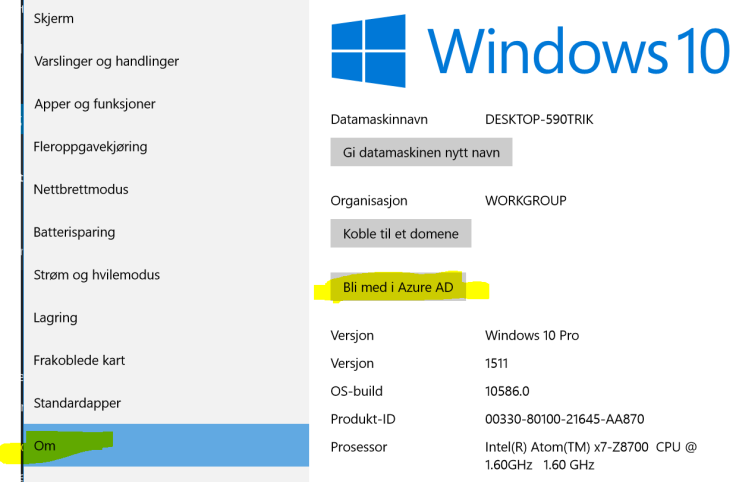
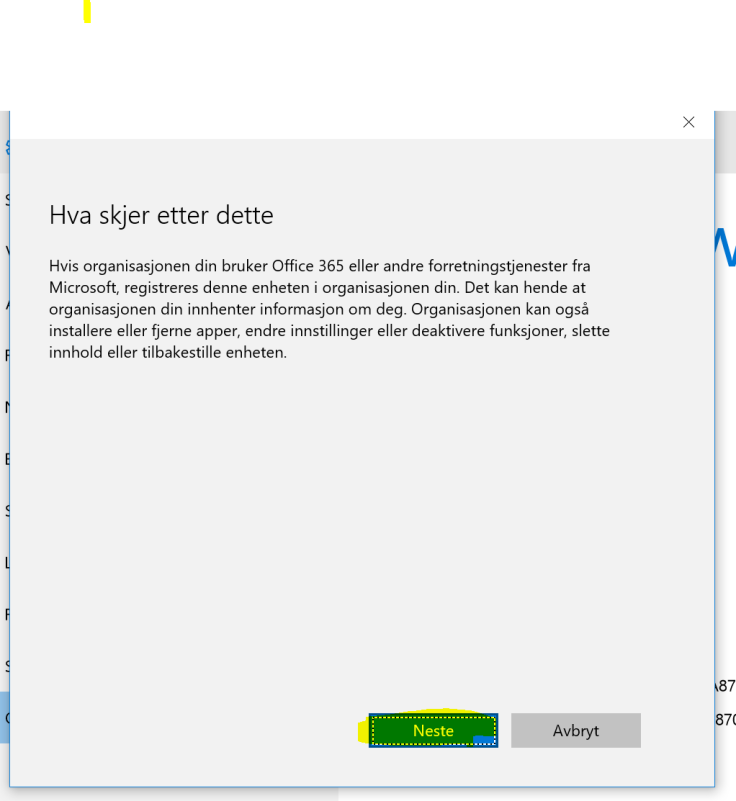
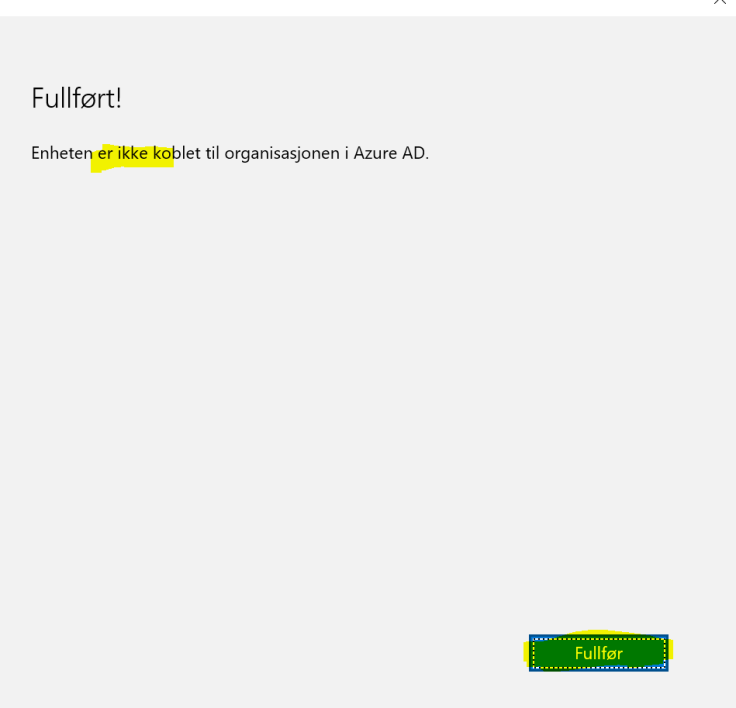
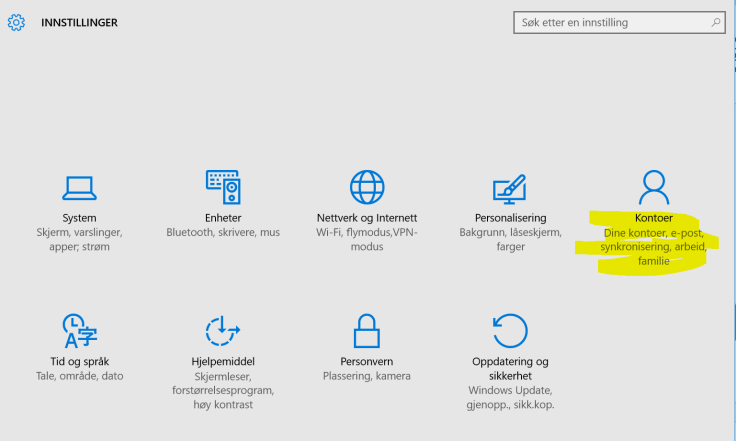
This is how you both join Azure AD and enroll for MDM. Your admin need to have configured Automatic MDM enrollment into intune over at http://manage.windowsazure.com for this to work.
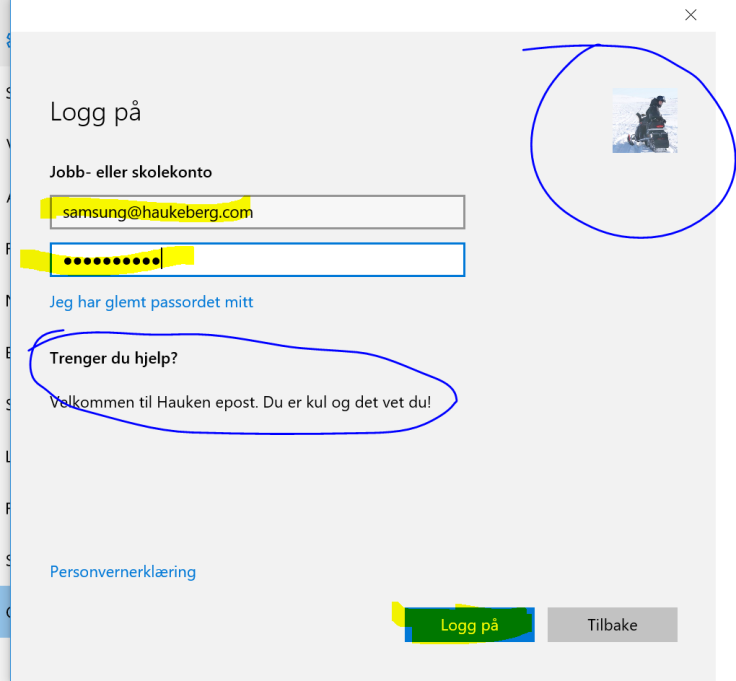
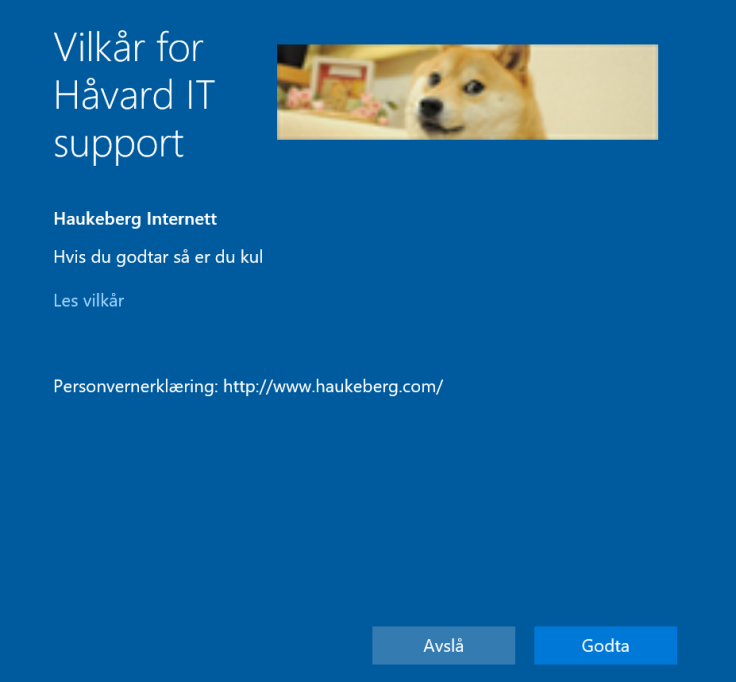
Disclamer from WindowsNote how my icon and text have been pulled Down from Office 365Azure MFA gatewayCustomizable Policy template for Your org
If you enable conditional Access in Intune then Your devices will have to be enrolled with Intune in order to read mail. If they are not enrolled or otherwise compliant they will be blocked.
-You can relax these demands as you see fit, but that would kinda defeat its purpose.
This is how Outlook behaves
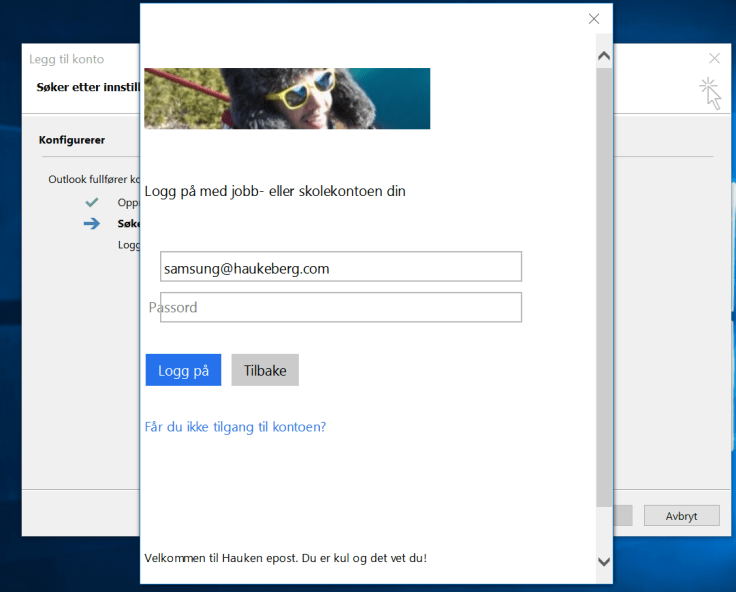
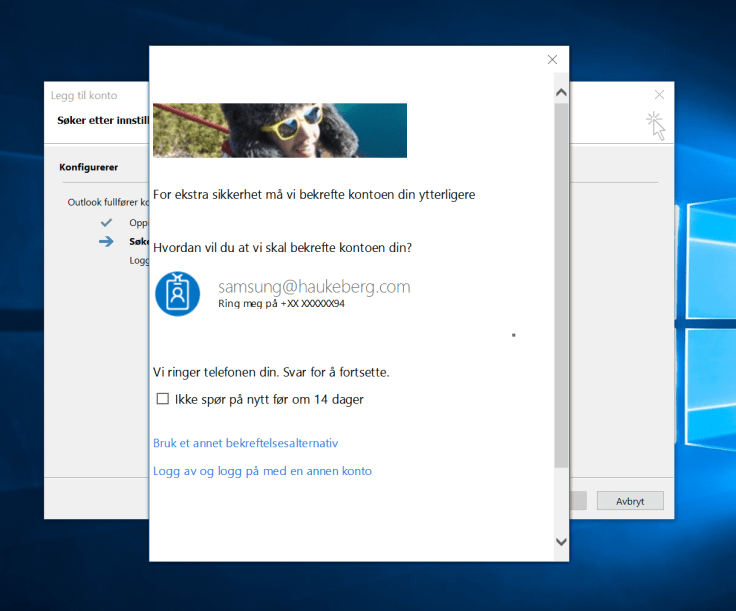
Add Your account as usualModern Auth PromptConditional Access checkpoint
This user will not be allowed to Complete the mail setup.
Note that you have to enable ADAL on Exchange Online and use Outlook 2013-2016 With ADAL in order for this to work. Click here to se how to set up Exchange Online with ADAL
How to enroll Your Windows 10 Machine in Intune to get back mail?
If you have Outlook 2016 or Outlook 2013 and want to use Azure MFA but you do not want to use Application Passwords there are one thing you need to do.
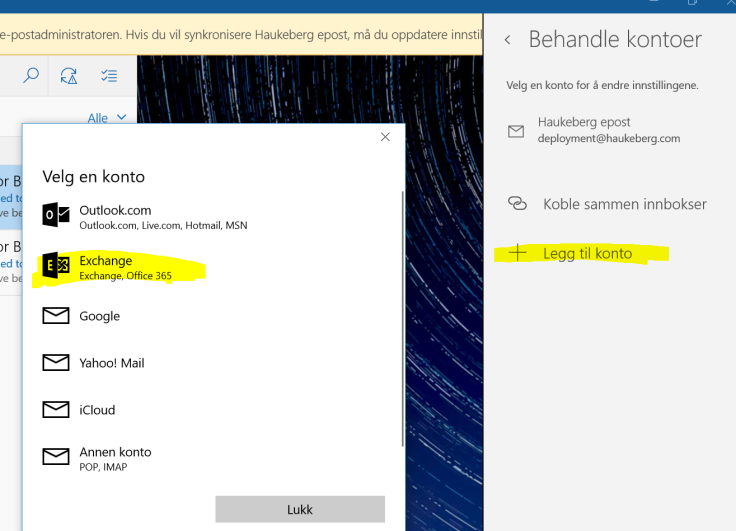
If you enable Azure MFA in Office 365 and try to sync mail using the native Windows 10 Mail client, this is what the user will see:
(Sorry for the Language. Just the buttons and boxes are all the same)
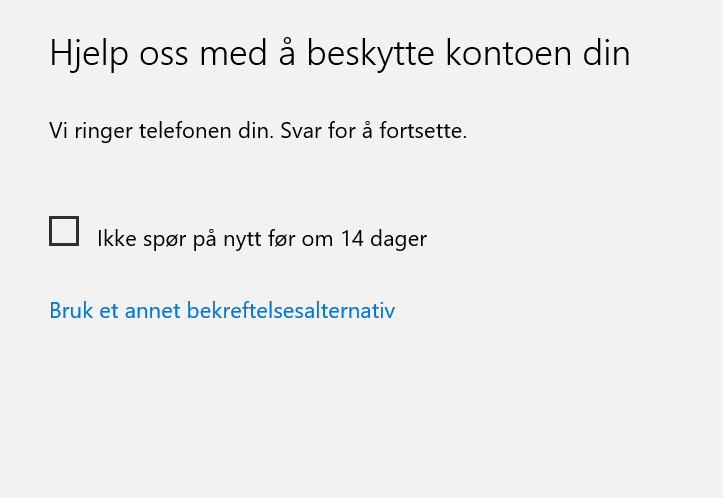
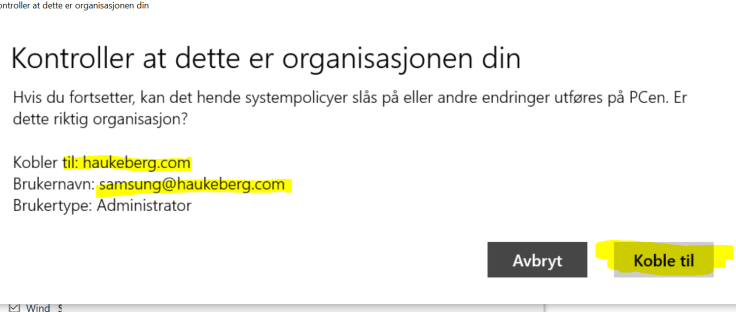
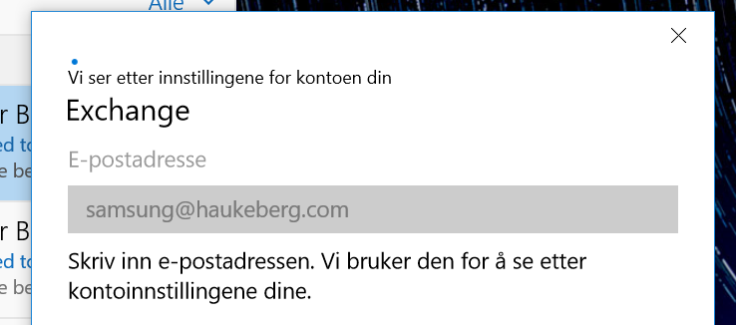
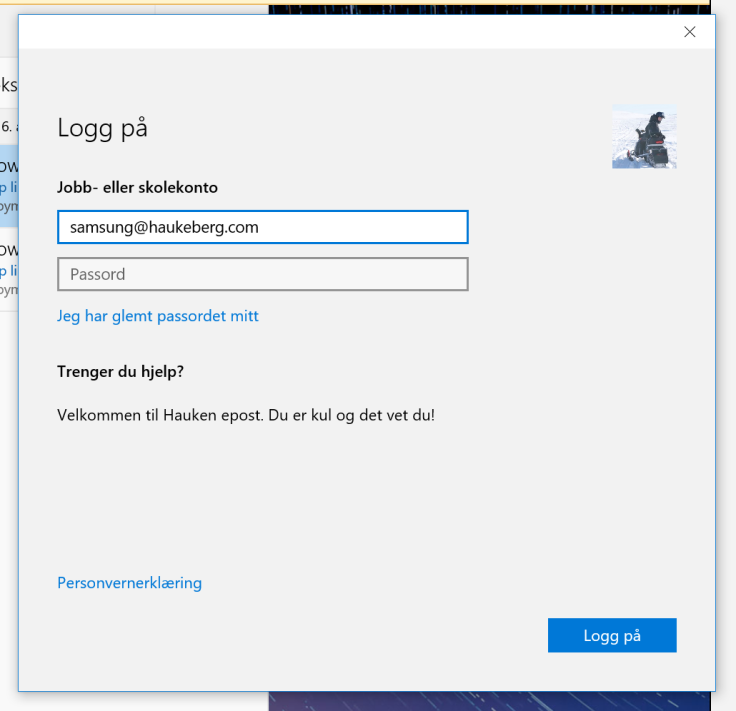
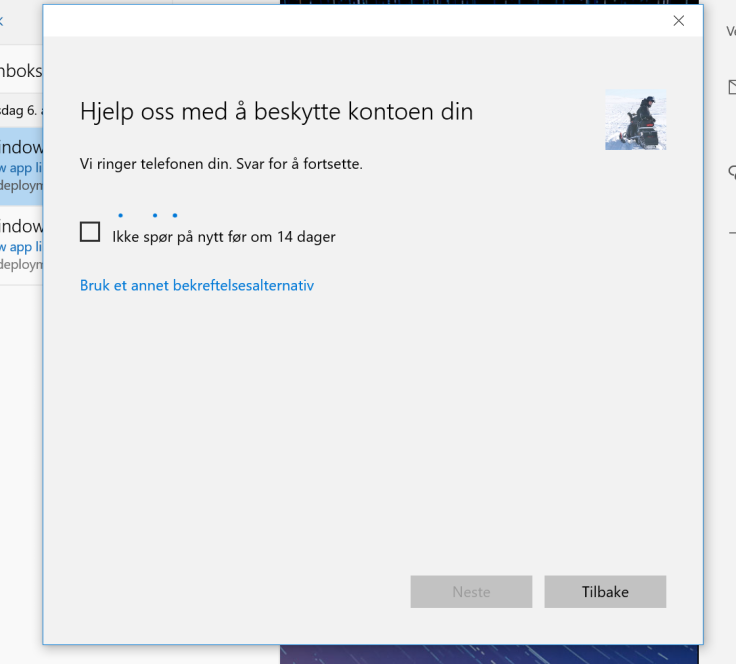
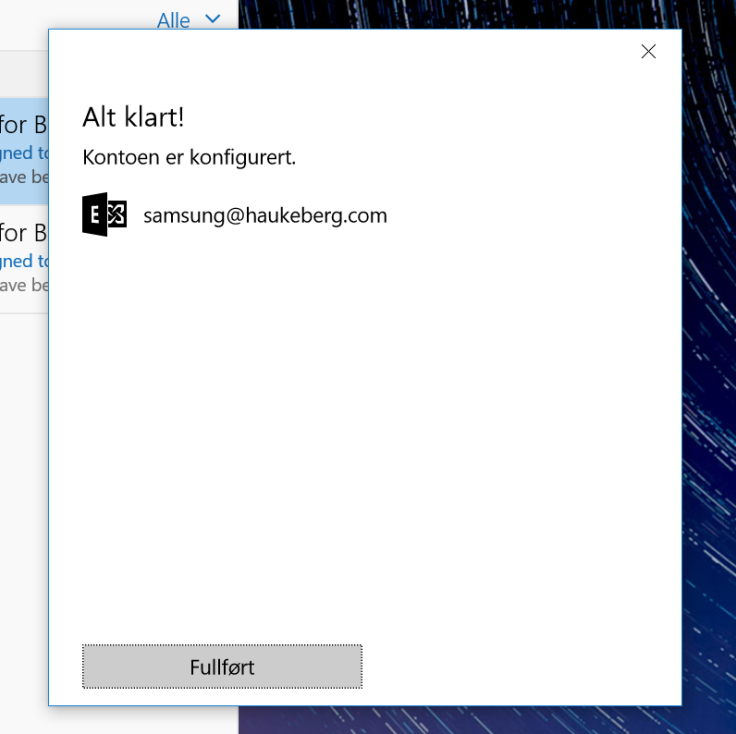
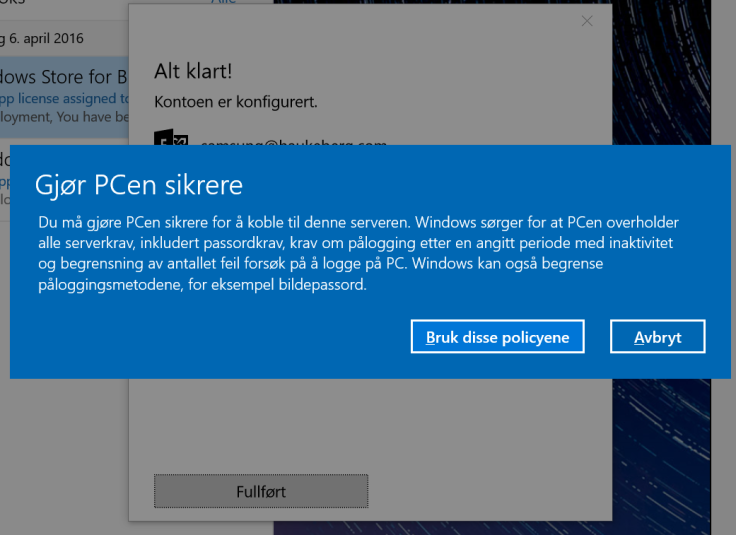
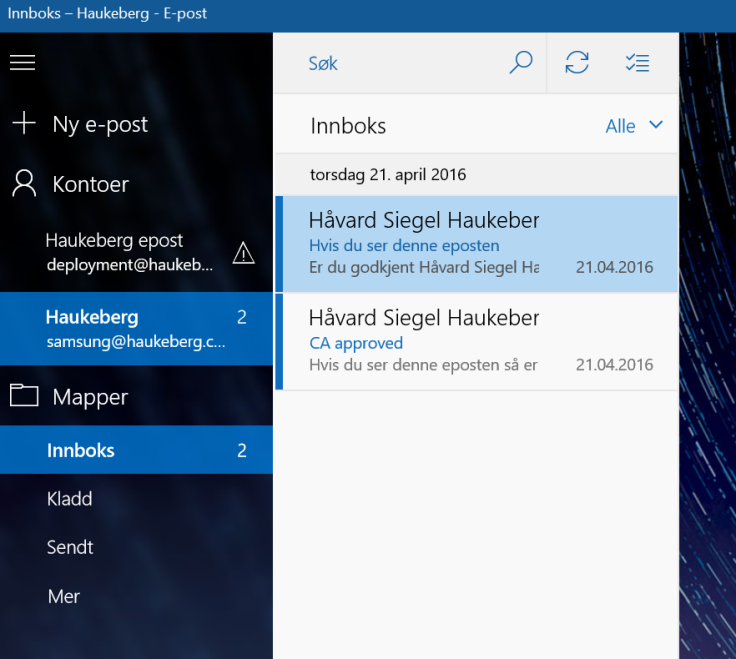
User needs to Select Office 365 for Azure MFAUser needs just now to enter his UPN, it can not be usernameIf it fails here then Autodiscover is broken.Observe that the mail app has pulled Down my Company details including logo and custom textRight now yor phone would ring or you would get a sms/app challengeThats itYour Company Security settings will now be Applied. Usually you get this Box regardless just to tell you that it might tighten securityYou recieve mail. If you do not see mail, mabye the mail is older than a month. Then you need to change the sync settings to enable all mail to sync down
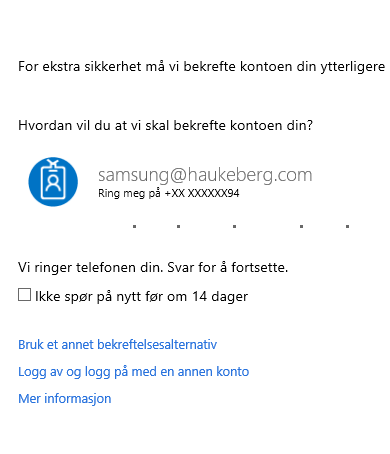
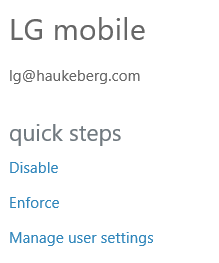
Scenario: You select “ENABLE” on Azure MFA but you do not Enforce. The user has not logged onto Office 365 before and is setting up his Outlook for the first time.
Spoiler warning: Nothing happens, YET.
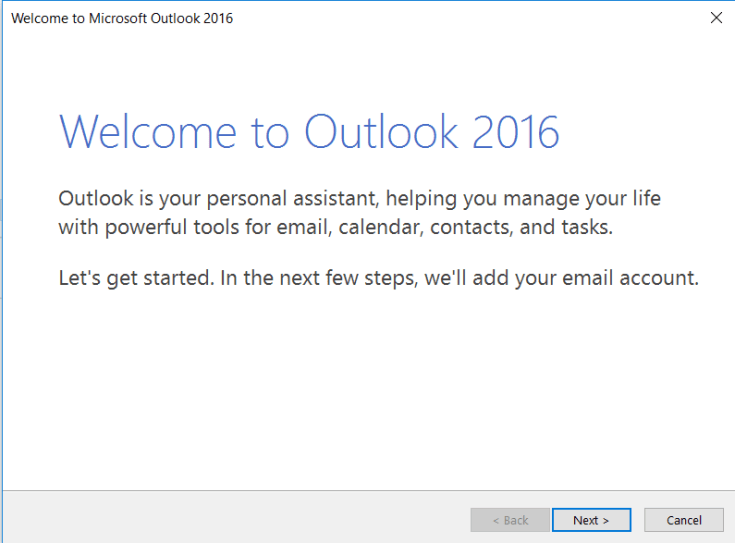
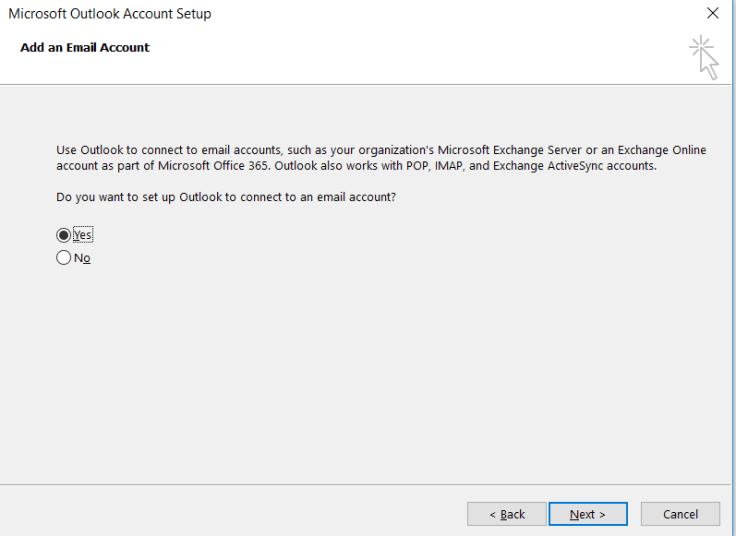
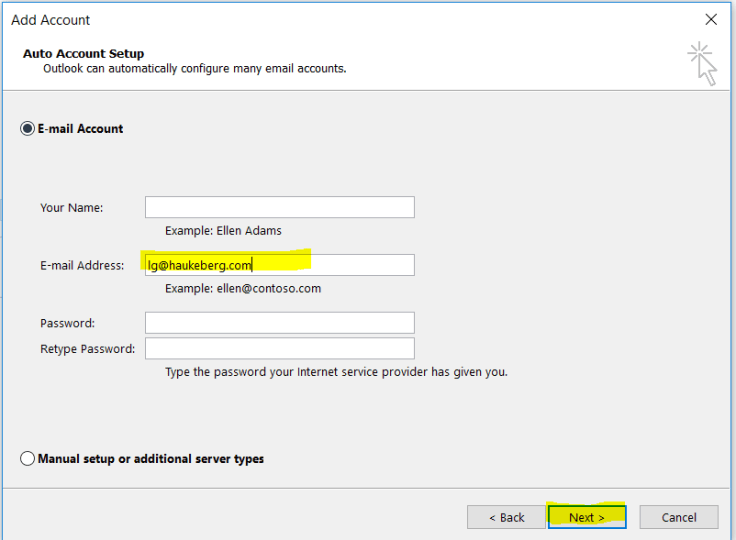
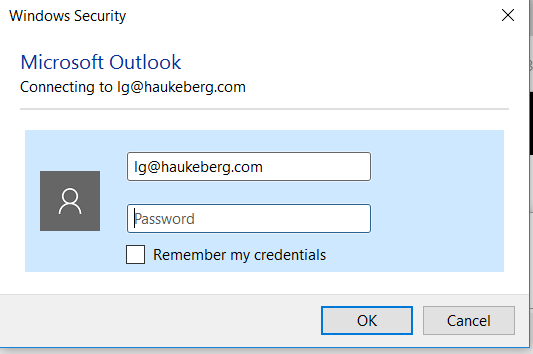
Here is how Outlook 2016 behaves when you activate Azure MFA for your Account.












You must be logged in to post a comment.