Microsoft has shut down Volume Licensing Service Center (VLSC). This is the place where you would previously go to claim licensing keys to e.g. Windows 11 Enterprise or SQL server 2022 or Office Professional Plus. That service is now retired.
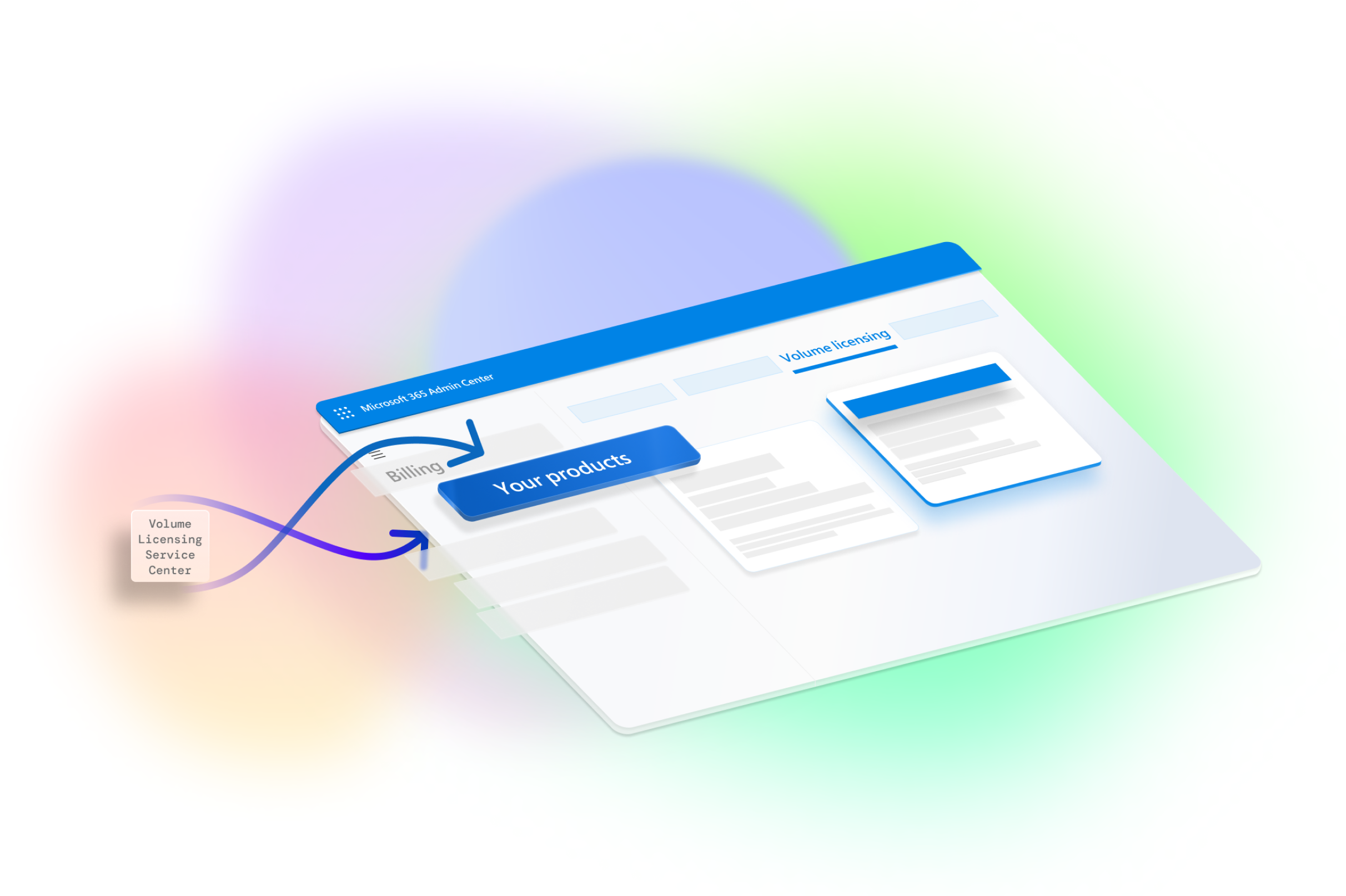
Now you claim the keys from M365 Admin Center. Here is the path: https://admin.microsoft.com/adminportal/home#/subscriptions/vlnew
However – and here is where it becomes tricky. In VLSC there was a legacy of lots of agreements and people were not removed from those agreements. Even old agreements still allow for users to claim keys from them.
A lot of people claimed keys from old enrollments, instead of the new ones, which a lot of IT staff did not have access to. Usually only the customer signer would have access to new agreements unless specifically he grants others access during the order process.
After the move to M365 Admin Center we se that a lot of user suddenly can not claim keys any more. In M365 Admin center they can’t see their agreement. This is usually because the have not been added to the agreement by customer signer (your IT admin). To rectify this, have him grant you access from the Admin center, or send a mail to the licensing partner and ask to be added to the agreement as these roles:

Those roles should have more than one person, or at least if you are managing the keys, you should have these roles.
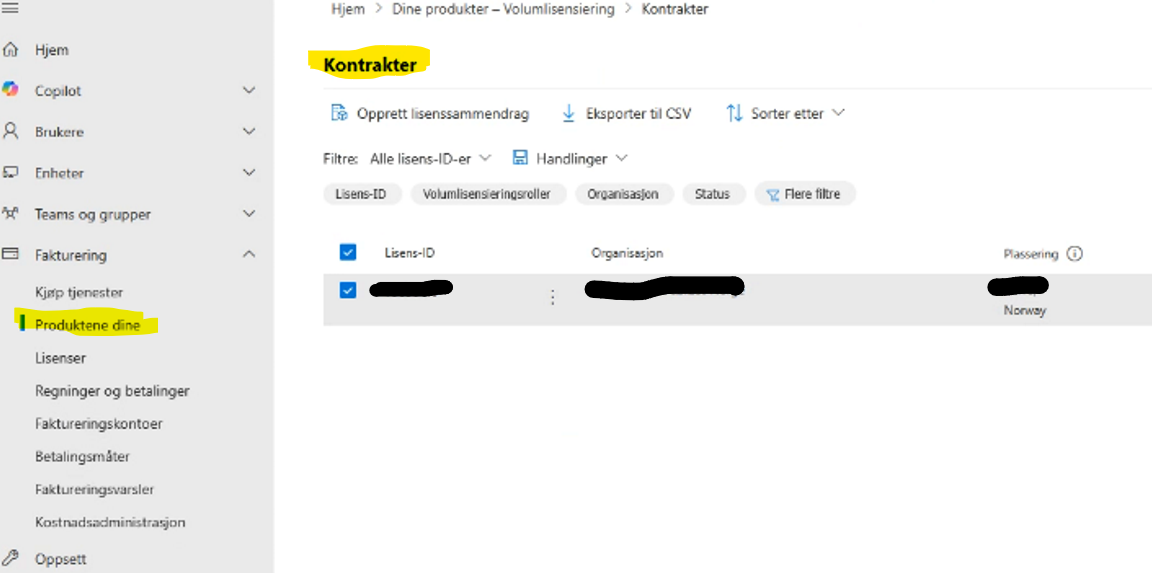
You can also have your IT admin give you access directly from M365 Admin Center. To check if you have access navigate to Invoicing->Your Products->Contracts then look for your agreement:
Disclosure: Written at work for Microsoft Norway as a response to a customer question.
 Håvard Siegel Haukeberg
1 Pingback